

Farm Silo System v 1.1

Farm Silo System v 1.1
Storage System for Cereals. Placeable and also for GE ready.
You want to play more then one farm, but there is just one Storage System for all farms? This is the solution.
Every Farm gets it’s one storage system with this true to real life Silo.
You can store all Silo fruits (Wheat, Barley, Rape, Mais, Sunflowers and soybeans).
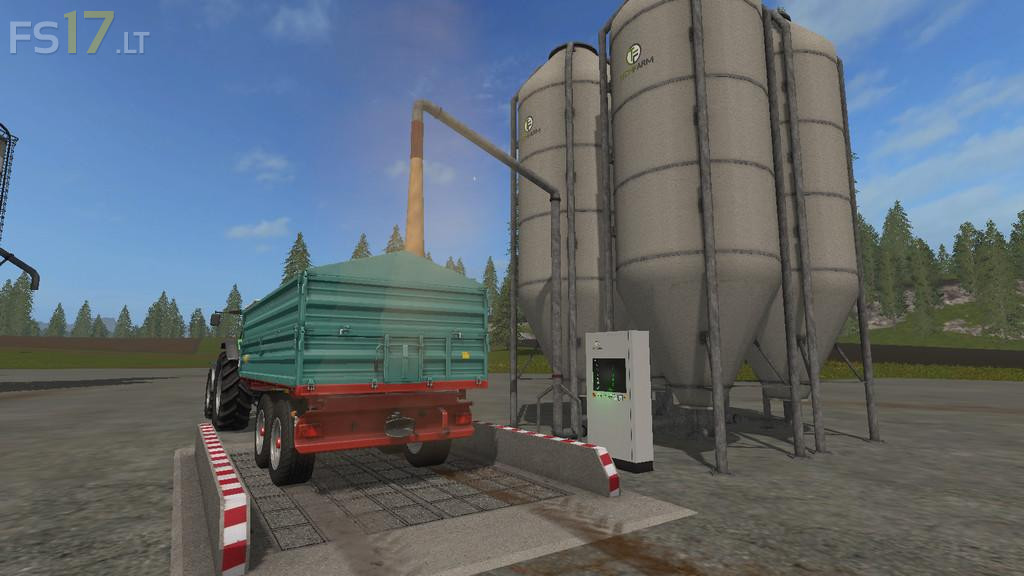
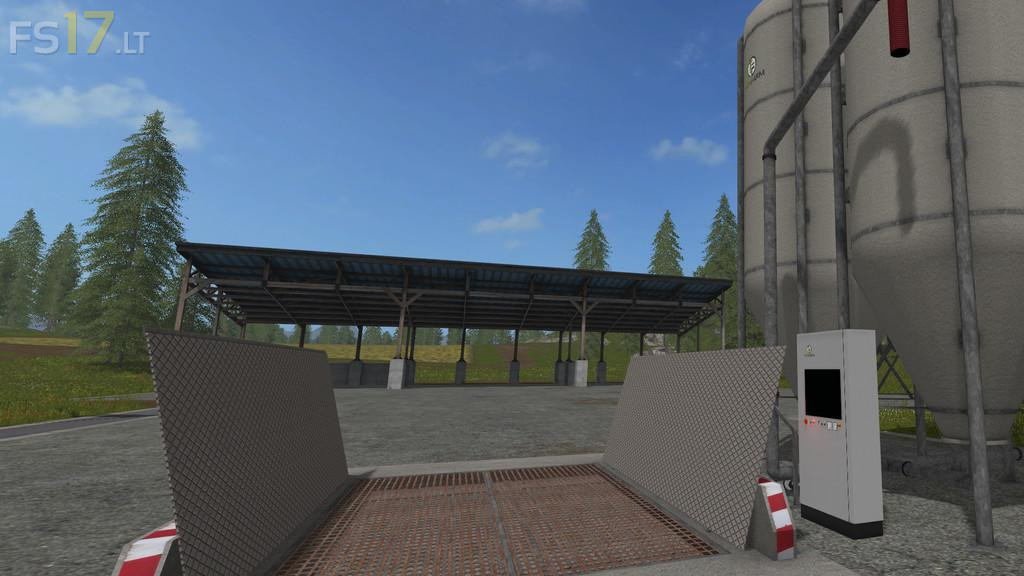
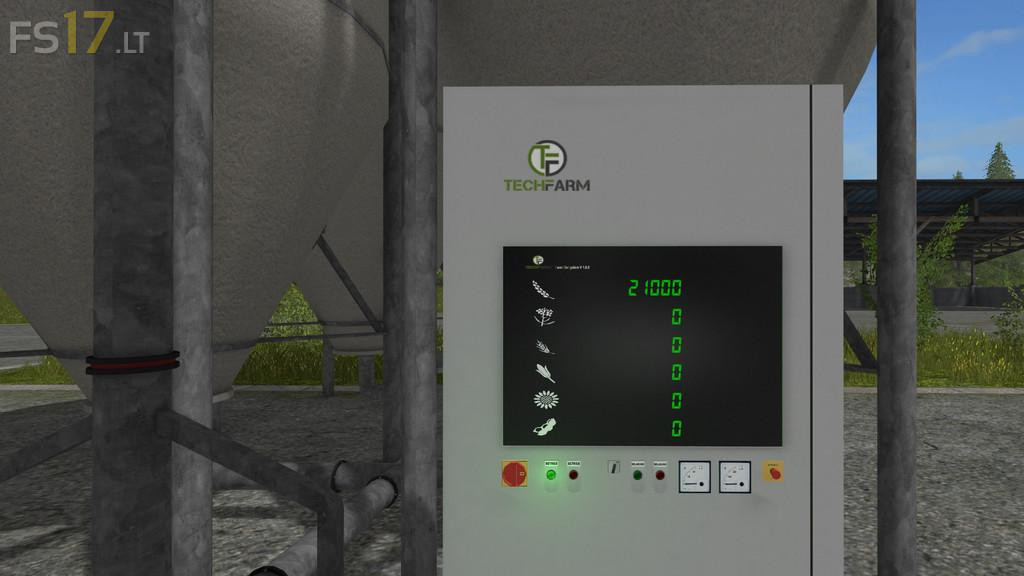
You need to open the trapdoor first to unload. To fill your trailer it gets more detailed. You need to turn on the FarmSiloSystem, this also moves the fill pipe out. Now you see the lvl of stored fruits on the system screen.
To fill your trailer it has to be under the fill pipe and you need start the loading process on the control box (so get out and walk to the control box).
To get a overview over your fruits you can use the app on the farming tablet (additional downloads).
Price: 50.000
Storage Capacity: 200.000 Liters