

Frisian March Map v 3.1

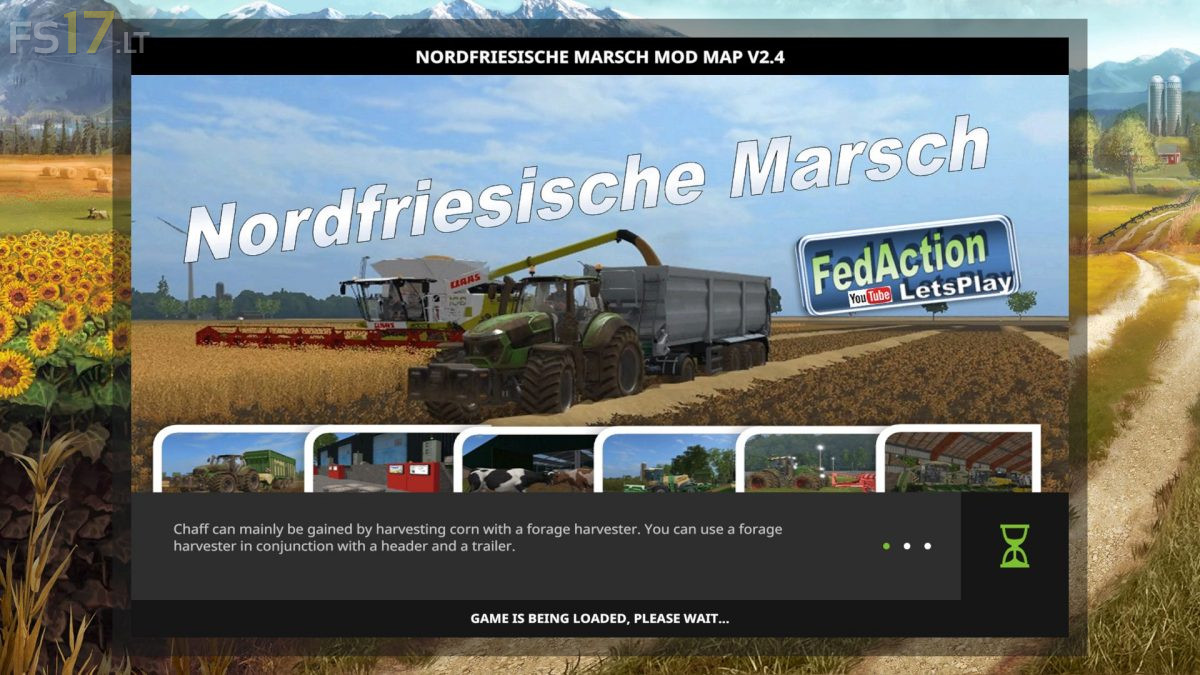
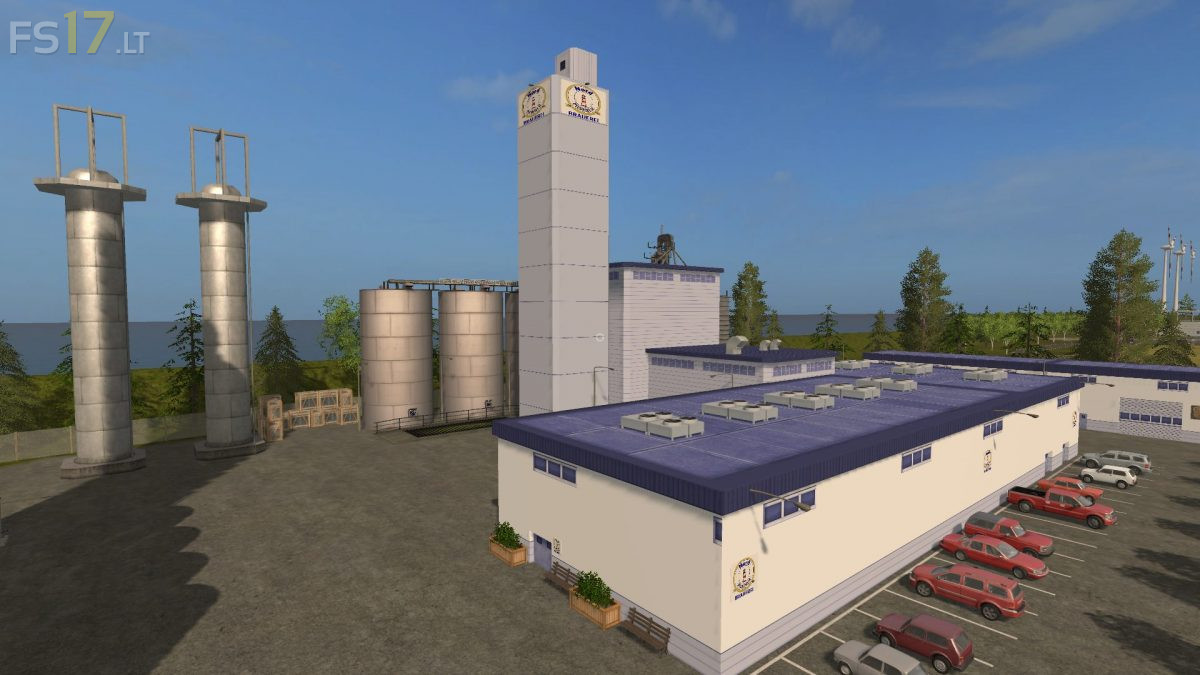
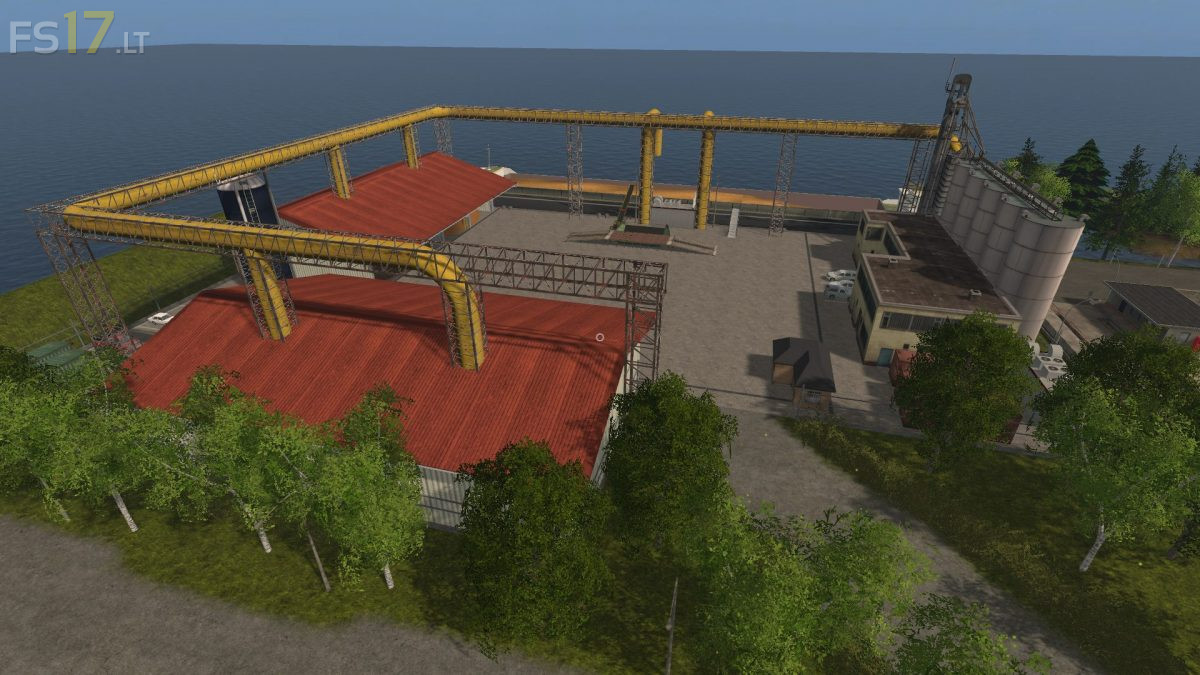

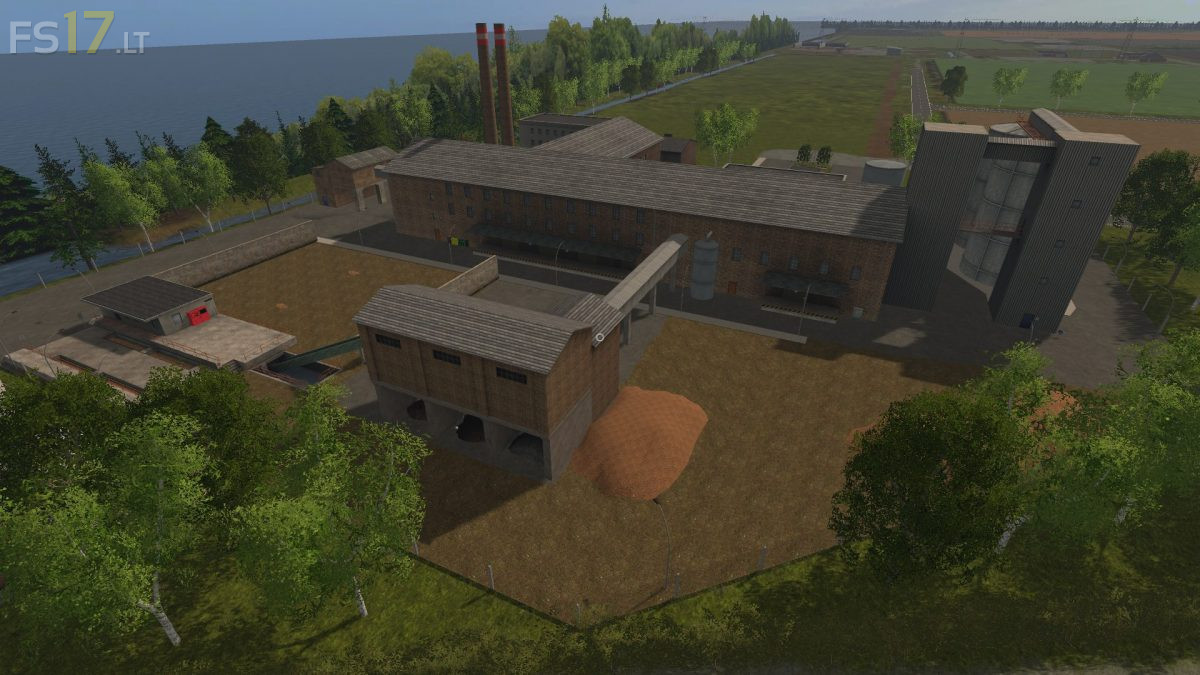
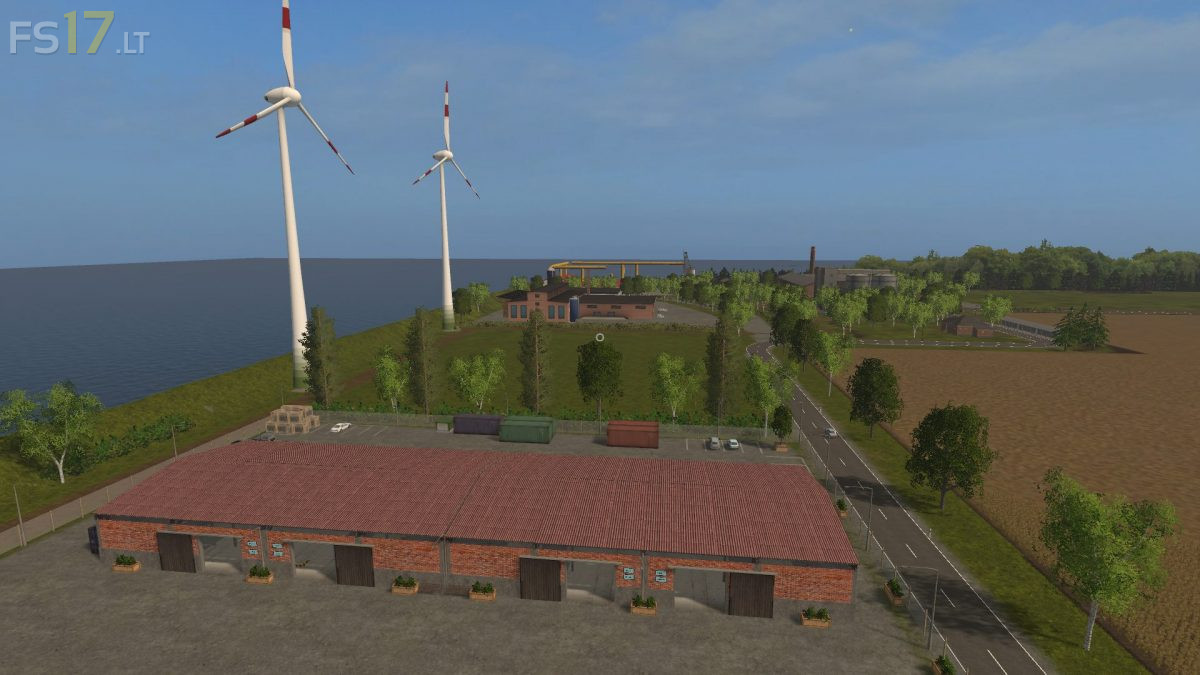


Frisian March Map v 3.1
About the mod:
Version 3.1:
* Field prices all reduced by 1/3
* Guard rails in he bend to the dairy with Collicosn
* Sale of chips from the LT Master pallet sale possible
* Unloading wood chips at the pallet plant is now coming out of the pipe
* Compost of diesel production now comes out of the pipe
* The bakery sign is fully visible in the central warehouse
* Invisible Collison deleted at hardware store entrance
* Shield edible oil at potato factory fixed
* More space at sugar beet sugar factory
* Concrete floor removed at bakery
Credits:
dani1803, FedActionLetsPlay
I would like to know if I should download all the old version to play with this map?
Any chance of putting all the words on the map in English?.
Sorry i speak only french, i typed the text on google