

Islands Map v 1.0

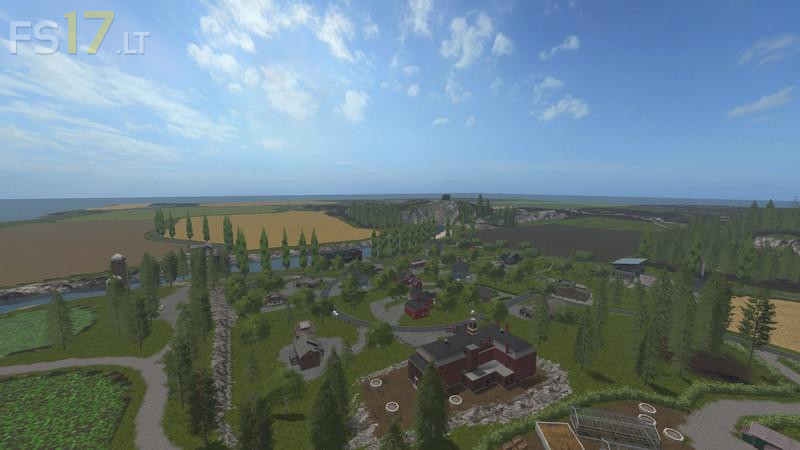

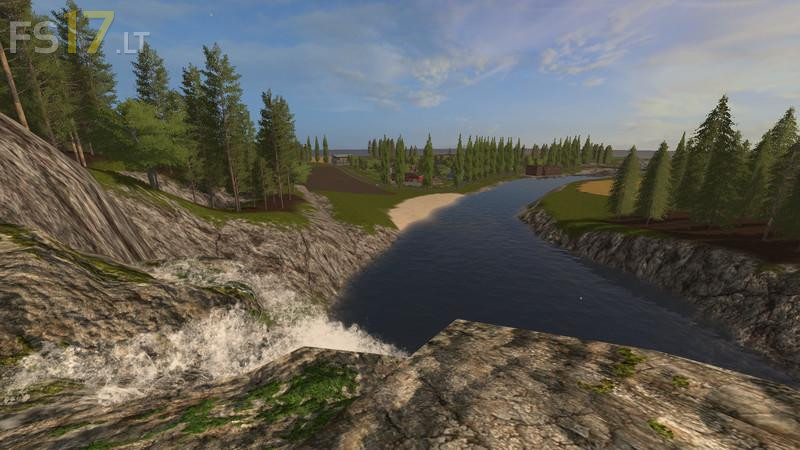
Islands Map v 1.0
You can in almost all halls and shelters manually turn light and switch off again. Also, a workshop is installed in the can you illuminate the vehicle from below and configure. You have at the beginning rather small devices that map, however suitable and intended for medium to large-scale facilities. A meadow near the cowshed also belongs to you, which is fertilizerand usually does not need to be plowed. Trains to themselves are not used.
Missions that you can do in the game are of course available unfortunately the other farmers do not have much experience with the cultivation, so that they are not happy times gone over the edge or to ran, but if the fields in your possession are can you make it so better. The boards pallets are automatically collected and if you do not collect automatically sold. All trees are naturally again precipitated and you can change your country at will.