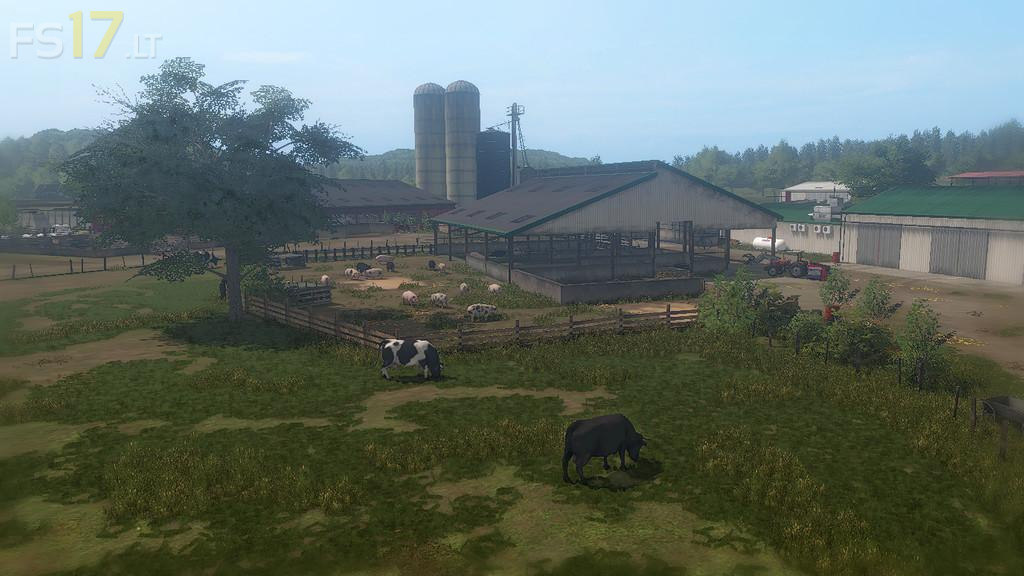
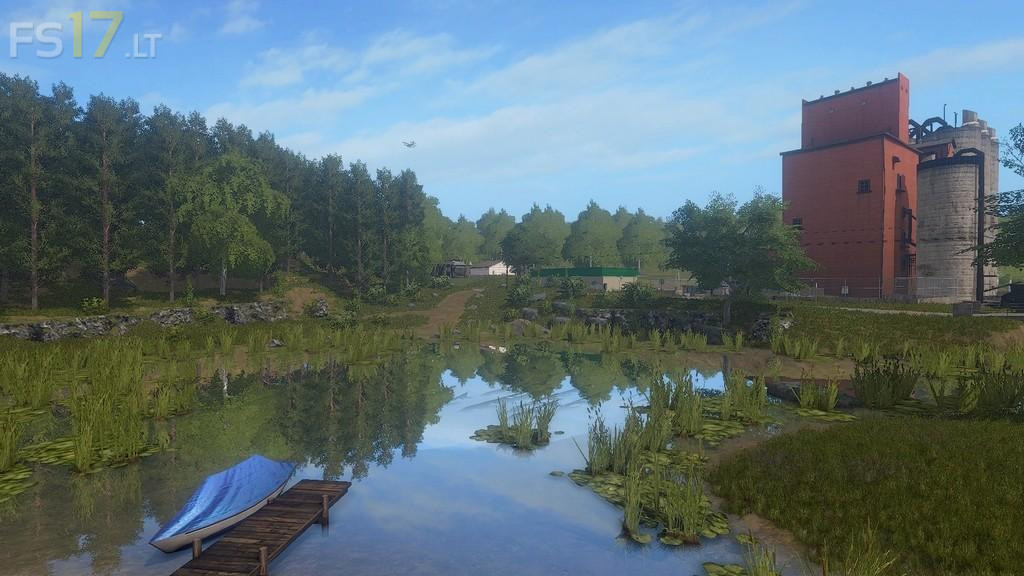
South Mountain Creamery Map v 1.0

FS19 mods

About the mod:

– This is a map based on a Maryland Farm
– A main farm that takes all the animals
– A detailed landscape
– Chopped straw (pc only).
– Seasons Mod.

Credits:
Blacksheep Modding

How to install FS17 mods?

Firstly find a mod which you like and want to download. Then download a mod to your PC. Mods are usually in .zip format file. But sometimes it can be in .rar. If a mod file is a .zip format no needed additional actions. If a file is in .rar, then you must unarchive mod with software like WinRar or Zip7. Windows 10 users no need to use software for archives, Win10 itself has a feature to unarchive files.

The next step is to find mods folder in your PC. Usually, it is in Documents/My Games/Farming Simulator 17/2017. Open the "mods" folder and put downloaded .zip archive or unarchived .rar file to this folder.

Last step. Enjoy of FS17 mods!

5 thoughts on “South Mountain Creamery Map v 1.0”

  • David says:
    2018-08-21 at 10:05

    Hi cannot find the water trigger for cows? Could you please help me?

  • David says:
    2018-08-21 at 10:06

    Cannot find trigger for animals for water.

    • Joe says:
      2018-08-22 at 20:37

      The water point for the cows is the round trough between the cow shed and the white three-door shed behind it.

      Related: where do I put in straw for the cows? Is the shredder required?

  • David King says:
    2018-08-27 at 23:58

    The only thing I have found wrong with the map is that even with traffic turned off in game it does not turn the traffic off in map.

  • Seth says:
    2018-09-18 at 13:28

    Where do you sell the milk?

Leave a Reply

Your email address will not be published. Required fields are marked *