

1993 Dodge Power Ram 350 v 1.0

1993 Dodge Power Ram 350 v 1.0

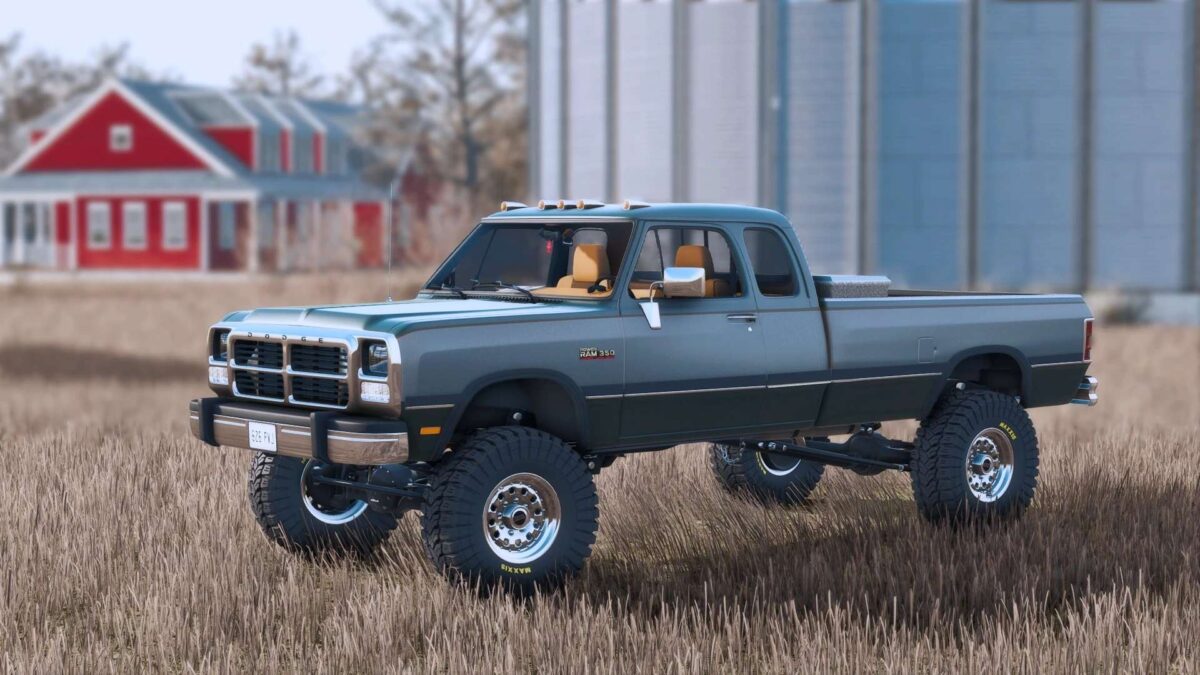
– New exclusive and detailed dynamic suspension, with custom dirt maps, realistic addons (susp links, trac bars, shocks options and else).
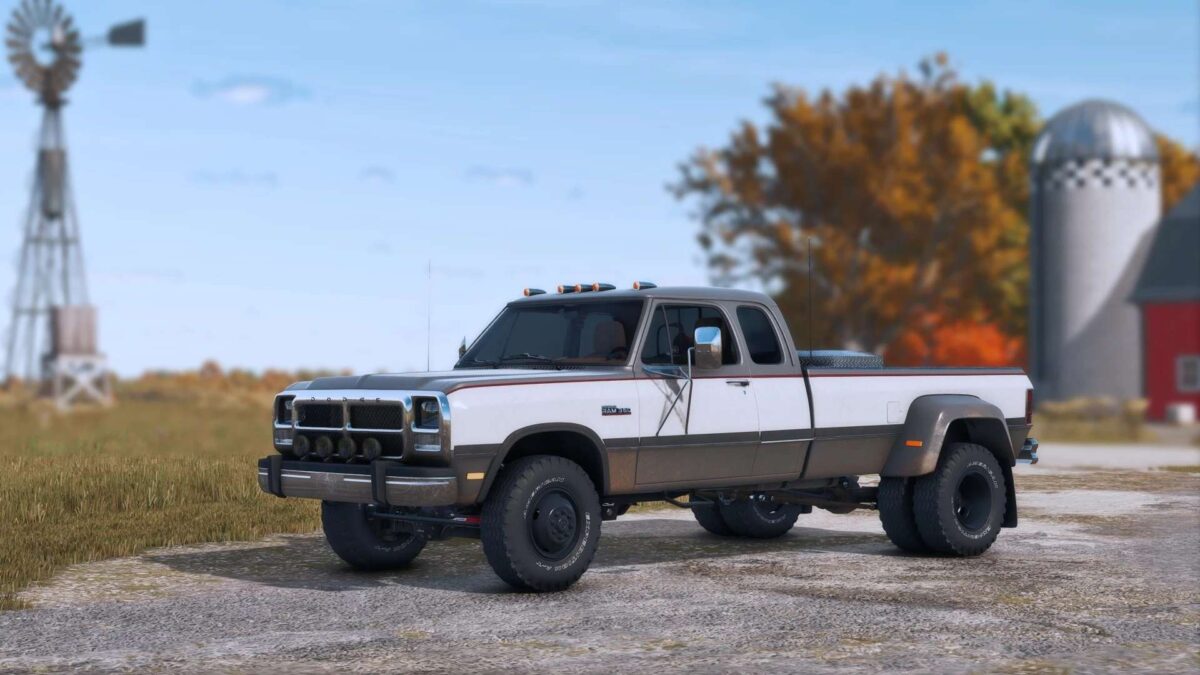
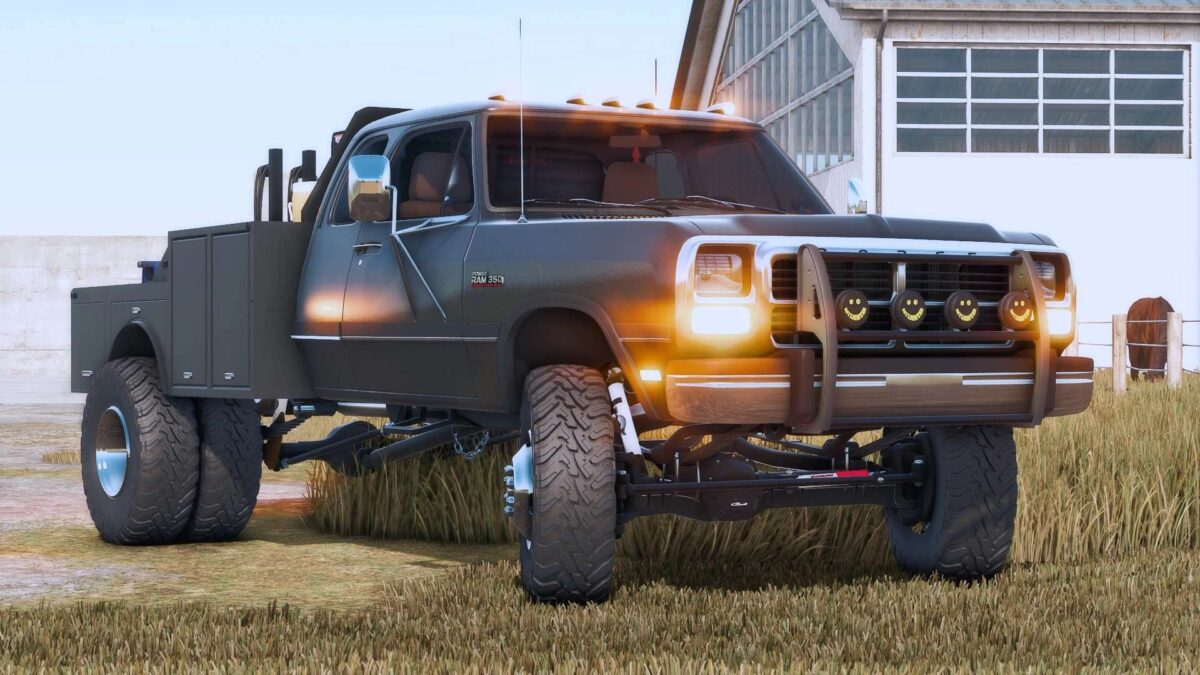
– SRW, DRW, Flatbed and Welder Bed as options.
– DRW and SRW wheels configs.
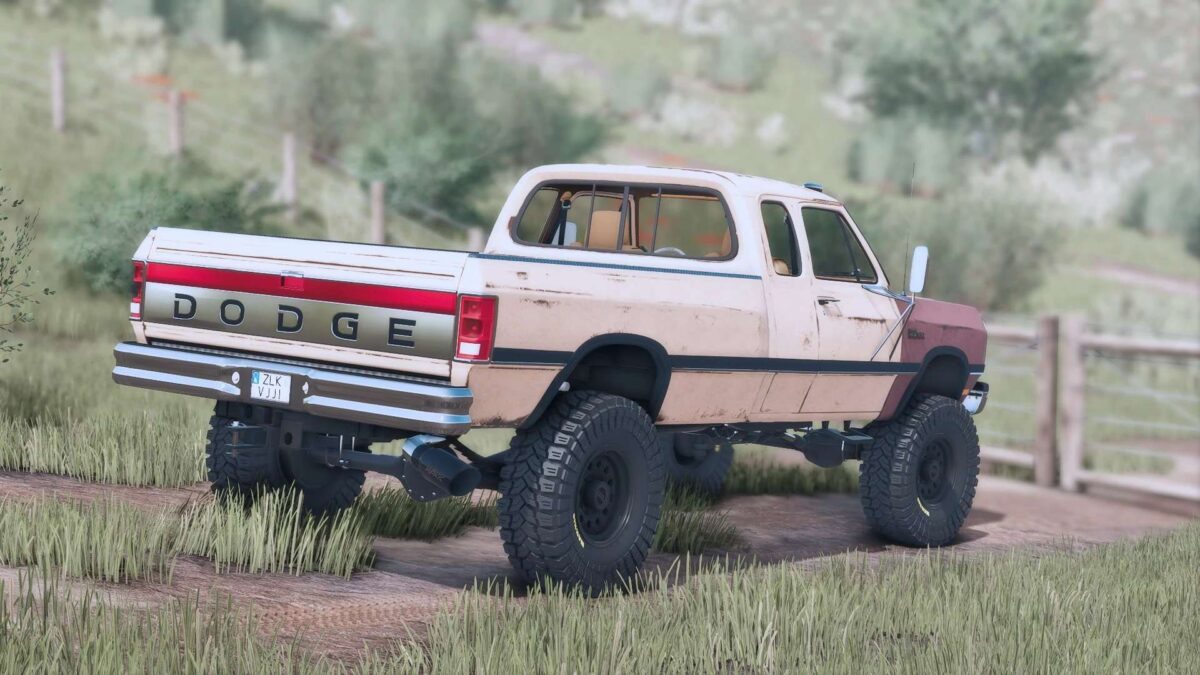
– Paint condition option (brand new paint, rusted out with realistic rust textures and visuals).
– Custom dirt/wear maps.
– Exclusive 12v Cummins sounds.
– New exclusive service toolbox set, with functional fuel tank, new animations, laptop with machinery info, details and else.
– Interior and exterior animations (doors, hood, tailgate, toolbox, and else).
– New custom lightining.
– Mirrors options.
– Side trim and two tone paint options.
– Side stickers options (Yellowstone, Dutton Ranch, Landscaping Company).
– Stock bed addons (headache racks, toolboxes, topper, cover and else).
– Gooseneck, 5th wheel and plow mount attachers.
– Tailgate options
– Exhaust options
– Front and rear bumpers options.
– Front grill options
sun
How do I install Farming Simulator mods?
Find a mod that you like and want to download first. Then, on your PC, download a mod. Mods are typically in.zip format. However, it is sometimes in.rar format. If the mod file is in.zip format, no additional actions are required. If a file is in.rar format, you must unarchive it using software such as WinRar or Zip7. Windows 10 users do not need to use archive software; Win10 includes an unarchive feature.
The next step is to locate the mods folder on your computer. It is typically found in Documents/My Games/Farming Simulator [Your FS game version, e.g. 2022]. Open the "mods" folder and place the downloaded.zip archive or unarchived.rar file there.
The final step. Have fun with Farming Simulator mods!