

2011 Chevrolet Silverado 1500 Single Cab v 1.0

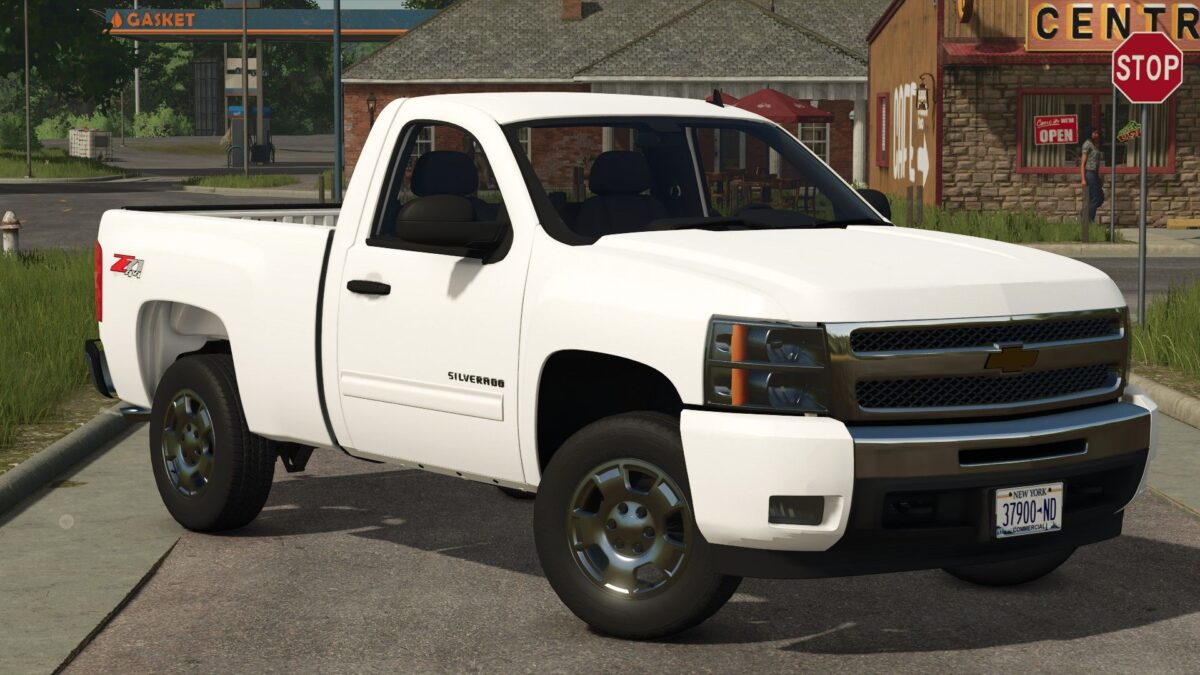
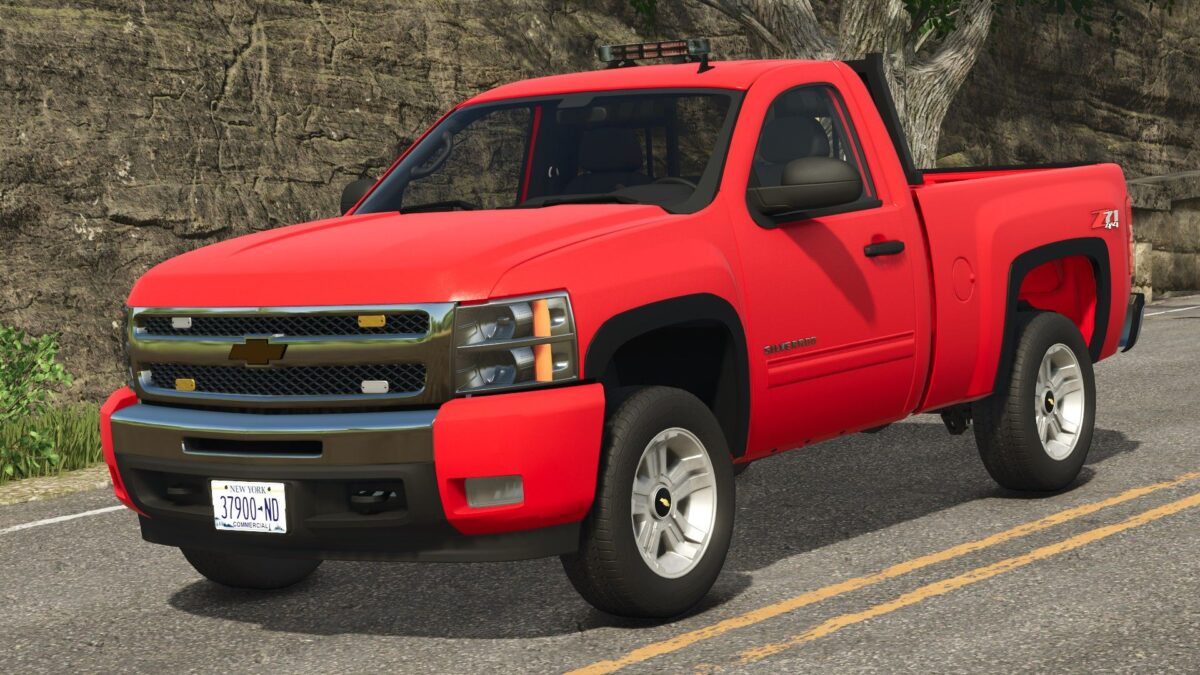
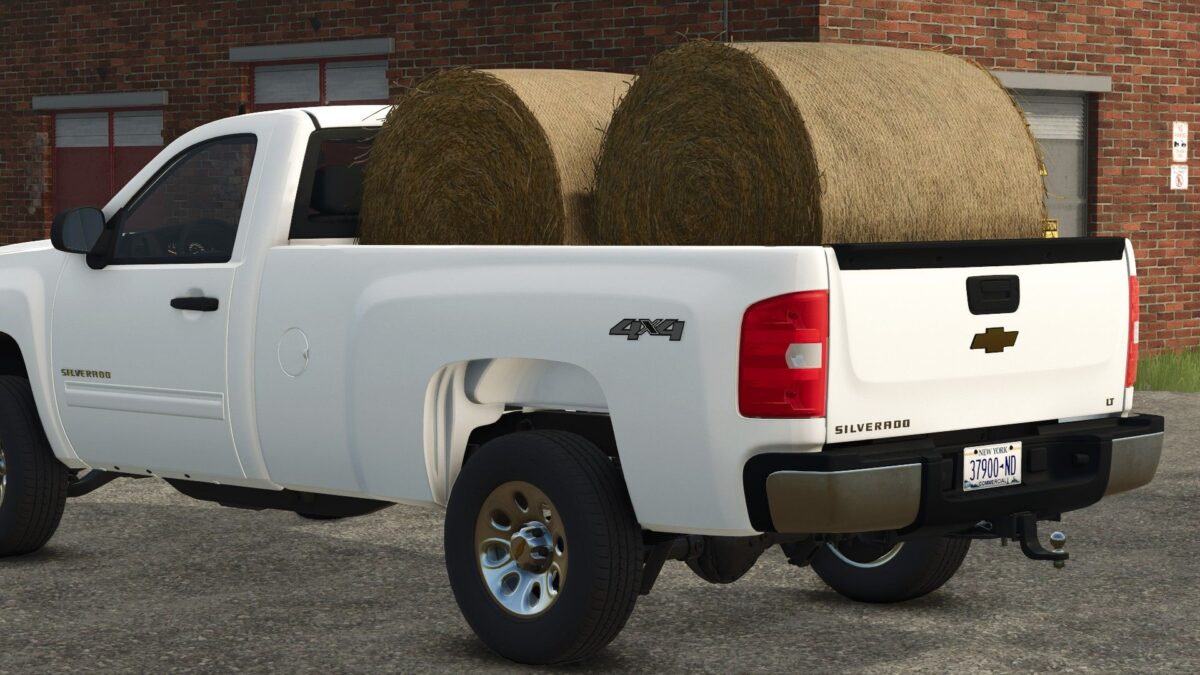
2011 Chevrolet Silverado 1500 Single Cab v 1.0

WT, LS, LT, LT Z71 trim levels
Two wheel options for LT Z71 trim level
Long Bed / Short bed
Optional fender flares to cover up the rust
Back rack
Plow mount
Strobe lights
Toolbox
This truck works with the Western Midweight Plow
This mod is under the “cars” category in the store
RWRModding
How do I install Farming Simulator mods?
Find a mod that you like and want to download first. Then, on your PC, download a mod. Mods are typically in.zip format. However, it is sometimes in.rar format. If the mod file is in.zip format, no additional actions are required. If a file is in.rar format, you must unarchive it using software such as WinRar or Zip7. Windows 10 users do not need to use archive software; Win10 includes an unarchive feature.
The next step is to locate the mods folder on your computer. It is typically found in Documents/My Games/Farming Simulator [Your FS game version, e.g. 2022]. Open the "mods" folder and place the downloaded.zip archive or unarchived.rar file there.
The final step. Have fun with Farming Simulator mods!