

2019 Ford F350 v 1.0

2019 Ford F350 v 1.0

Featuring:
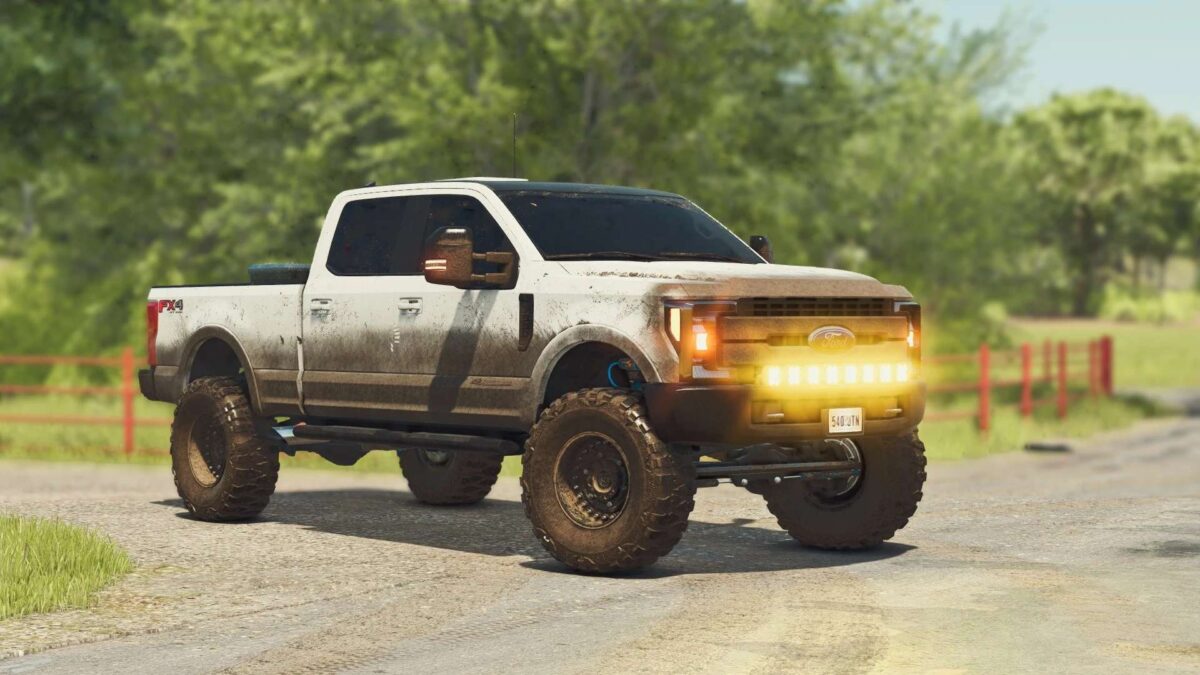
– Handmade custom textures for dirt and wear for body and tires.
– Detailed interior with realistic dashboard cluster (digital marker bars, animated levers, buttons, lights and etc…)
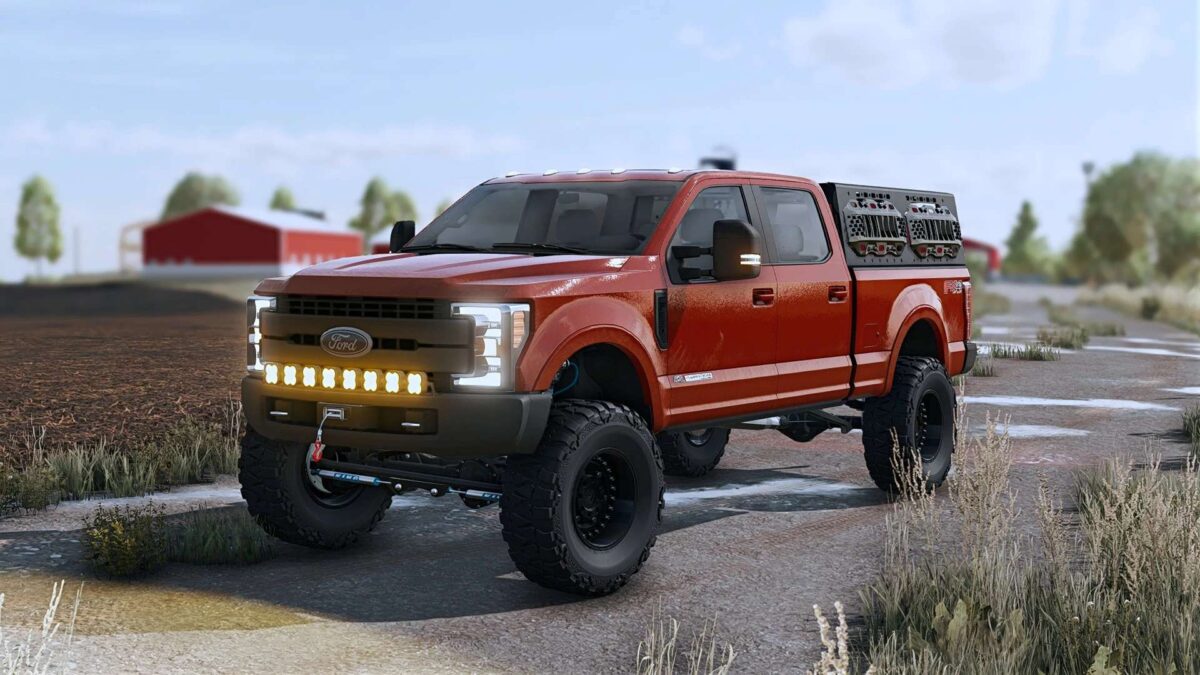
– SRW, DRW, FlatBed and Hotshot beds as options.
– Detailed full same-component dynamic frame and suspension with Carli suspension lift kit options.
– Functional winch (Requires Platinum DLC)
– SimpleIC animations (doors, windows, tailgate, mirrors, sunroof, bed cover and etc…)
– Detailed and functional service bed with workshop trigger and functional fuel tank. (Fuel tank trigger reworked for easier refuelling.
Many other options as:
– Factory colors options.
– Two tone options.
– Stock and straight pipe exhaust sounds.
– DRW and SRW wheels options with towing configurations.
– Stock bed addons options (toolboxes, bed cover, back rack, construction set, off road rack and etc…)
– Mud flaps options.
– Bumpers options.
– Side steps options.
– Head lights, tail lights, cab lights and auxiliary lights options.
– Gooseneck and bumper hitch options.
– Exhausts options.
– Interior addons options (CB radio, Starlink antenna and else).
sun
How do I install Farming Simulator mods?
Find a mod that you like and want to download first. Then, on your PC, download a mod. Mods are typically in.zip format. However, it is sometimes in.rar format. If the mod file is in.zip format, no additional actions are required. If a file is in.rar format, you must unarchive it using software such as WinRar or Zip7. Windows 10 users do not need to use archive software; Win10 includes an unarchive feature.
The next step is to locate the mods folder on your computer. It is typically found in Documents/My Games/Farming Simulator [Your FS game version, e.g. 2022]. Open the "mods" folder and place the downloaded.zip archive or unarchived.rar file there.
The final step. Have fun with Farming Simulator mods!