

South Tyrolean Mountain Scenery Map v 3.3.1

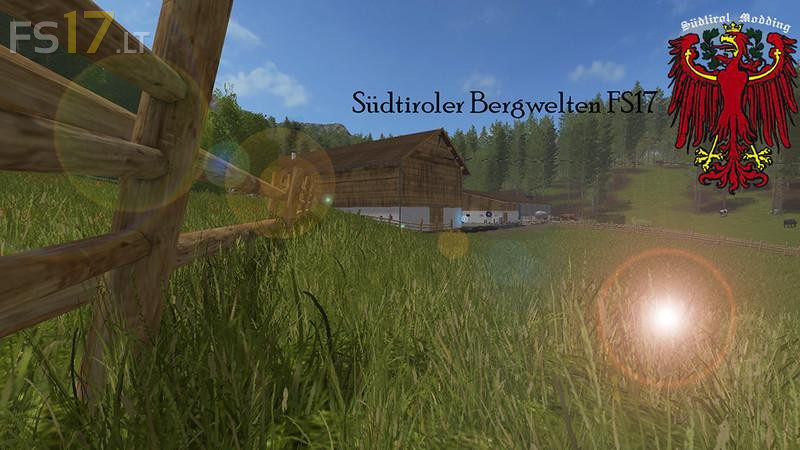
South Tyrolean Mountain Scenery Map v 3.3.1
Version 3.3.1
* New varieties: rice, sugar cane, coffee, carrot, onion, lettuce, poppy, cotton, sorghum, mustard, peanuts, hops, lavender
* New goods: snow, gravel sand, cauliflower, strawberries, raspberries, red cabbage, pallets
* Many new scripts: Lower Animal Prices, ChurchClock, Telescope Trigger, AdditionalMapTypes, AnimalPedestrians, StableManureArea, and much more
* At the farm was changed a lot, walkable house, movable stables
* New fields, forests and meadows were built
* Fixed bug fixes and errors (flying trees, pallet collision, etc.)
* An underground hall was built at the courtyard
* Rail was installed
* Silos were erected at the farm
* In the forest paths were built and new trees planted
* New operations in the forest, rescue operations, fire incidents
Here is a short video demo:
youtu.be/2C_IeOmMTMo
Cheers.