Woodmeadow Farm Map v 1.1.2
About the mod:
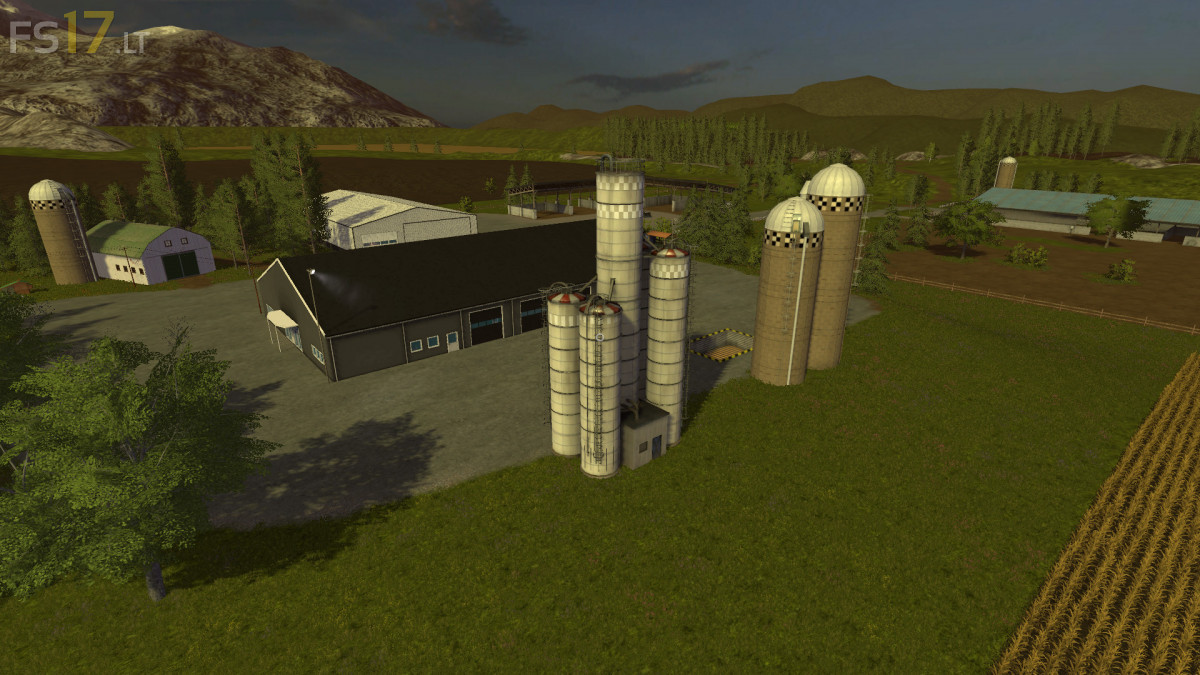
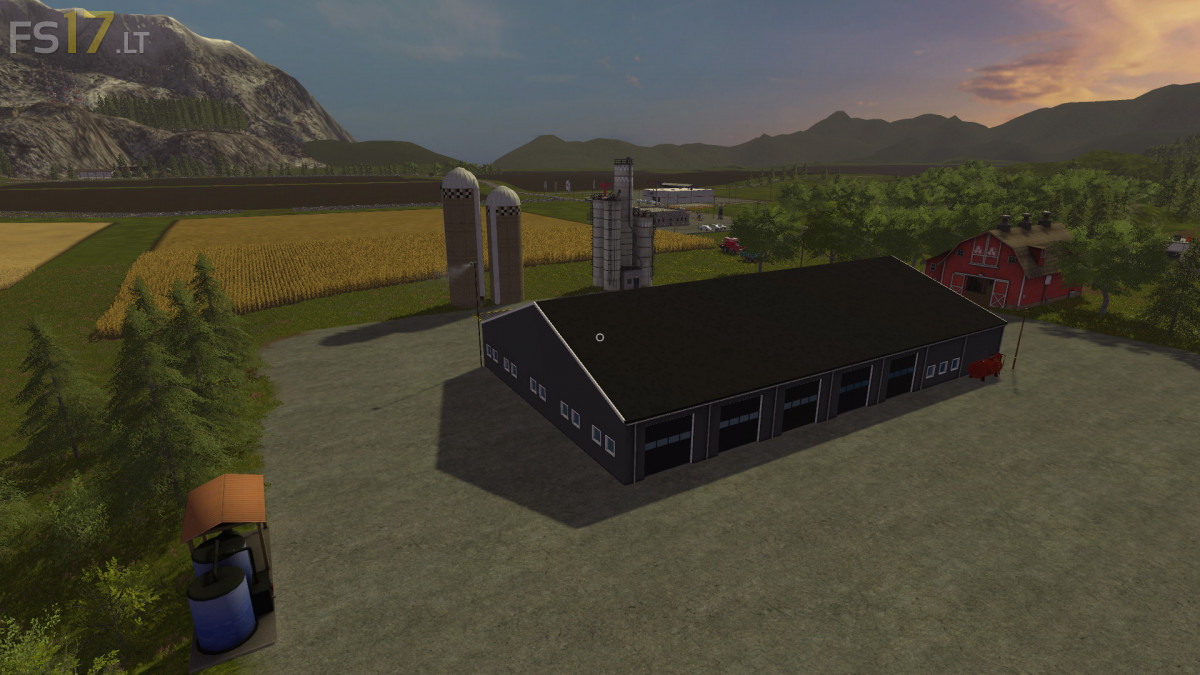
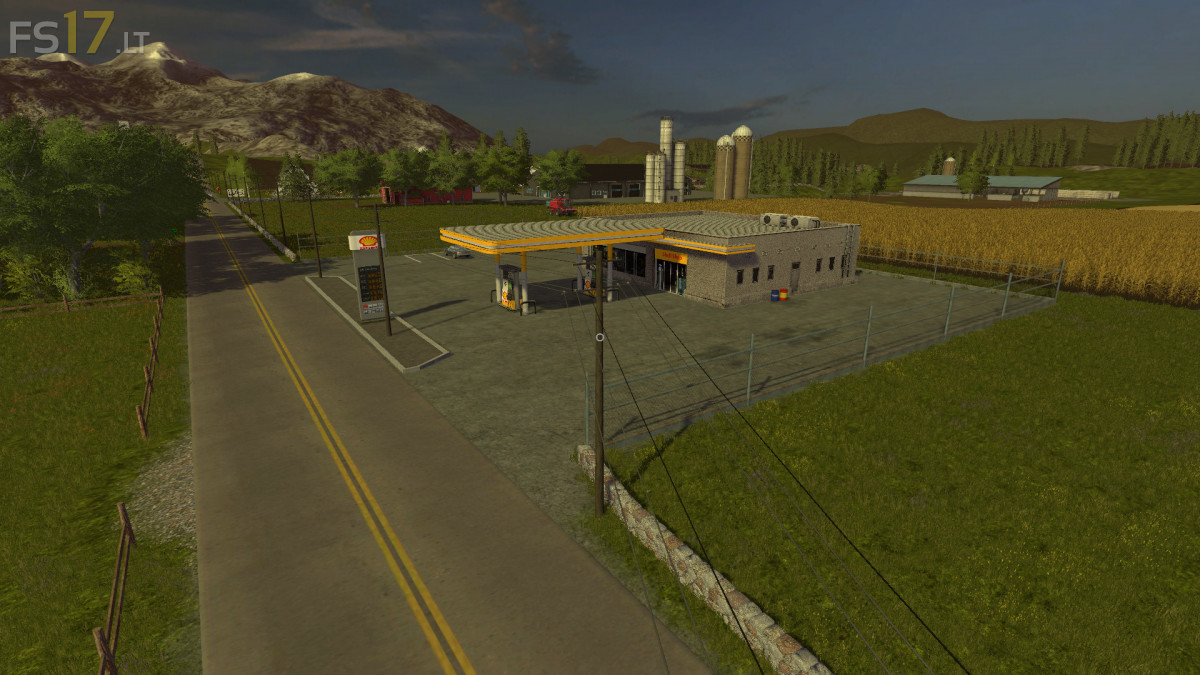
Woodmeadow Farm is based in the New England region of the United States. Here you will find many different sized and shaped fields to farm on, as well as animals to care for and forests to harvest trees to make lumber at the sawmill. Woodmeadow features a small town, county fair, campground, apple orchard, and maple sugar barn. There is a large main farm with plenty of garage and storage space, as well as a smaller farm to spread out your assets.
Credits:
Giants, ENG51INE, Marhu
How to install FS17 mods?
Firstly find a mod which you like and want to download. Then download a mod to your PC. Mods are usually in .zip format file. But sometimes it can be in .rar. If a mod file is a .zip format no needed additional actions. If a file is in .rar, then you must unarchive mod with software like WinRar or Zip7. Windows 10 users no need to use software for archives, Win10 itself has a feature to unarchive files.
The next step is to find mods folder in your PC. Usually, it is in Documents/My Games/Farming Simulator 17/2017. Open the "mods" folder and put downloaded .zip archive or unarchived .rar file to this folder.
Last step. Enjoy of FS17 mods!