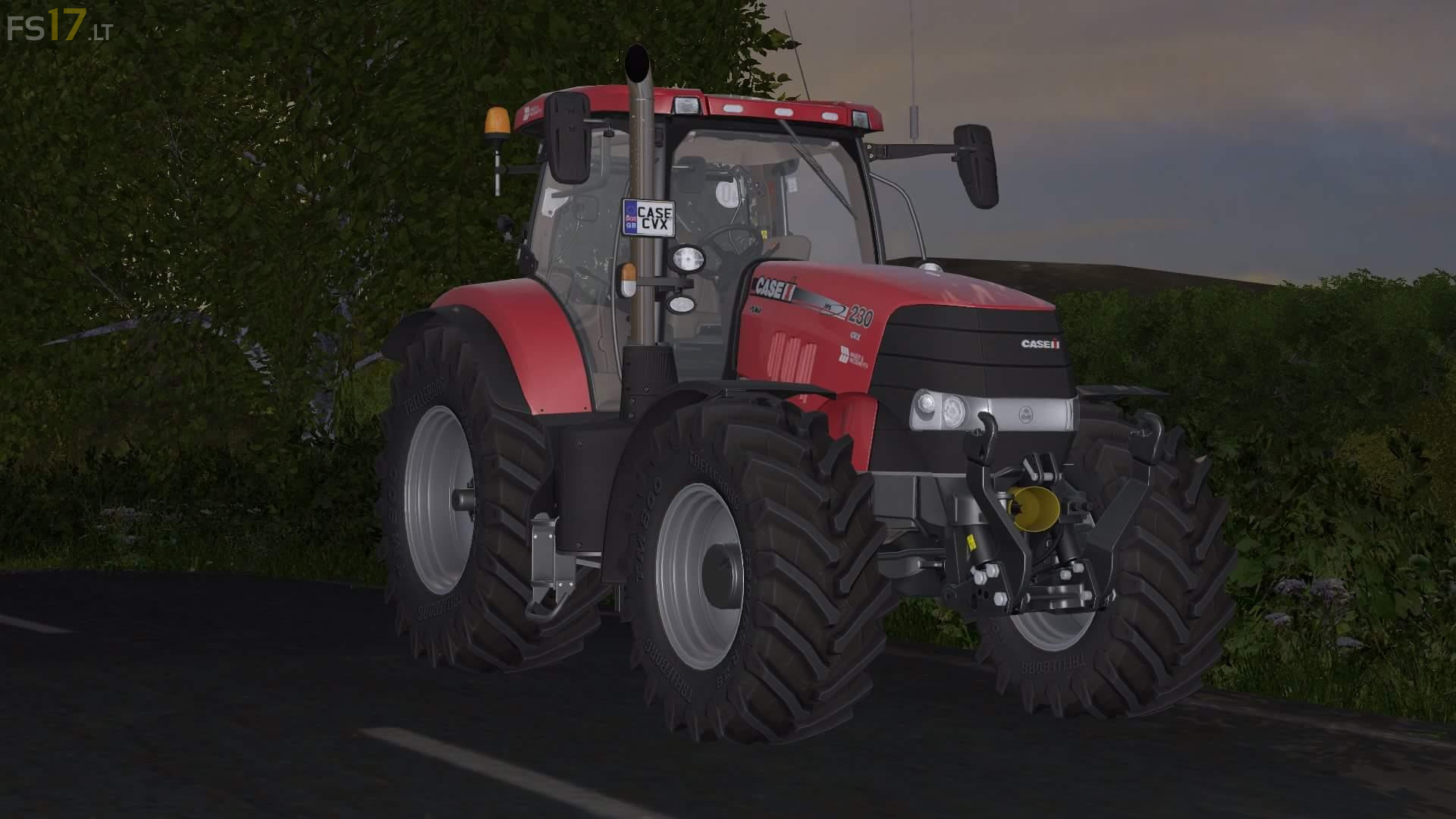
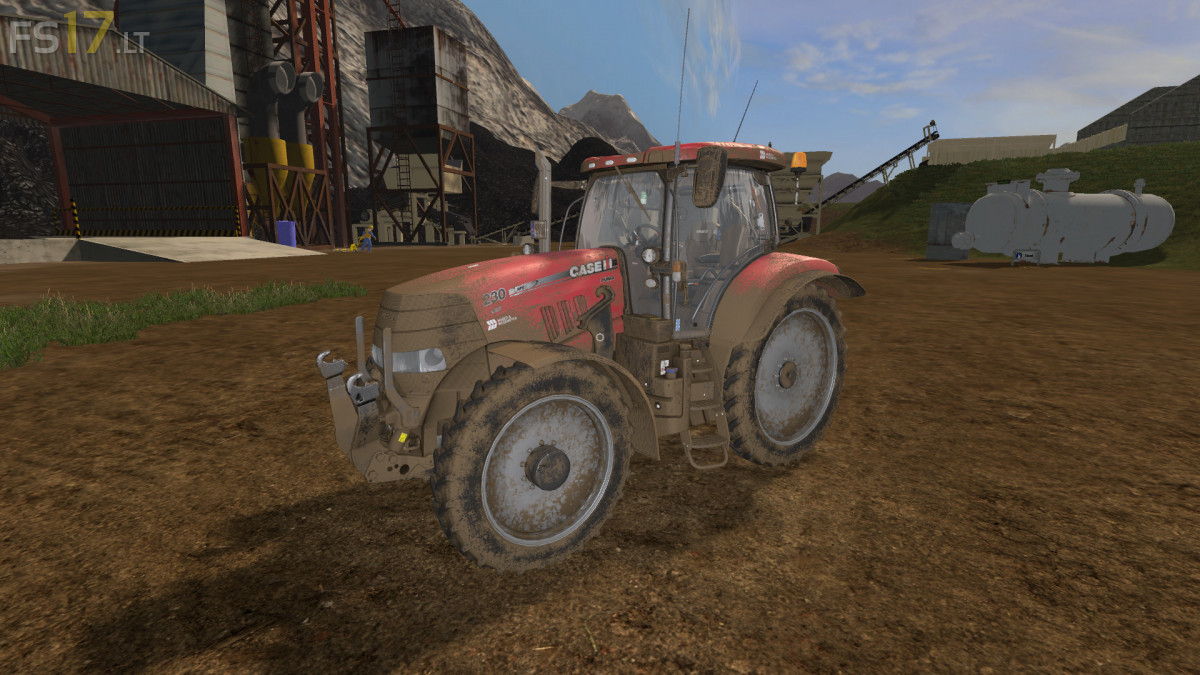
Case IH Puma CVX v 1.0

FS19 mods

About the mod:

– Engine Setup: 225 hp, 245 hp, 270 hp
– Wheel Setup: Standard, Wheel Weights, Wide Tires, Narrow Tires
– Frontloader Attacher
– IC Control
– Dirt / washable

Credits:
Giants, Mick cross, Kieran_Fs

How to install FS17 mods?

Firstly find a mod which you like and want to download. Then download a mod to your PC. Mods are usually in .zip format file. But sometimes it can be in .rar. If a mod file is a .zip format no needed additional actions. If a file is in .rar, then you must unarchive mod with software like WinRar or Zip7. Windows 10 users no need to use software for archives, Win10 itself has a feature to unarchive files.

The next step is to find mods folder in your PC. Usually, it is in Documents/My Games/Farming Simulator 17/2017. Open the "mods" folder and put downloaded .zip archive or unarchived .rar file to this folder.

Last step. Enjoy of FS17 mods!

3 thoughts on “Case IH Puma CVX v 1.0

  • mick cross says:
    2017-02-27 at 18:36

    i did not release this mod and in know way am i taking any credit for it

  • Paddock says:
    2017-03-01 at 23:17

    GREAT SOUND!!! Any plans for mowable front axel and maybe also twin wheels? With those this would be very likely my number one.

  • Case dude says:
    2017-05-07 at 16:21

    Nice sound!!

Leave a Reply

Your email address will not be published. Required fields are marked *