

Kyffhauser Map v 1.2

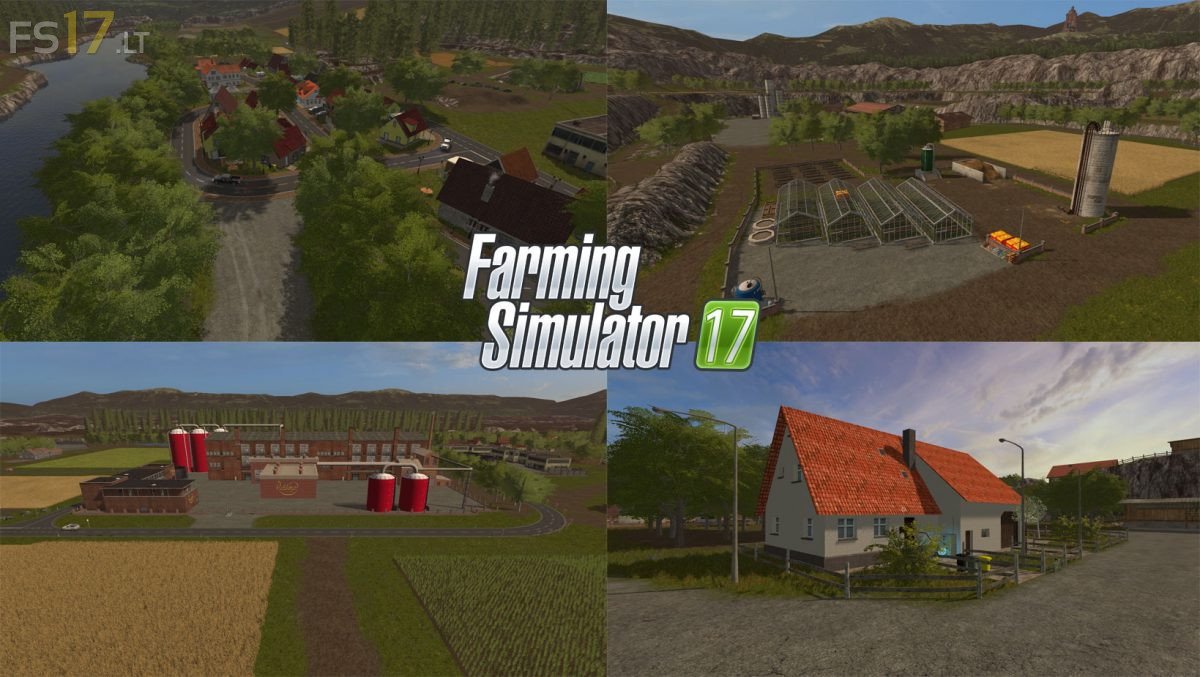
Kyffhauser Map v 1.2
About the mod:
Version 1.2:
* Collision of the Map adjusted
* Sawmill 1 and 2 less storage for wood chips (50000)
* At the bakery and sawmill 2, trees are taken to the earth
* Rye, oats and hops are now also on sale
* Fields adapted (now no more field should go to the street)
* DirtArea in the animals was adapted
* 3 further water expenditures
* Beer and bread pallets are now stackable
* Farm storage (chopped material and wood chips are now in the right place)
* In the case of a grain train, hops, oats, rye, sunflowers, wheat, barley, soybeans, maize, rapeseed and woodchips are now available for sale (money is given after about 2 min real time on hand)
* BGA and cow silo for silage has been adapted
Credits:
Blacksheep, RC-Devil, Kevink98, Marhu, Blacky_BPG, GMCW, LS_Landtechnik, Fatian, Niggels, Kastor