State Valley Map
About the mod:
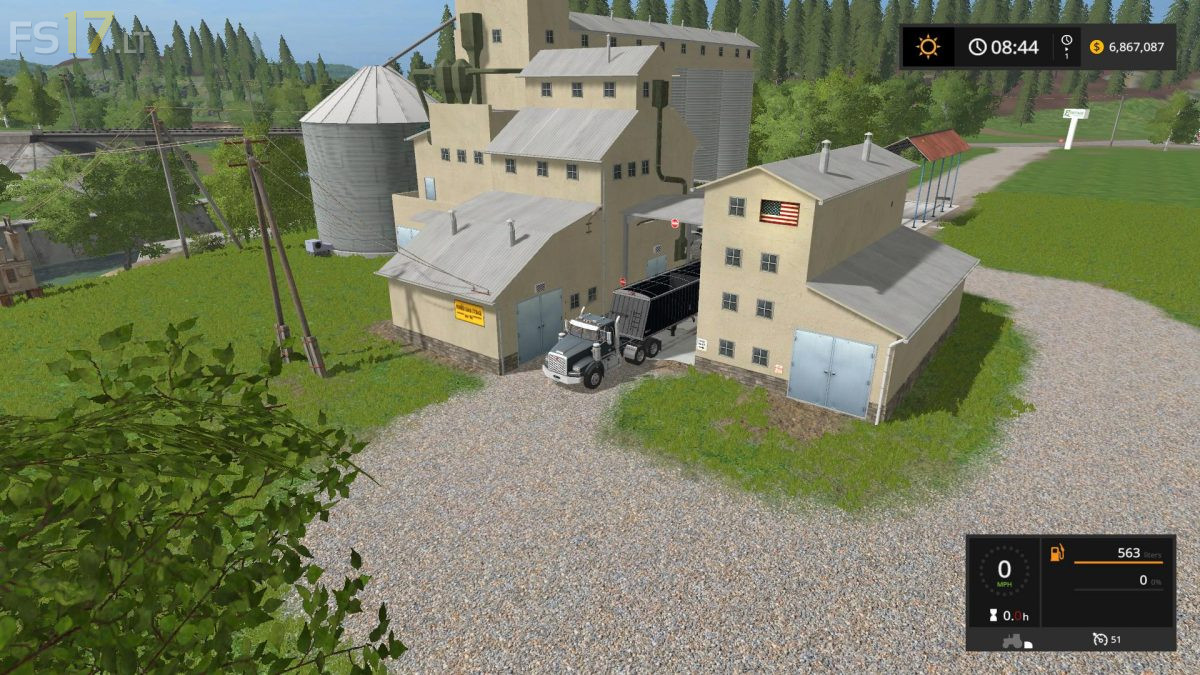
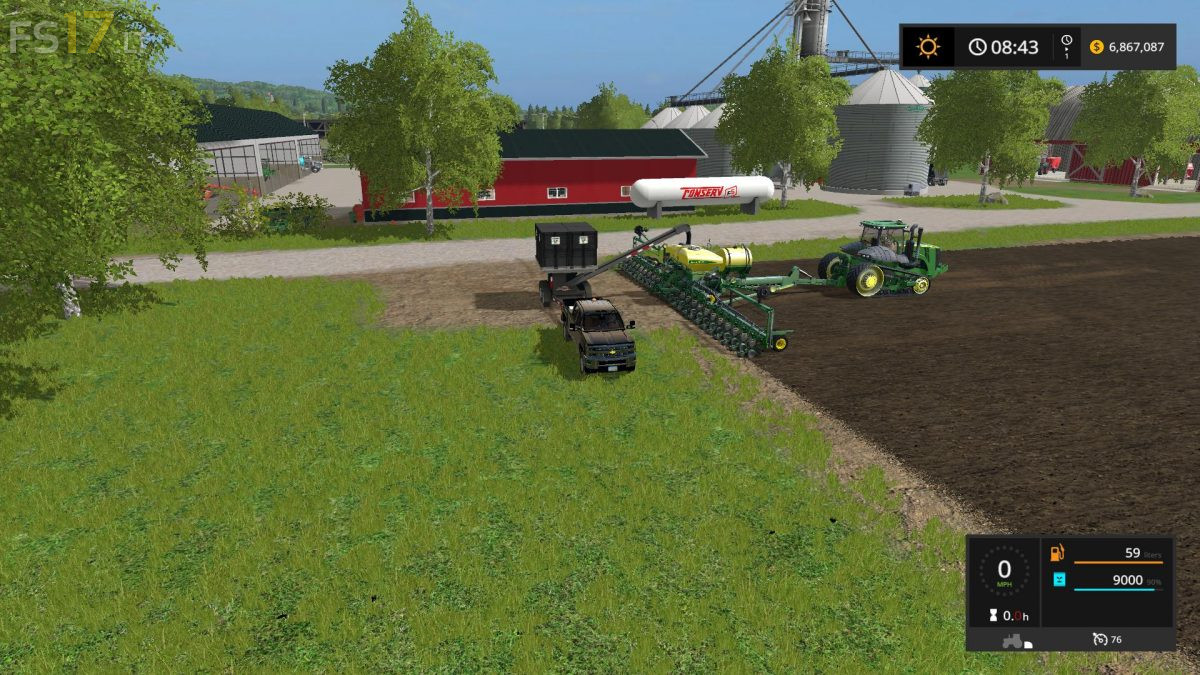
This is State Valley Farms. This was originaly Sosnovka map, but made it completly American. Lots of sell points and added features. Has chopped straw added. Has a farmers retreat for the downtime seasons. Map is complety error and warning free.
Credits:
Giants, Kwcountry
How to install FS17 mods?
Firstly find a mod which you like and want to download. Then download a mod to your PC. Mods are usually in .zip format file. But sometimes it can be in .rar. If a mod file is a .zip format no needed additional actions. If a file is in .rar, then you must unarchive mod with software like WinRar or Zip7. Windows 10 users no need to use software for archives, Win10 itself has a feature to unarchive files.
The next step is to find mods folder in your PC. Usually, it is in Documents/My Games/Farming Simulator 17/2017. Open the "mods" folder and put downloaded .zip archive or unarchived .rar file to this folder.
Last step. Enjoy of FS17 mods!




Sorry the game cant start please fis it
map is super only need self milf and map is perfect
Jorgen Mortensen then you did something wrong. with the map folder. or it’s something with the game on your pc.. cause I have no problem with the map starting.