

Claas Jaguar 900 Series Type 497 v 1.0

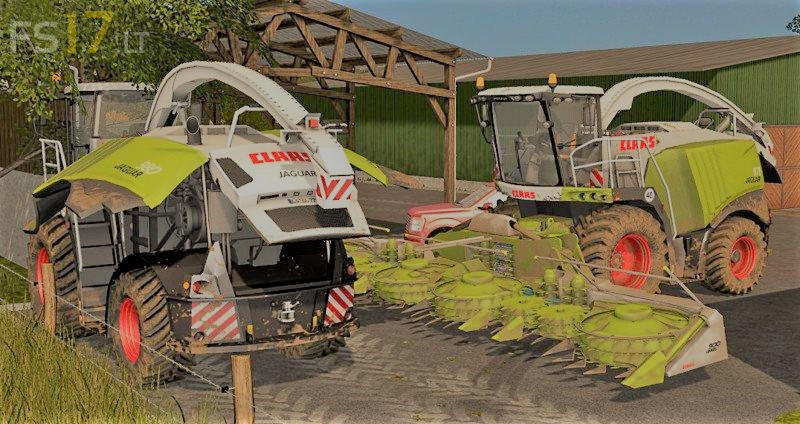
Claas Jaguar 900 Series Type 497 v 1.0
– 2 set of wheels
– 4 motor configurations (as described below)
– Full lighting with the stop and blinker symbol in
– All parts are washable
– 2 screens with much indoor HUD pointers to choose,
– Animations – Steering column and flaps (right / left and back Flaps) (Working on the interactive control)
– Left flap opened at the neck
– Joystick Indoor – Animation
– Transport Trailer for Orbis 900
* Claas Jaguar 940: 516 ps Price: 280,000
* Claas Jaguar 960: 626 ps Price: 335,000
* Claas Jaguar 970: 775 ps Price: 360,000
* Claas Jaguar 980: 884 ps Price: 385,000
* Claas Orbis 600 Width: 6 m (recommended for Jaguar 940 and 960)
* Claas Orbis 900 Width: 9 m (recommended for Jaguar 970 and 980)
* Claas Direct Disc 520: 5.2 m shift + 5 key combination to open the employee’s menu and set it up as convenient for you.