

Valtra T Series CVT South America v 1.0

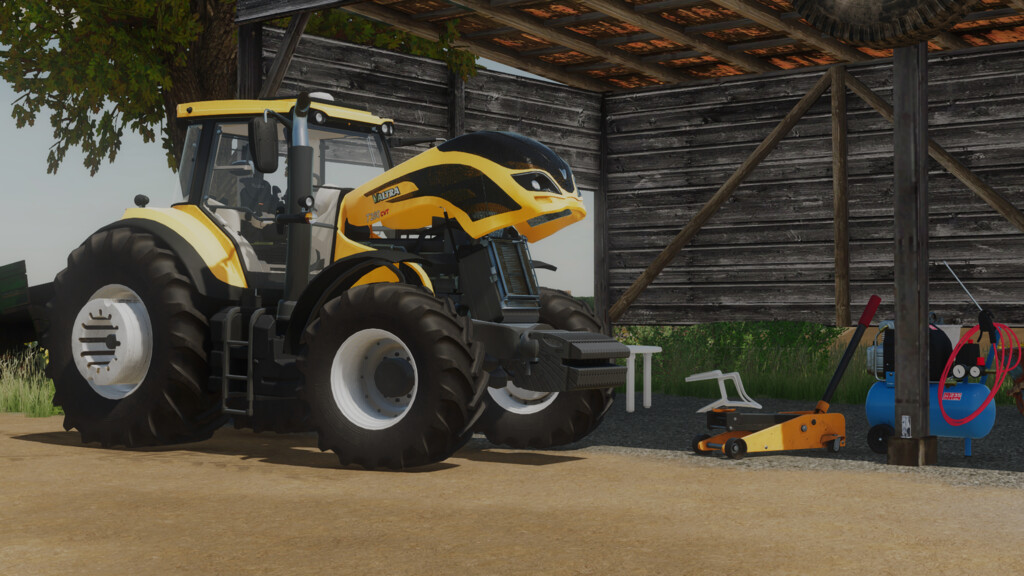
Valtra T Series CVT South America v 1.0
About the mod:
– Engine Setup: 195 hp, 210 hp, 230 hp, 250 hp, 280 hp, 320 hp
– Wheels: Standard, Standard With Hubs, Wide tires, Dual tires, Open Gauge Cane tires, Rice tires
– Animations: Hand throttle, Manche, PowerShuttle, Light Buttons, Alert Light Button, Monitor, Monitor Startup Animation when Starting the Engine
– Controllable Animations: Door, Rear Window, Hood, Sun Shade, Steering Column Prick, Steering Column Turn, Hydraulic Front Suspension Adjustment
– Configurations: Fenders, Wheels, Lights, GPS, Glasses, Weights and Canavieiras Protections, Wheel Counterweights, Cab Design, Exhausts, FL Coupler, Engine
– Colors: Base, Exhaust Color, Counter Weights Color, Wheel Color, Barrel Crown Color
– Price 135000
Credits:
SrVertex, Pedro Amorim