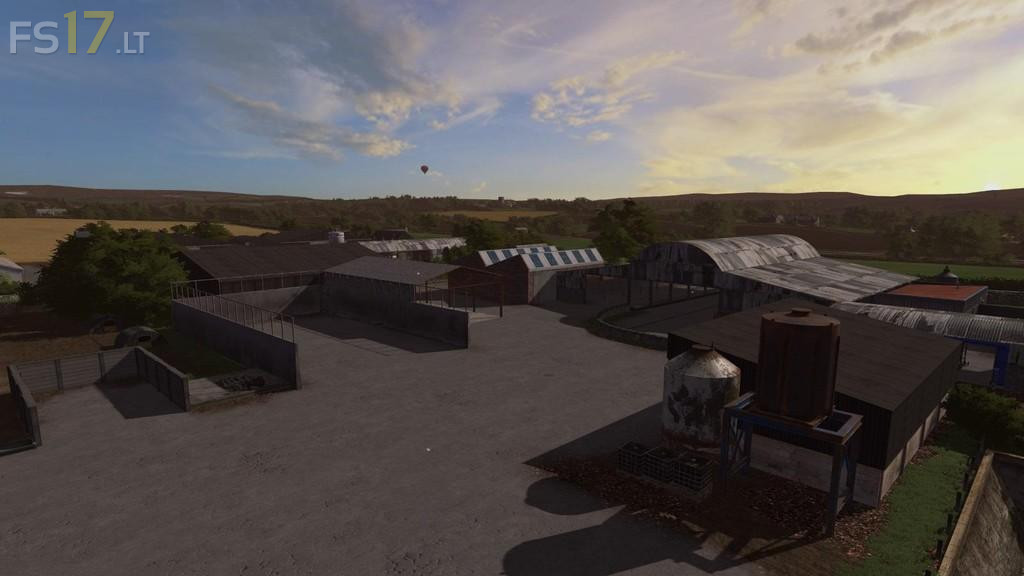
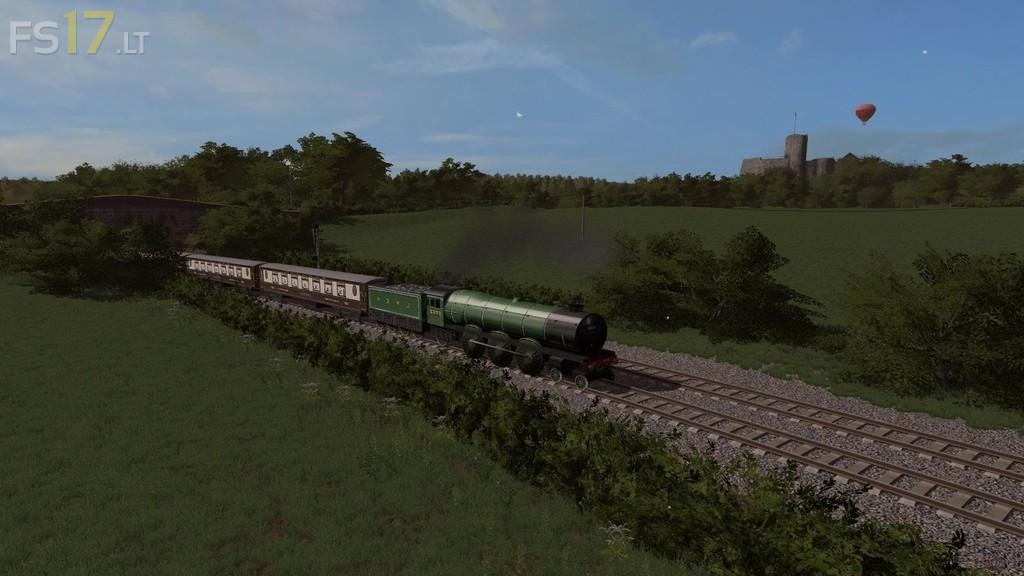
Thornton Farm Map v 1.0

FS19 mods

About the mod:

– Custom crop, grass textures with many other new textures
– 2 sell points, BGA, etc…
– 38 fields small/medium
– Animated clouds
– load of new models made by myself
– Mud Mod
– Forestry, sawmill area and missions all included
– Lots of animated objects
– Chopped straw
– Various custom sounds across the map
– More optimised
– Gold nuggets

Credits:
Oxygendavid

How to install FS17 mods?

Firstly find a mod which you like and want to download. Then download a mod to your PC. Mods are usually in .zip format file. But sometimes it can be in .rar. If a mod file is a .zip format no needed additional actions. If a file is in .rar, then you must unarchive mod with software like WinRar or Zip7. Windows 10 users no need to use software for archives, Win10 itself has a feature to unarchive files.

The next step is to find mods folder in your PC. Usually, it is in Documents/My Games/Farming Simulator 17/2017. Open the "mods" folder and put downloaded .zip archive or unarchived .rar file to this folder.

Last step. Enjoy of FS17 mods!

4 thoughts on “Thornton Farm Map v 1.0”

  • p says:
    2017-03-24 at 16:24

    i cant start the map and i have it in my mod folder

  • p says:
    2017-03-25 at 11:40

    pls help me oxygendavid

  • twan says:
    2017-03-26 at 17:54

    i+cant+play+the+map

  • john says:
    2017-03-27 at 21:18

    works fine for me but just 1 issue I cant plant trees anywhere.

Leave a Reply

Your email address will not be published. Required fields are marked *