

90 x 38 Dairy v 1.0

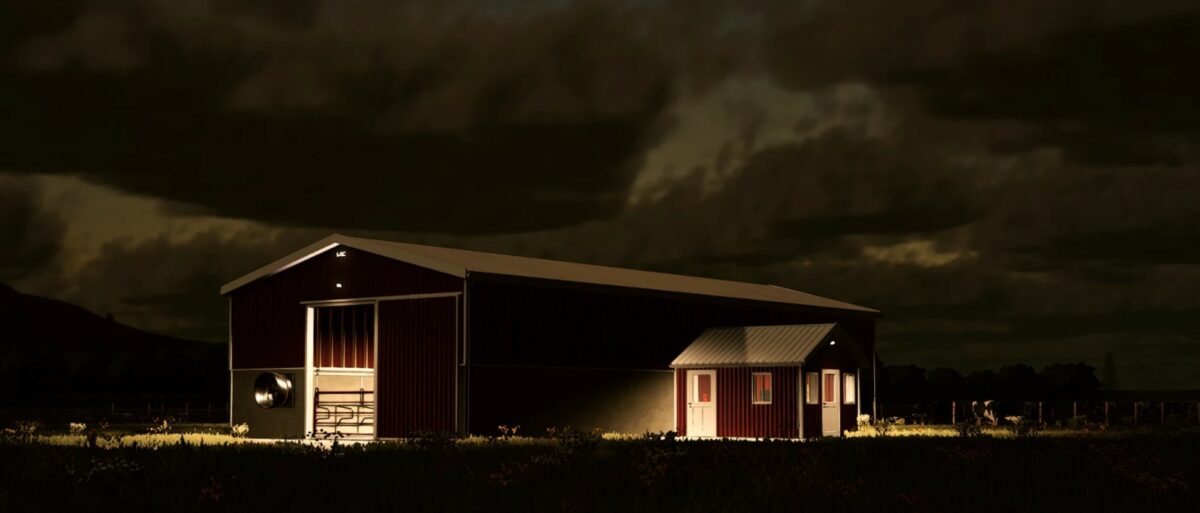
90 x 38 Dairy v 1.0
A small scale dairy operation with 42 stalls.
Milk system:
– The milk load triggers are the two panels in the main room of the garage
– The standing panel needs to be turned on first which will have a screen that turns on that gives you a “Milk tank overview”
– This panel emulates the screen that would control and monitor the entire milk tank system
– From there the LED’s will power on sequentially. Once the “Ready” LED has lit, the trigger will be available for the “Unload” panel to the left on the wall
– Turn the power on to that panel, and the load trigger will raise from the ground once thee systems “Unload” LED has lit
Fan system:
– The fan system can be turned on and off as needed in the Utility room on the panel next to the hot water tank
– The other “System” switch is just there for a visual on the “Vacuum” portion of the milking system” and gives data on milk production by day
Bedding:
– The stalls use Sand for bedding! The included “Map Companion” mod from ThundR (BIG THANKS TO HIM) allows Sand to be purchased, and tipped in an map
The pasture:
– Nothing too fancy here, except some fireflies that cover the entire pasture and outside of the building once dusk starts
– The included “OnCreateExtension” mod from ThundR (BIG THANKS TO HIM) powers the fireflies, amongst many other things
Manure:
– Manure is worked directly into the dairy into a bunker just outside and to the right of the milk tank garage door