Serenity Valley Map v 4.0
About the mod:
Version 4.0:
* More selling places and customized the Station Names to conform more to this map
* With the trains there are now two engines on each one which give more versitile access of loading and unloading
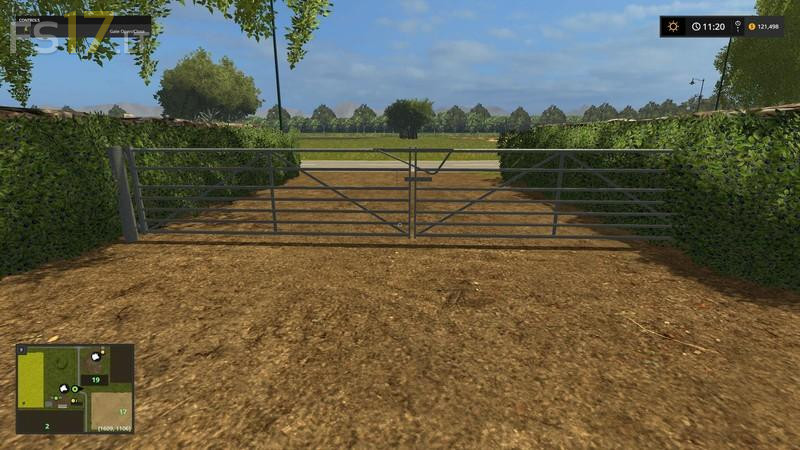
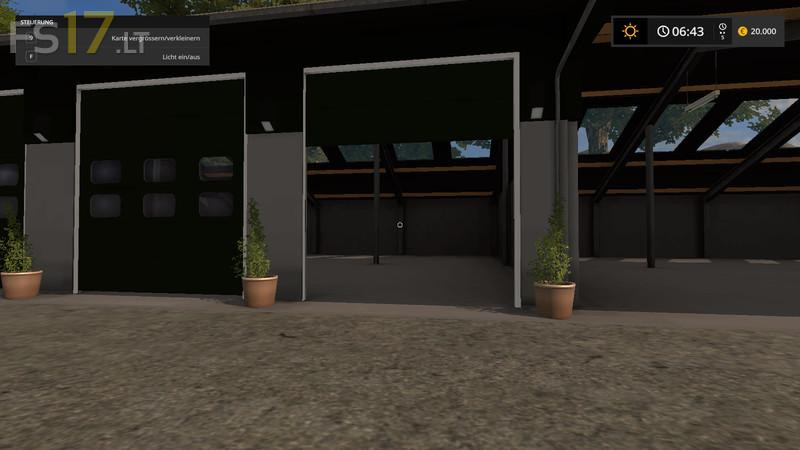
* All the door and gates are tuned to work with the animatedObjects.xml file for easy access
* The traffic will now obey the rules of the rail road crossings instead of driving right though them and the train
* All of you farm equipment is now in “Like New” condition when you start a new game
Credits:
Giants, Rockhound Modding
How to install FS17 mods?
Firstly find a mod which you like and want to download. Then download a mod to your PC. Mods are usually in .zip format file. But sometimes it can be in .rar. If a mod file is a .zip format no needed additional actions. If a file is in .rar, then you must unarchive mod with software like WinRar or Zip7. Windows 10 users no need to use software for archives, Win10 itself has a feature to unarchive files.
The next step is to find mods folder in your PC. Usually, it is in Documents/My Games/Farming Simulator 17/2017. Open the "mods" folder and put downloaded .zip archive or unarchived .rar file to this folder.
Last step. Enjoy of FS17 mods!
Nice One!