

Polska Krajna Map v 1.1 FINAL

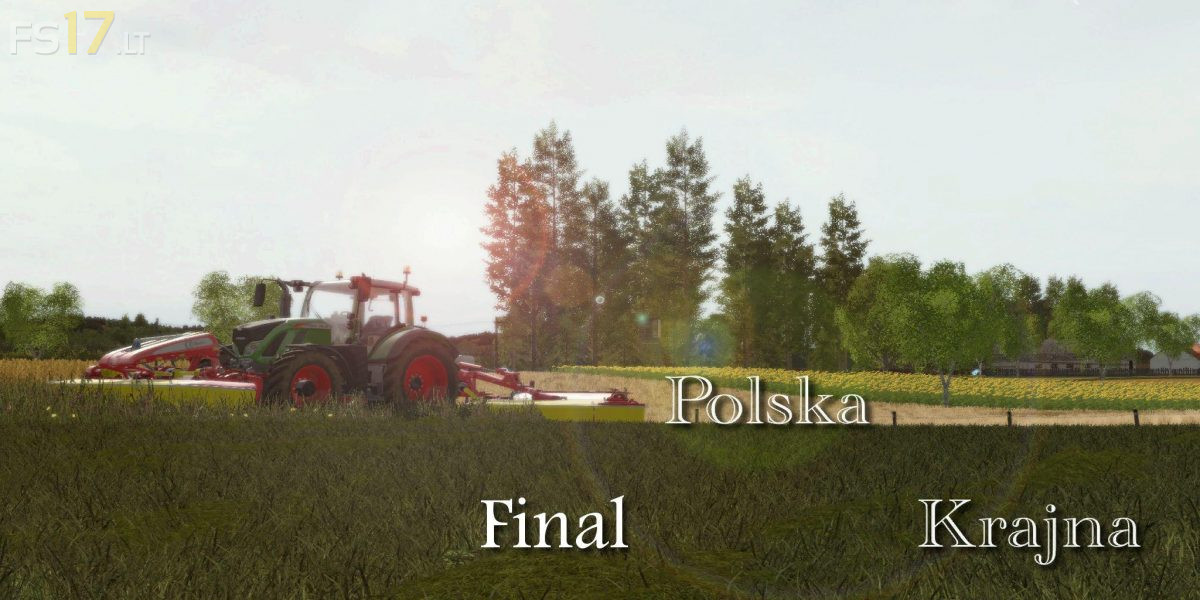
Polska Krajna Map v 1.1 FINAL
Version 1.1 FINAL:
* Fixed all gates that entered buildings / objects
* Added sounds when opening the door
* Change the open Key (Just left click and the gates will open themselves)
* Added lighting in garages, cows at the click of a mouse after approaching the switch
* Replaced traffic on older vehicles that better fit the map
* The pig farm has been modernized and enlarged (now they are already in the camp and we are feeding them there)
* Lightly modernized sheep farm added a separate silage for cereals and other cosmetic things
* Added Manual Milk Sales (Need a Milk Bar)
* Some fields joined together on request of some people
* The map was enlarged with a good dozen boxes together on the entire map with meadows is 88 of them
* Added Biogas
* Sale of manure slurry in the Biogas plant
* Added Second Purchase Crop
* Added buying fertilizers and seeds
* Fixed problem with permeating silage through walls
* Fixed problem with buying some of the boxes themselves (may still occur such things do not know what it caused but should be ok)
* Added chop mod
* Added Realist mud Bury
* Added a map collision will not go beyond it
* Added some buildings and light modernization in the village