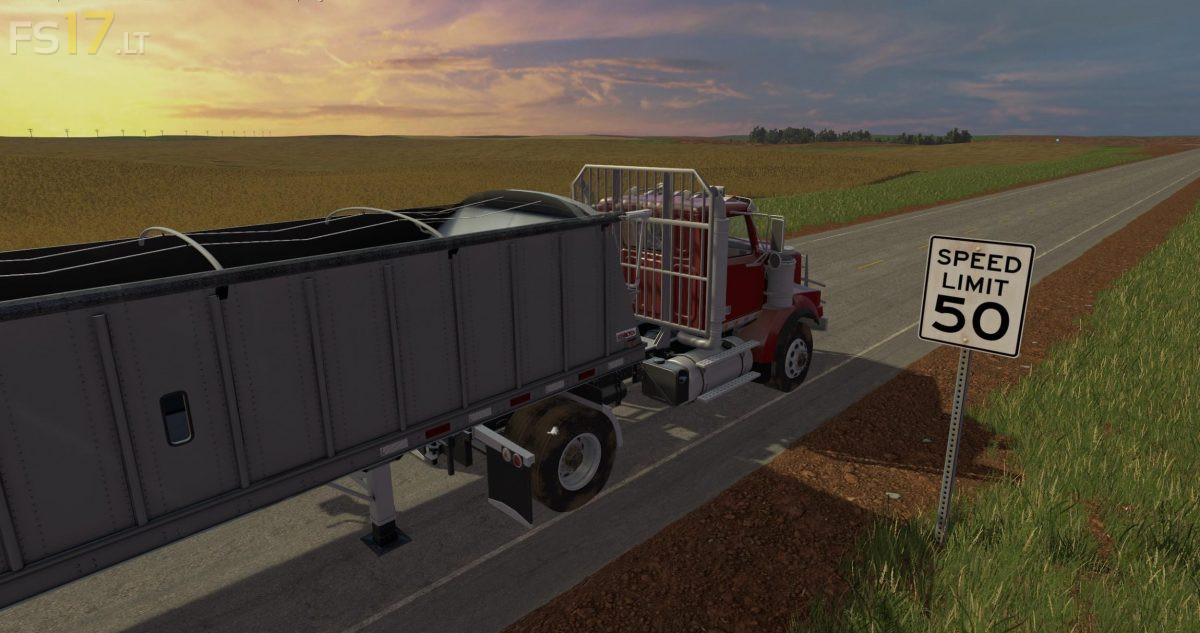
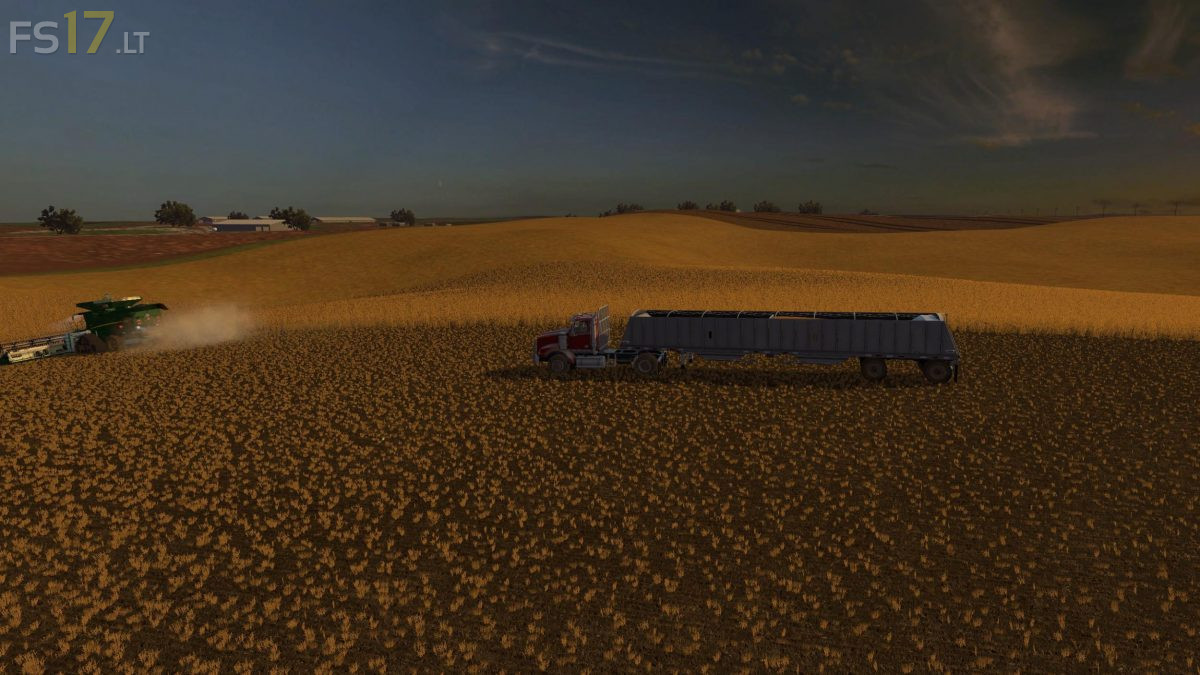
North West Texas 4X Map v 1.0

FS19 mods

About the mod:

– Ground markers are limited
– Cow zone has many static items in order to achieve a certain look and feel of a large cattle operation
– All feeding and bedding are done in the main feeding hall
– Several sell points around the map
– The map design is intended to allow a wide variety of play styles
– From the single player who likes hired hands and arcade type play to the real life simulator who manual drives combines, and even the dedicated server with a team of people playing at once

Credits:
Txzar

How to install FS17 mods?

Firstly find a mod which you like and want to download. Then download a mod to your PC. Mods are usually in .zip format file. But sometimes it can be in .rar. If a mod file is a .zip format no needed additional actions. If a file is in .rar, then you must unarchive mod with software like WinRar or Zip7. Windows 10 users no need to use software for archives, Win10 itself has a feature to unarchive files.

The next step is to find mods folder in your PC. Usually, it is in Documents/My Games/Farming Simulator 17/2017. Open the "mods" folder and put downloaded .zip archive or unarchived .rar file to this folder.

Last step. Enjoy of FS17 mods!

One thought on “North West Texas 4X Map v 1.0

  • GaryM says:
    2017-04-20 at 05:55

    Hi, The Map won’t show up in the Map Selection to load Map.

Leave a Reply

Your email address will not be published. Required fields are marked *