

Wosnice Map v 1.1

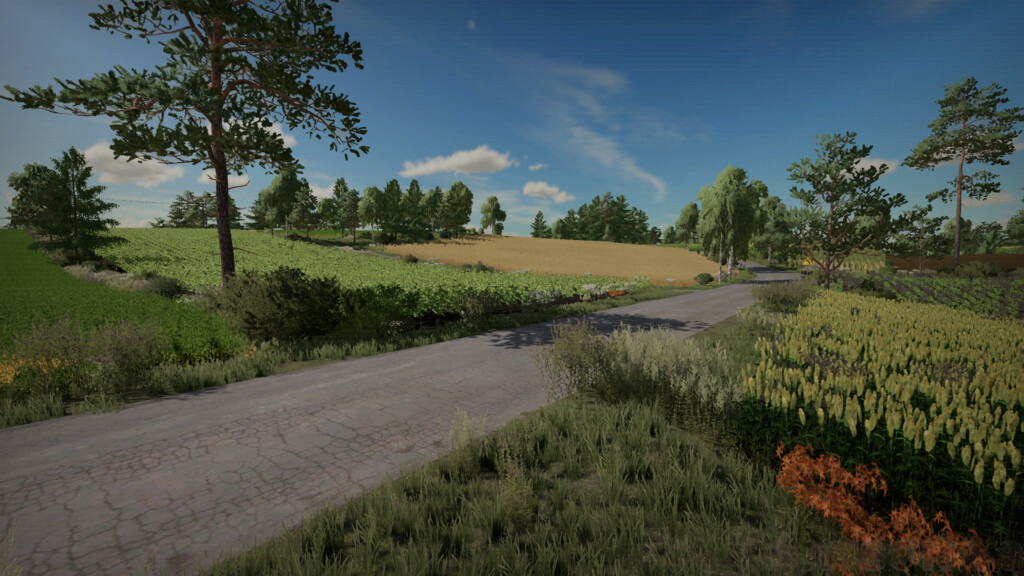
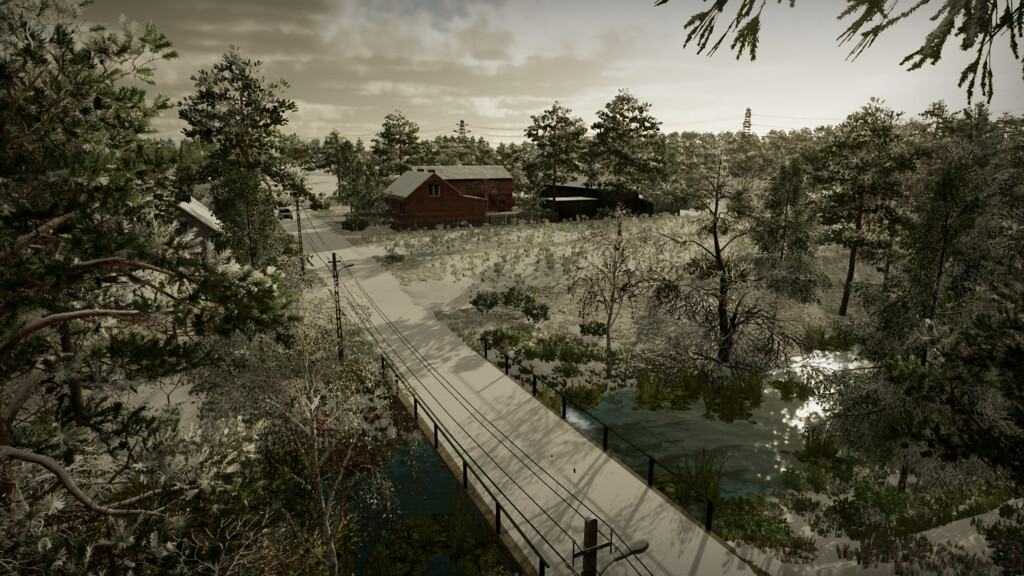
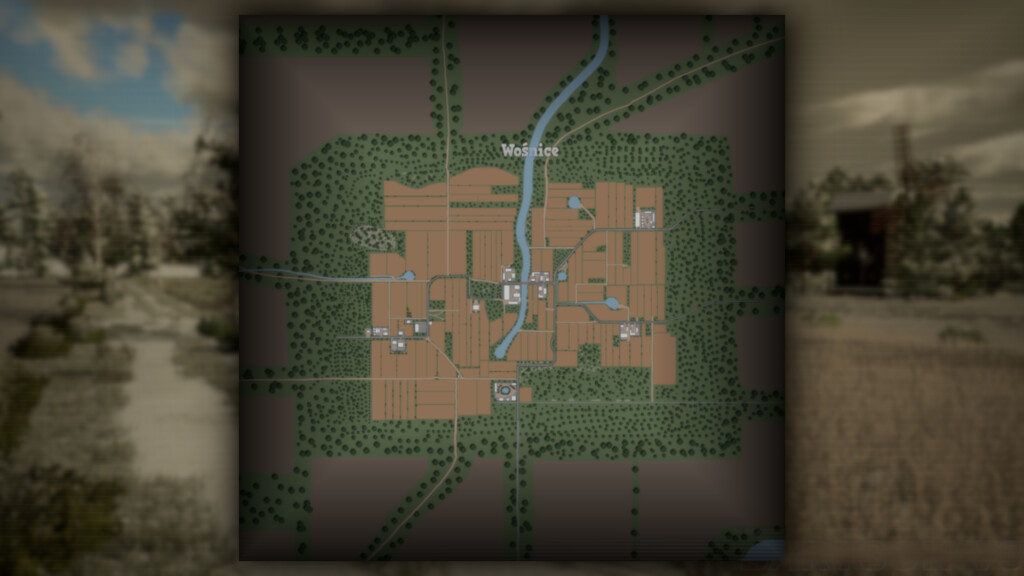
Wosnice Map v 1.1
– Two farms (cows, cows chikens)
– 126 fields
– Buying animals
– 13 different sales stations
– Vehicle traffic
– Pedestrian traffic (even in several buildings)
– Machine shop
– A liming station
– Gas station
– The dairy
– The forest
– The mill
– New textures
– Snow on roofs in winter
– 50 toys to be found
– A place to build your farm
Version 1.1:
* Added FS22 standards to all static buildings (paralax, frost, new textures, snow)
* Added lighting in several places
* Added Polish licence plates
* A second farm has been added
* The traffic volume has been reduced
* Large electric poles replaced
* Removed flying help icons
* Land purchase issue fixed
* Fixed field 31 problem
* Fixed various visual bugs reported by players
* The rotation of the fields has been reversed
* North east ending of the map has been improved