

Riverview Farm Map v 1.1

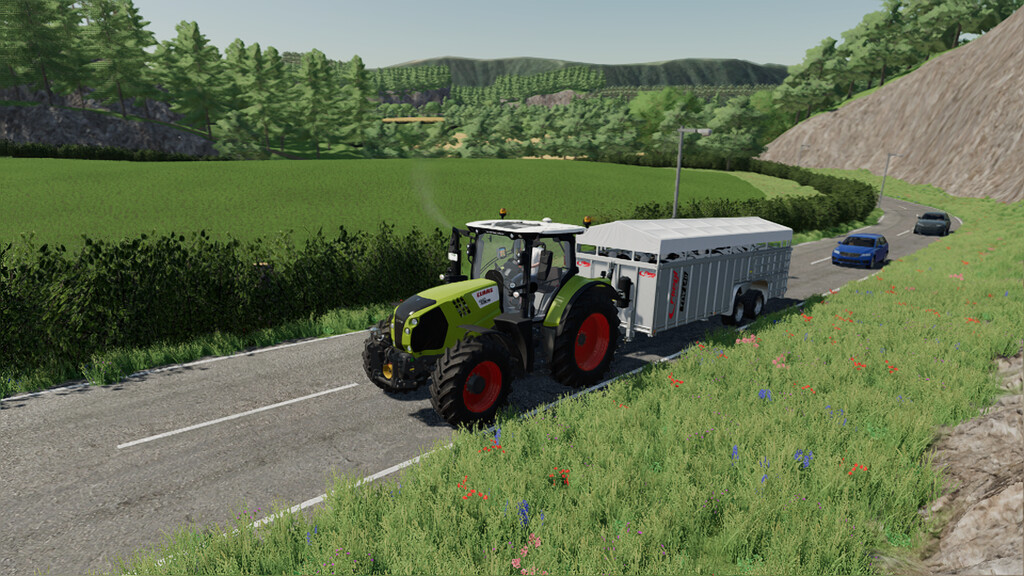
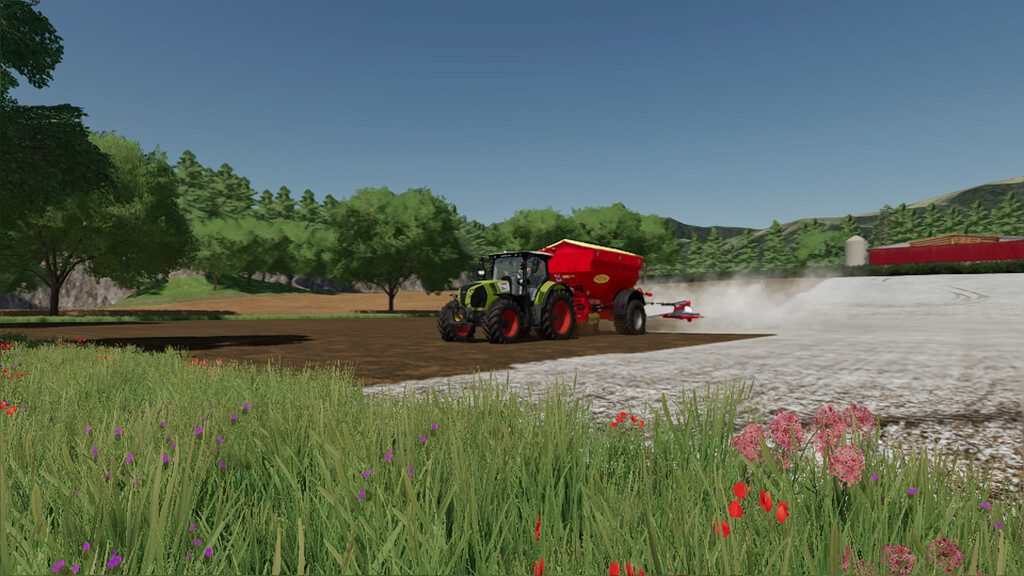
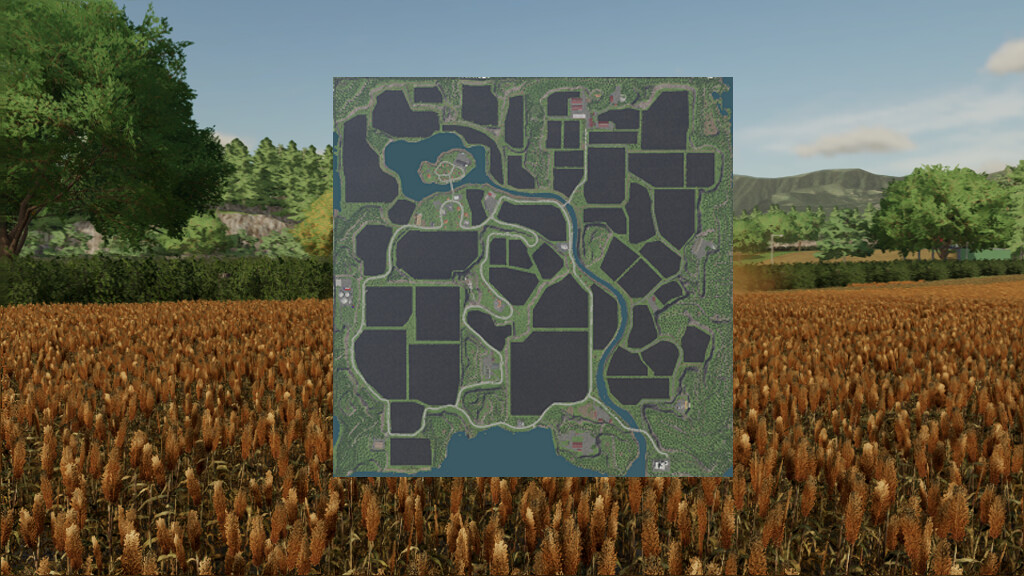
Riverview Farm Map v 1.1
– 49 fields
– One of every base game production building placed
– A lot of forestry area’s each offering there own unique challenge
– Cuttable hedges allowing you to extend or join fields together or just open up the land
– Walls, fences and none cuttable hedges can be sold from around the road side, animal pastures and dirt roads
– There are 4 farms spread around the map
– Multiple sell points so all goods including factory goods can be sold at them
– Collectables can be found spread around the map
– Map is precision farming ready and uses a custom soil map
Version 1.1:
* Fixed a few floating tree’s
* All production points now have increased storage capacities allowing for large amounts of produce to be sold or delivered to them
* Large animal pen with increased capacities for animals, milk, slurry and food added to the build menu
* 11 sheds added to in game build menu
* Some wall types and a hedge added to the build menu
* Fixed some street lights not correctly positioned
* Disturbed Simulations UK growth calander implemented
* Some xml files updated to use functions introduced in the 1.5 patch such as storage bins having the ability to jump to them
* Post inside hedges made collideable this will stop the post dropping through the map after been cut away (hedges can still be driven through but will stop bales, pallets and logs from passing through them)
* Farm sign can now be cut with a chainsaw to remove it