

Spruce Mountain Farm’s Map v 1.0.0.1

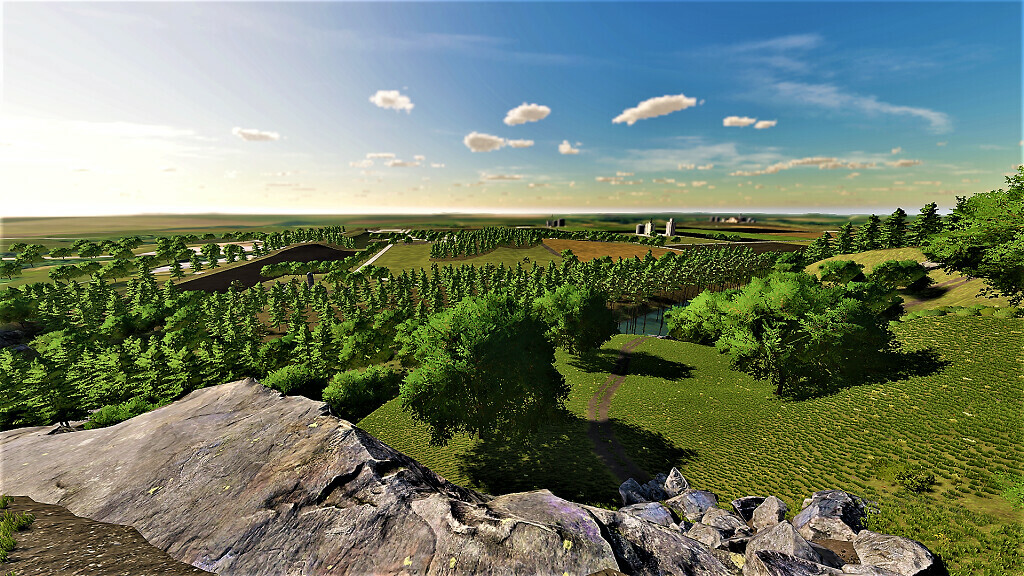
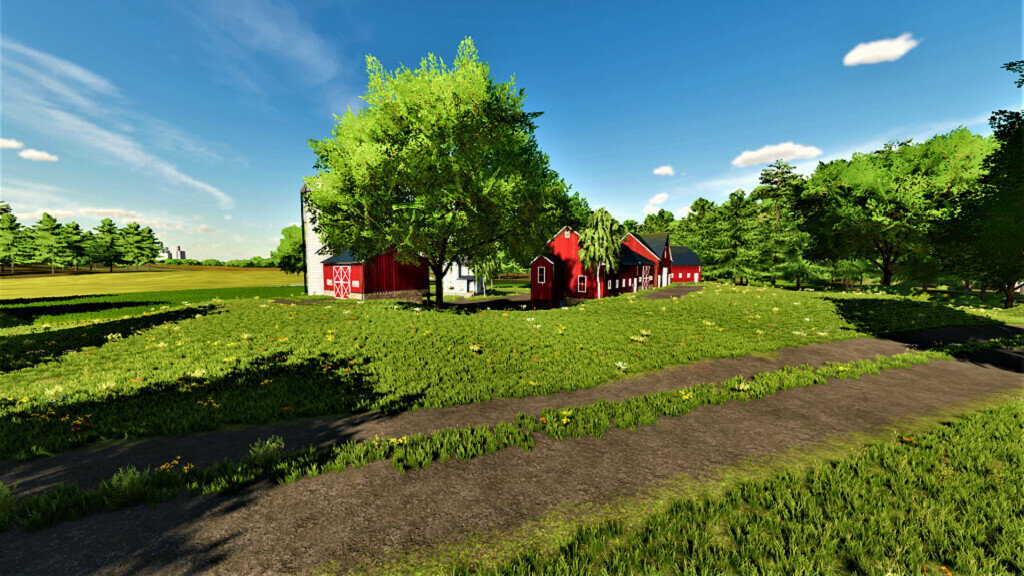
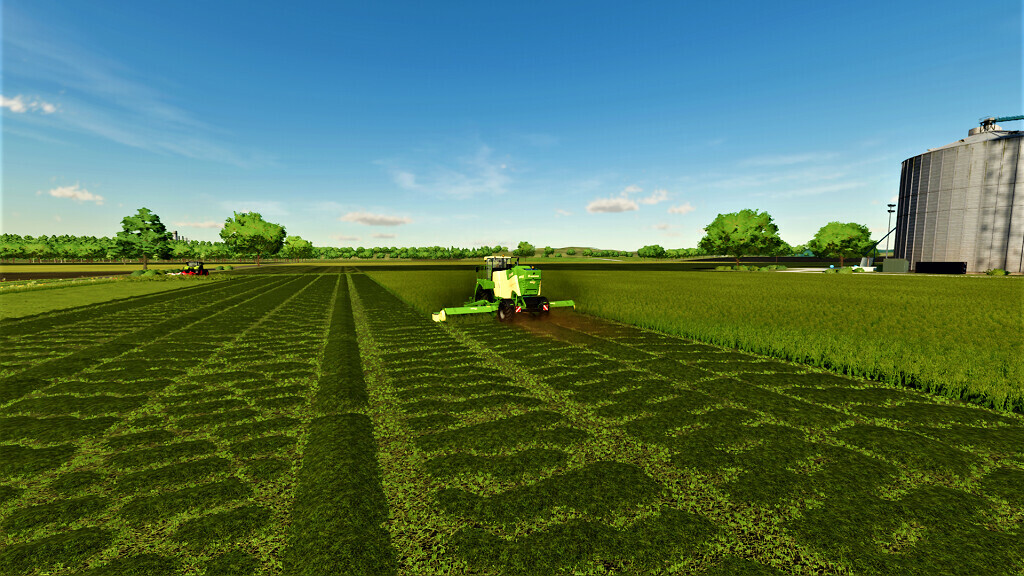
Spruce Mountain Farm’s Map v 1.0.0.1
– 47 Fields
– Over 15 forest areas
– BGA
– Productions (basegame)
– Stone mining (suggest using a Stone Lime Production mod)
– Light Traffic & Pedestrians
– Built in silo storage’s (GrainWestSilo & GrainPoolEast)
– Collectibles added
– Snow mask added
– Precision farming ready (Loads Default US soil map)
Version 1.0.0.1:
* Fixes and Additions
* Floating items around the map
* Fixed rock collisions around the map (no more sinking into them)
* Made it so farm buildings and décor will delete (deleting décor on a farm, deletes all of that specific farms décor at once)
* Redesigned the third auxilary farm near the base of Spruce Mountain
* Added chickens to starter farm
* Few changes to starter farm equipment/buildings
* Added grass missions to a few fields (small & large)
* Added more paint textures
* Adjusted farmland prices & expanded farmlands out (no longer own the road)
* Starter farm no longer owns grain west silos
* Adjusted the price it cost to buy the BGA
* Added a third water trigger near store pond
* Added supermarket & made it so Central Exports now will buy all products that couldn’t be sold before
* Moved lime station over by central exports
* Moved fast food restaurant across the street for better access
* Fixed stone sales having two triggers
* Added more detail around the map
* Fixed the tree collisions with spruces going inside each other when stacking
* Over 3000 trees deleted, and many other trees have been cleaned up down in the town/field areas
* Fixed map description
* Updated PDA
* A lot of these issues were pointed out through map tours/reviews/playthroughs throughout the community