
Avon Valley Map v 1.1

FS22 mods

Avon Valley Map v 1.1 Avon Valley Map v 1.1 Avon Valley Map v 1.1 Avon Valley Map v 1.1 Avon Valley Map v 1.1 Avon Valley Map v 1.1
1 Star2 Stars3 Stars4 Stars5 Stars
About mod:

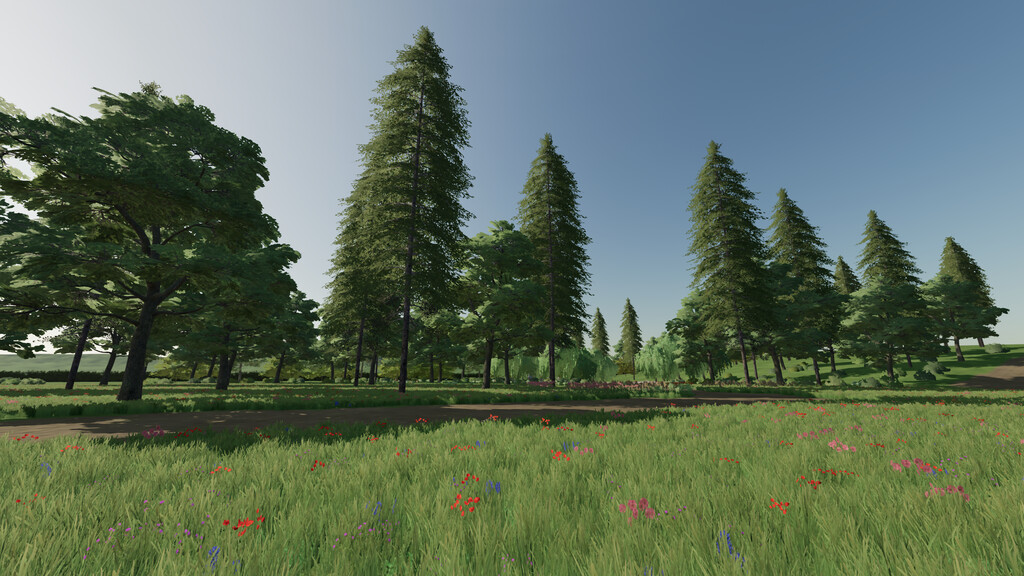
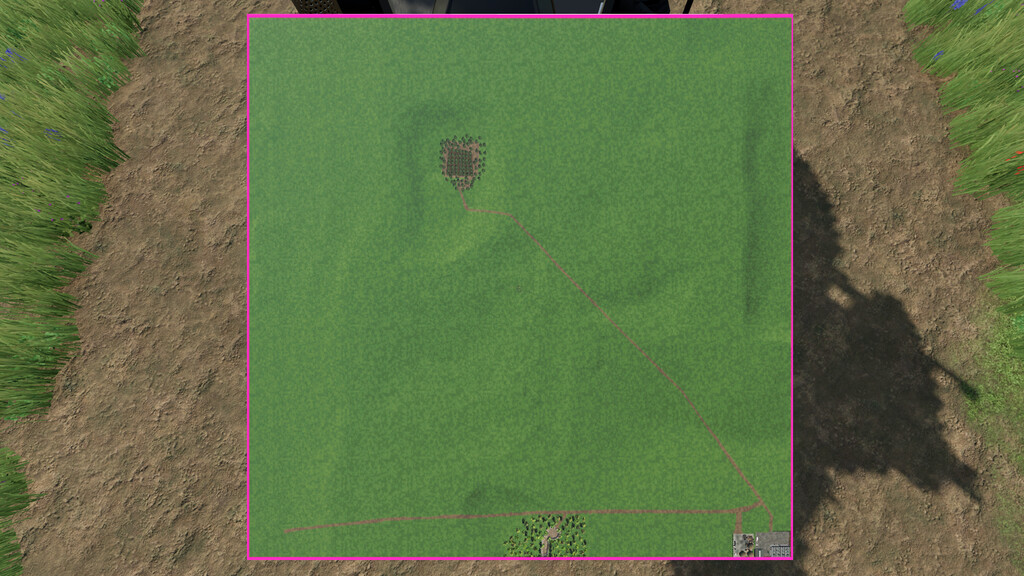
Welcome to Avon Valley. This is empty wilderness is set in the uk.
Build your own farm and turn this great expanse back to its former glory.
There is a custom made pond that is great to relax by at the end of the day.

The following are available on the map:
– 3 selling points for bales, liquids and crops/products from the basegame
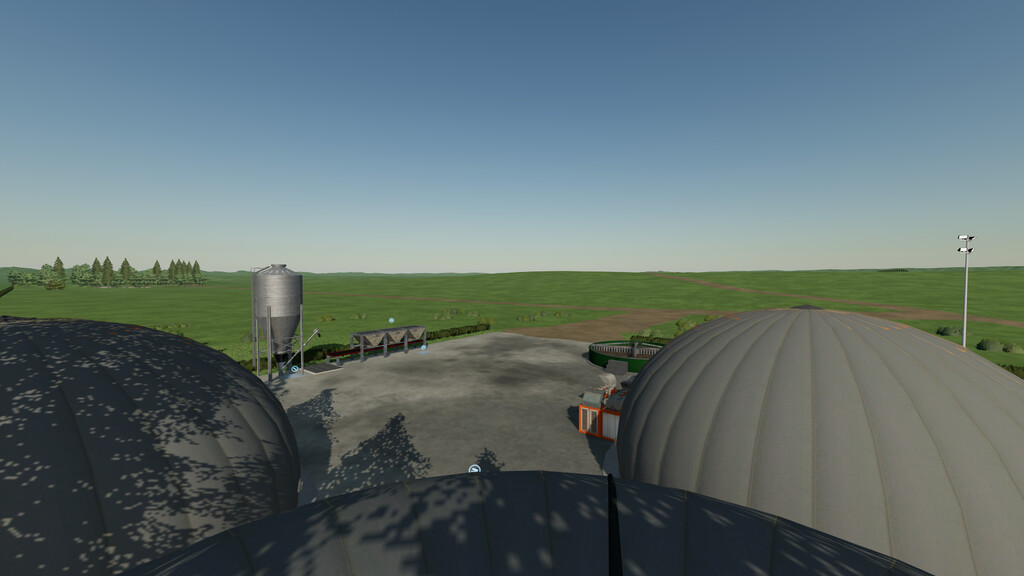
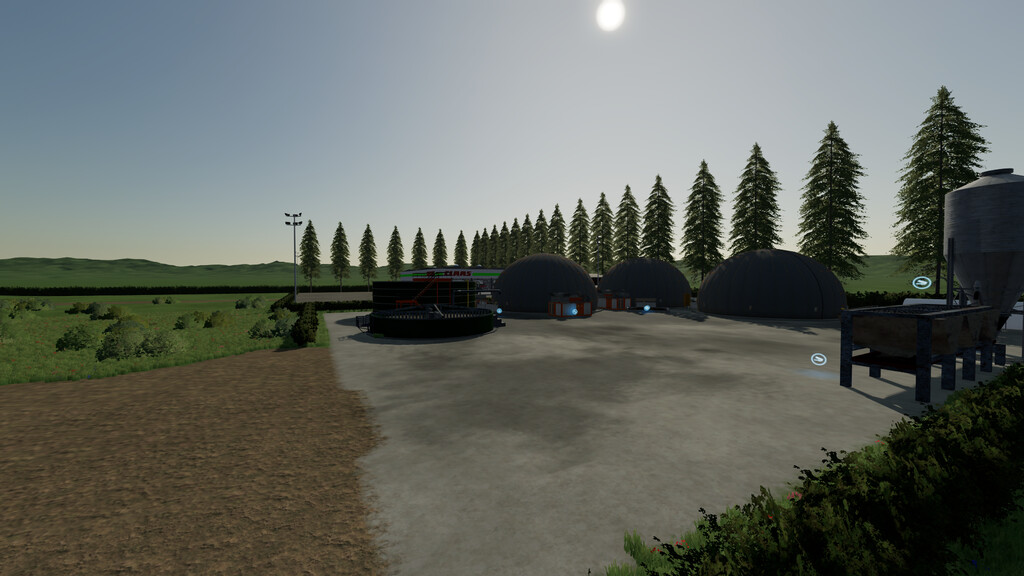
– Custom build bga with a selling point for methane
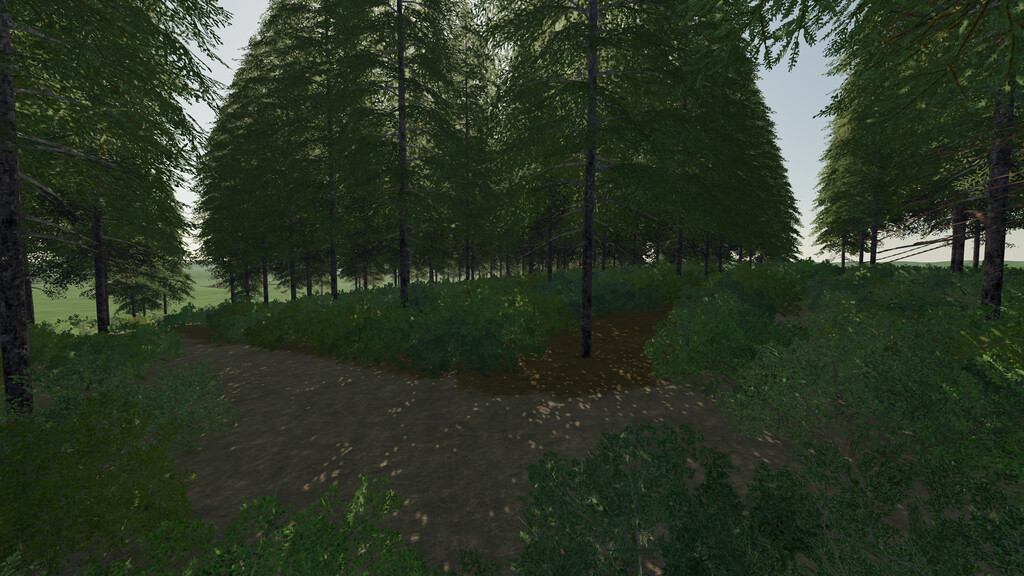
– Small forest that can be used for startup
– Custom build UK GEO
– 1 predefined grass field to get you started
– Precision Farming ready

Changelog; 1.1.0.0
-Corrected placement of Building (major bug fixed)
-expanded the forest
-Added Swedish translation

Credits:

MISSYB, Volcan95

Game version:

Farming Simulator 22

* By clicking [Download this mod from filehost] button you agree to leave this website. The link opens in the new tab. File is hosted in the external website. We are not responsible for the content of the external page and the possibility of free download of the file.

How do I install Farming Simulator mods?
Find a mod that you like and want to download first. Then, on your PC, download a mod. Mods are typically in.zip format. However, it is sometimes in.rar format. If the mod file is in.zip format, no additional actions are required. If a file is in.rar format, you must unarchive it using software such as WinRar or Zip7. Windows 10 users do not need to use archive software; Win10 includes an unarchive feature.

The next step is to locate the mods folder on your computer. It is typically found in Documents/My Games/Farming Simulator [Your FS game version, e.g. 2022]. Open the "mods" folder and place the downloaded.zip archive or unarchived.rar file there.

The final step. Have fun with Farming Simulator mods!

Leave a Reply

Your email address will not be published. Required fields are marked *