

Isaria Color and Range Extension v 1.0

Isaria Color and Range Extension v 1.0
About the mod:
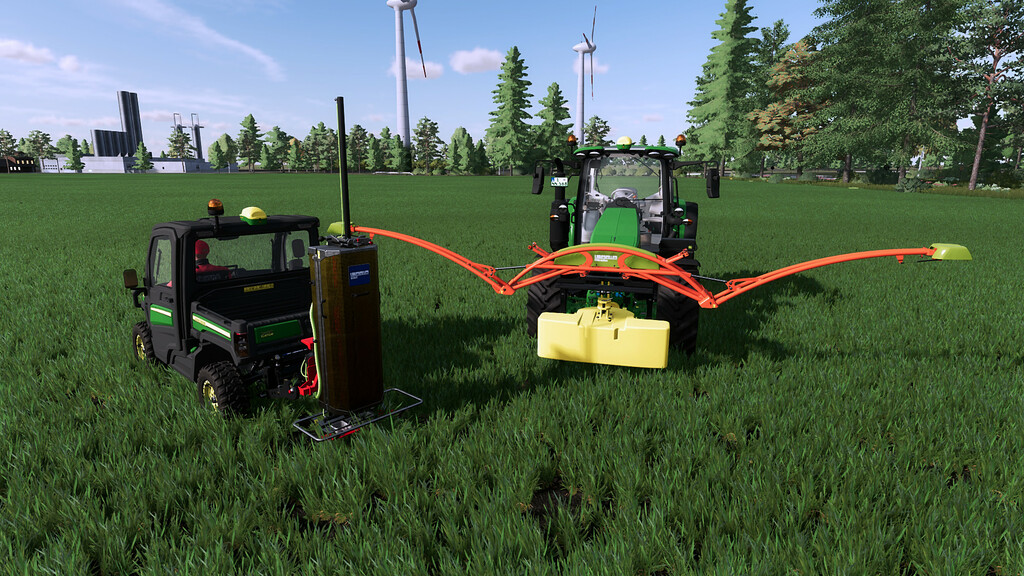
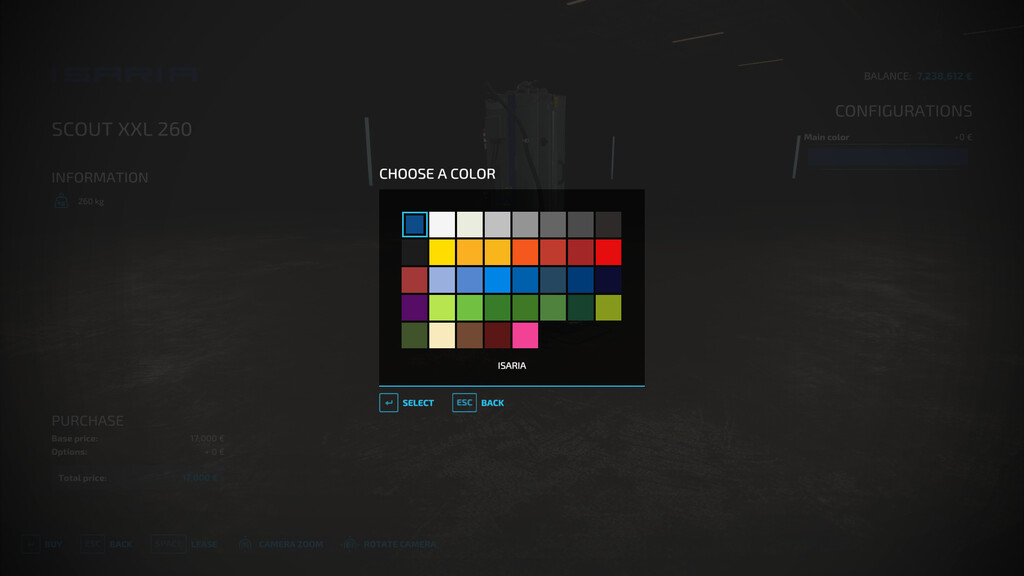
This packages containd the ISARIA SCOUT and ISARIA PRO Active with color choose.
There are versions with different scanner range for the ISARIA SCOUT. The range is in the name of the scanner.
I have created it because of many requests of how to change the range and so no user need to change the PF Mod directly.
Also this good for multiplayer server because the original PF Mod can be used.
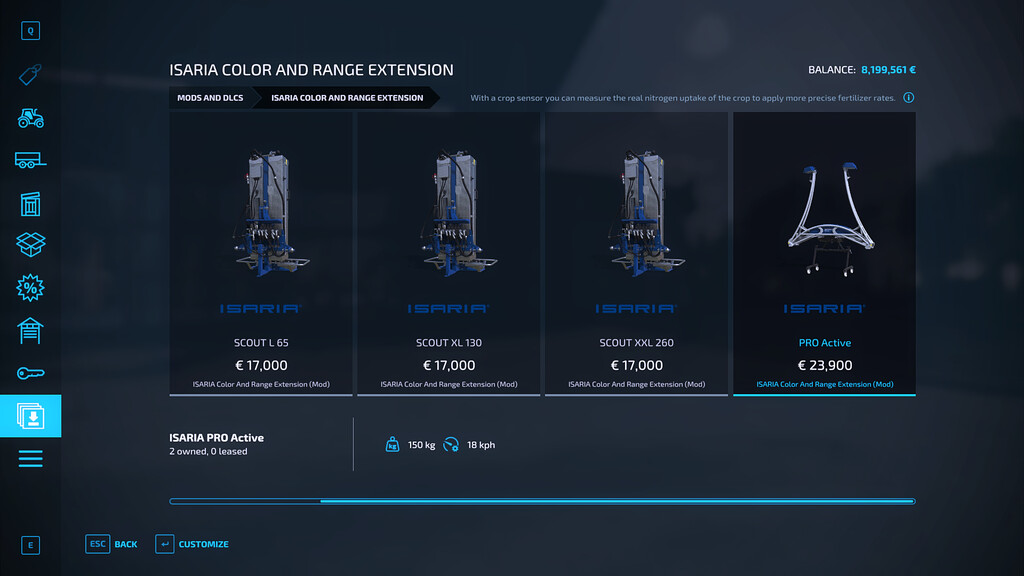
Included are 4 variants with different scanner range:
– SCOUT M 32.5 with 32,5m
– SCOUT L 65 with 65m
– SCOUT XL 130 with 130m
– SCOUT XXL 260 with 260m
The following is identical for all variants:
– Base price: 17.000$ (SCOUT) and 23.900$ (PRO Active)
– Price for color choice: 150/50$
Credits:
Achimobil