

Goldcrest Valley Map v 2.0

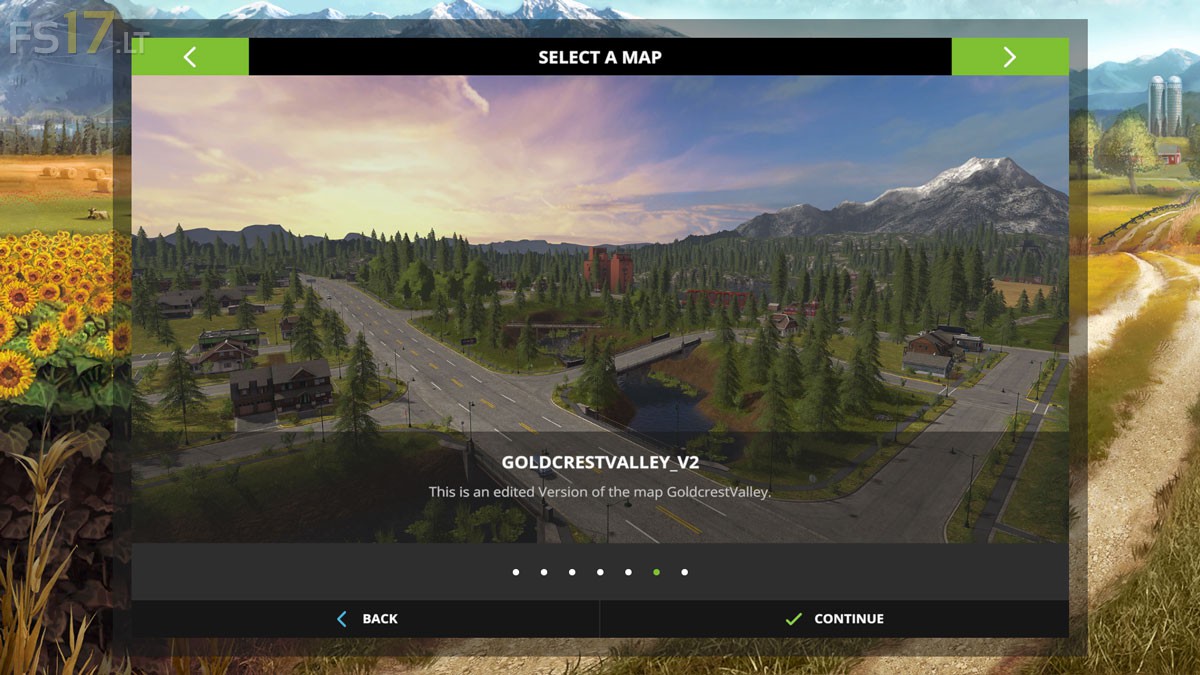
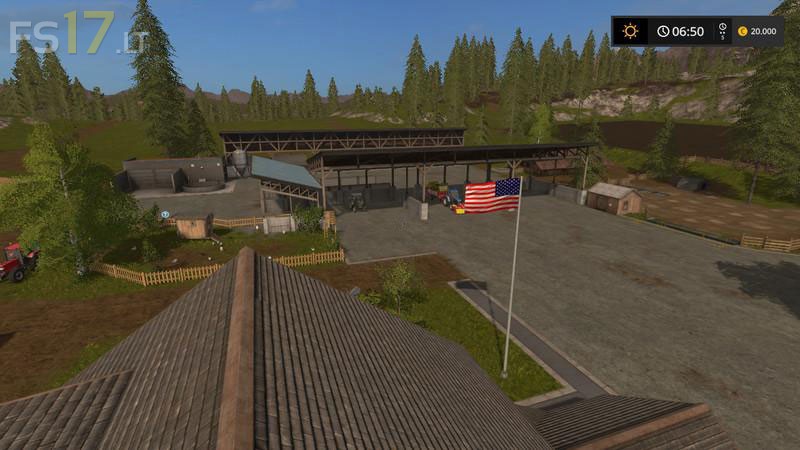
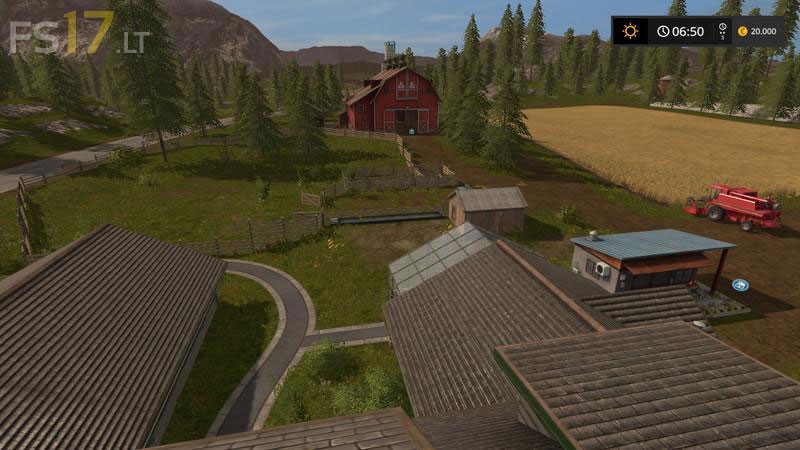
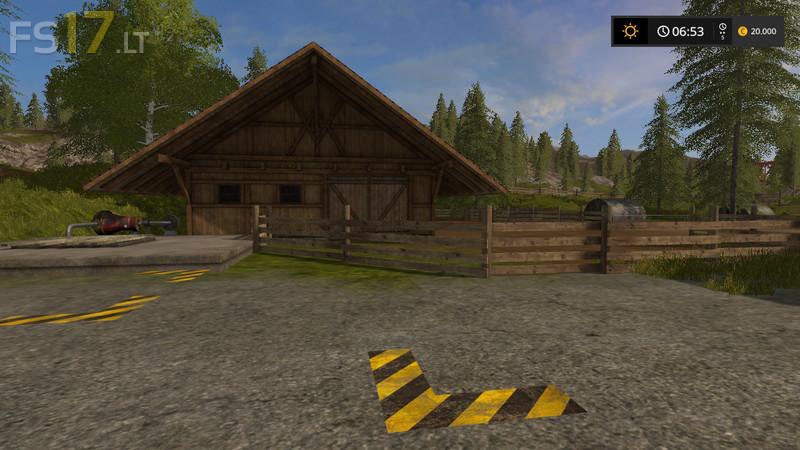

Goldcrest Valley Map v 2.0
About the mod:
– Replaced the pigs on the meadow at the Court
– The chickens have also changed their place. And you can find them now across the street from the House
– They had to make room for the sheep
– The cows can be found now at the Court and field 14 has also turned into a field of grass
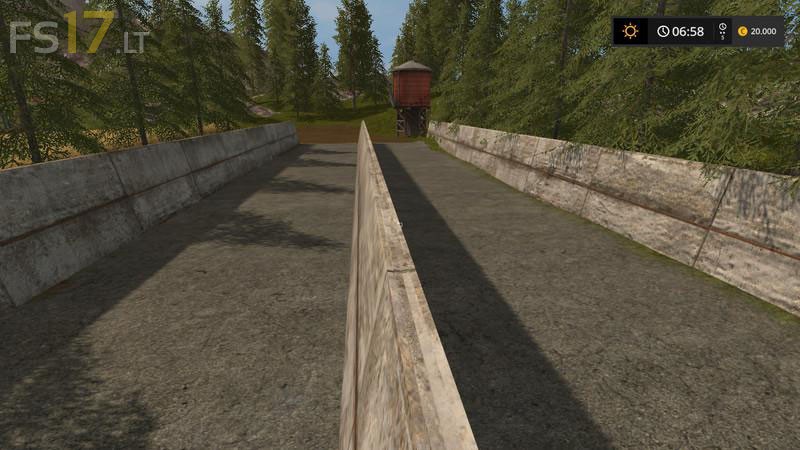
– The silos are placed together with the water tank instead of the Hall between field 14 and 15
– Replaced your start vehicles
Credits:
Giants, Farmerfivetom
this map has errors you can not buy cows at the court by field #14 you have to go to field where the cows used to be and have to walk around till you find the trigger…. Please fix
pas comprit j’ai le même problème que toi et ‘jarrive pas a trouver le trigeur pour les vache peu tu m’aider si ta réussi stp