
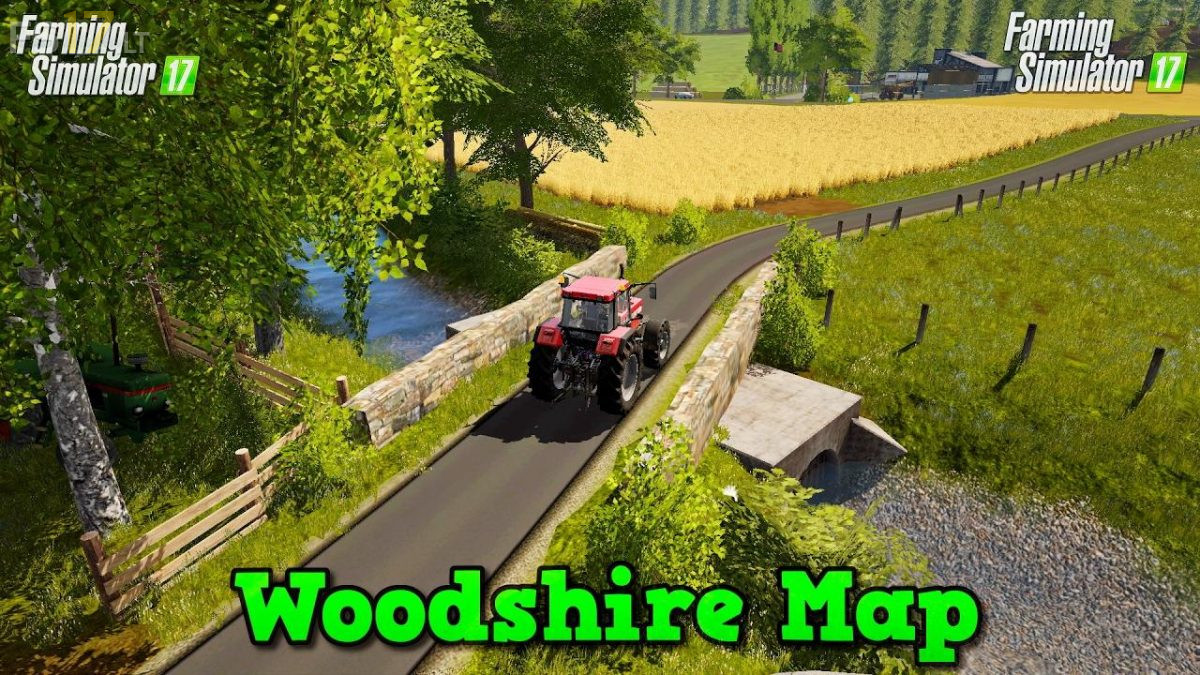
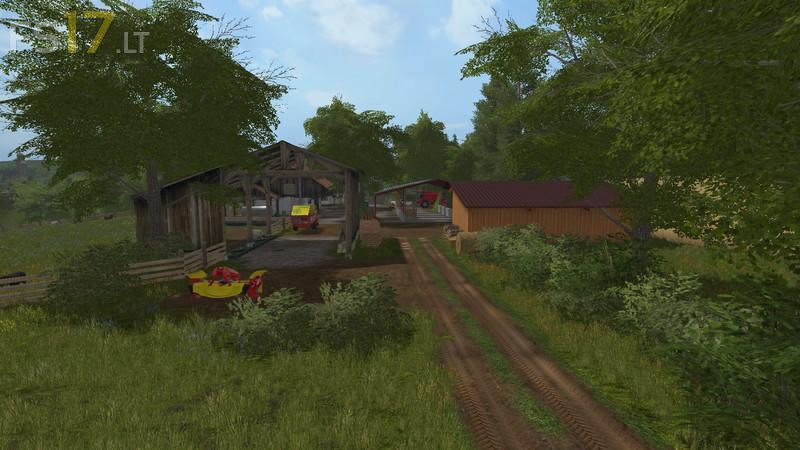
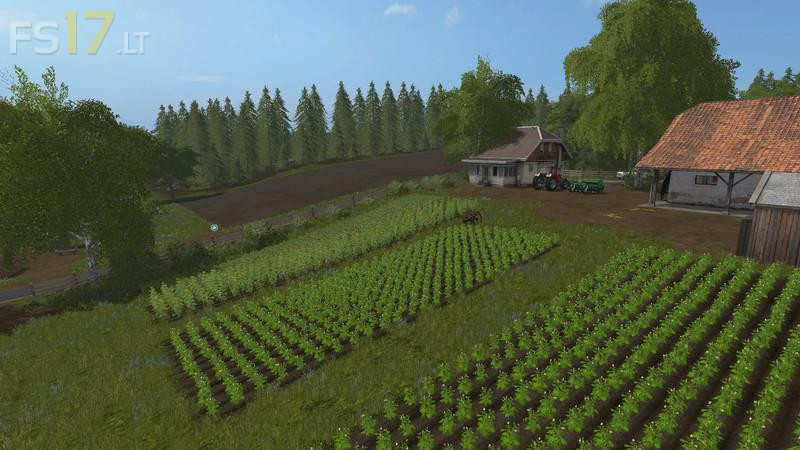
WOODSHIRE MAP V 1.3

FS19 mods

About the mod:

Version 1.3
* Dirt area in cows fixed
* Added Chopped Straw
* Woodchips sales office fixed
* Added small details

Credits:
Giants, Arii, Mike-Modding, seba j, martinbigM500, GMT-modding, m4pj3cts, Jendrek, patzer89, [BSF]Fred, FSModding, fin050808, Shakari, kirezagar, modelBauer, MUK Modding Crew, Freak36558, Fatian, Fendt 939 vario 12, variofuchs, IHC/633 FENDT-820, Steffen30muc, Luc_68, BlackSheep0521, Niggels Modding, fqC Art., Blacksheep Modding, NKB-Modding, Team LTW, Desperados93, Nico14, General_LS-Andy, AGRIFREDO, manuuuu, SETKA, CebuljCek, webalizer

How to install FS17 mods?

Firstly find a mod which you like and want to download. Then download a mod to your PC. Mods are usually in .zip format file. But sometimes it can be in .rar. If a mod file is a .zip format no needed additional actions. If a file is in .rar, then you must unarchive mod with software like WinRar or Zip7. Windows 10 users no need to use software for archives, Win10 itself has a feature to unarchive files.

The next step is to find mods folder in your PC. Usually, it is in Documents/My Games/Farming Simulator 17/2017. Open the "mods" folder and put downloaded .zip archive or unarchived .rar file to this folder.

Last step. Enjoy of FS17 mods!

Leave a Reply

Your email address will not be published. Required fields are marked *