

Ground Modification v 1.0.0.5

Ground Modification v 1.0.0.5
About the mod:
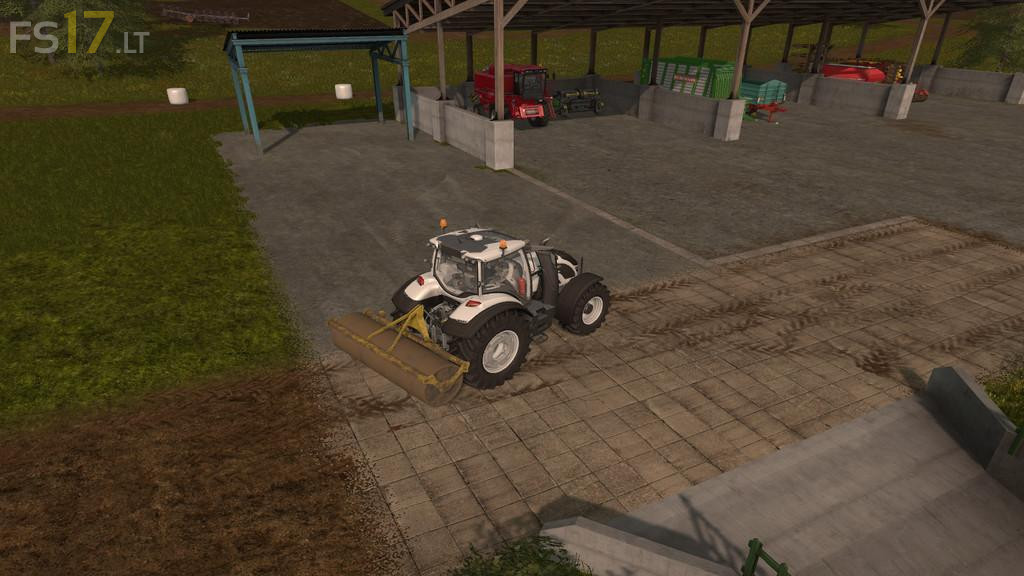
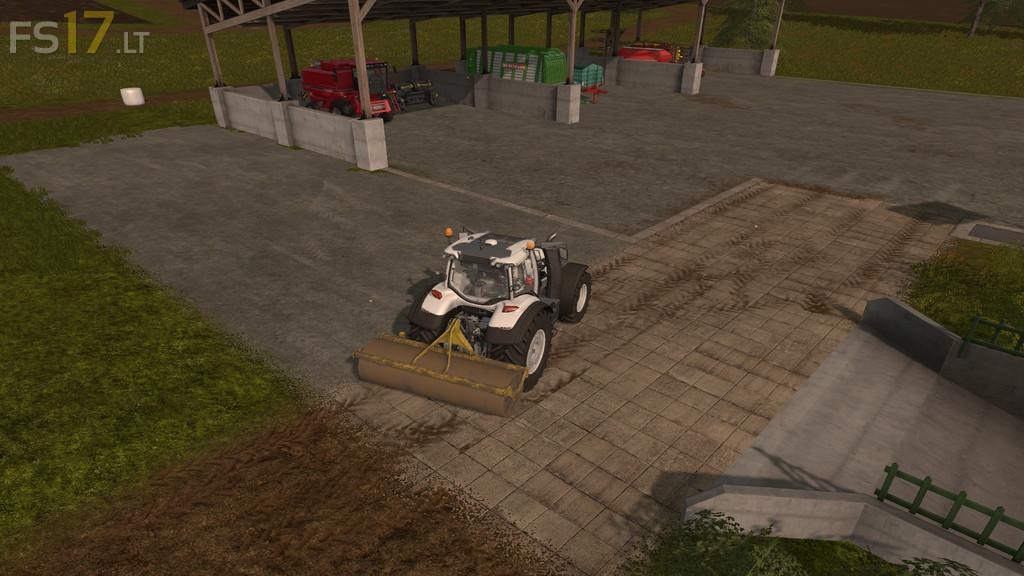
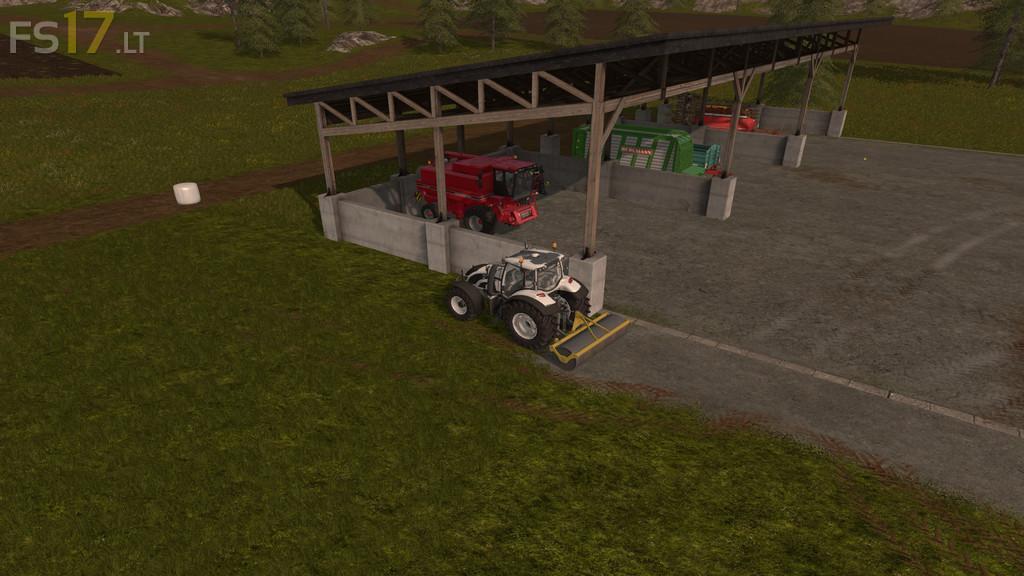
Change the ground on the map with the Lizard roller. Choose from 18 ground types and select if you want the grass to be removed or not.
Version 1.0.0.5:
* Error with mod activation on an existing savegame with roller fixed
* Support for 4x maps
* Flickering of ground fixed
* Error with uncommon mod directories fixed
* Fixed an issue with not saving the ground changes
Credits:
jodamm
very nice mod!
But it doesn’t work in multiplayer. the game shows that the ground modification mod has to be zipped if you want to use it in the multiplayer. and in the mods folder it realy is a .zip.
i would realy like to use it in the multiplayer!