

John Deere RTK Stations v 1.0

John Deere RTK Stations v 1.0
About the mod:
RTK station provides your vehicles with a better GPS signal. This helps your AI helpers to drive more precise and do their work faster.
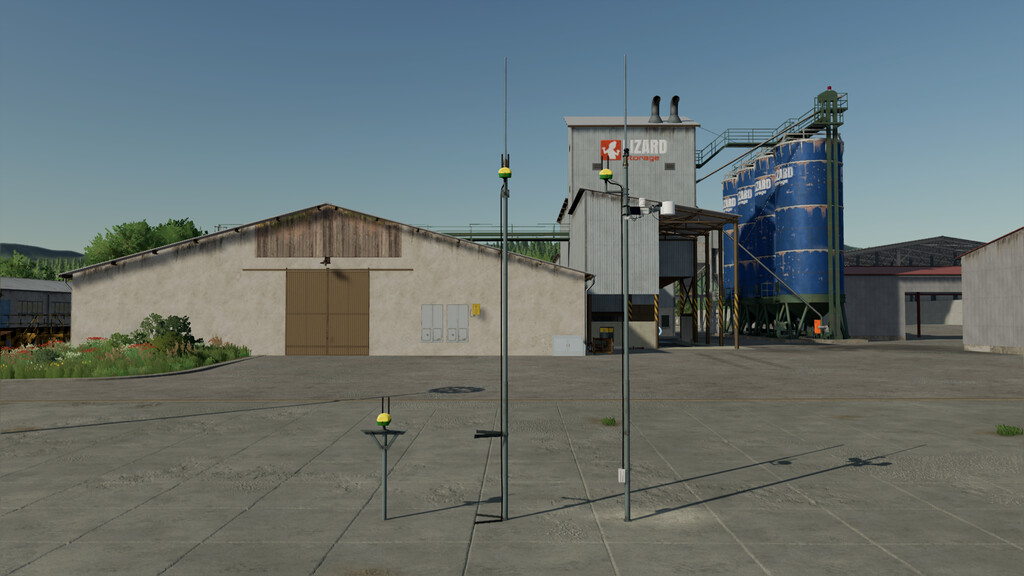
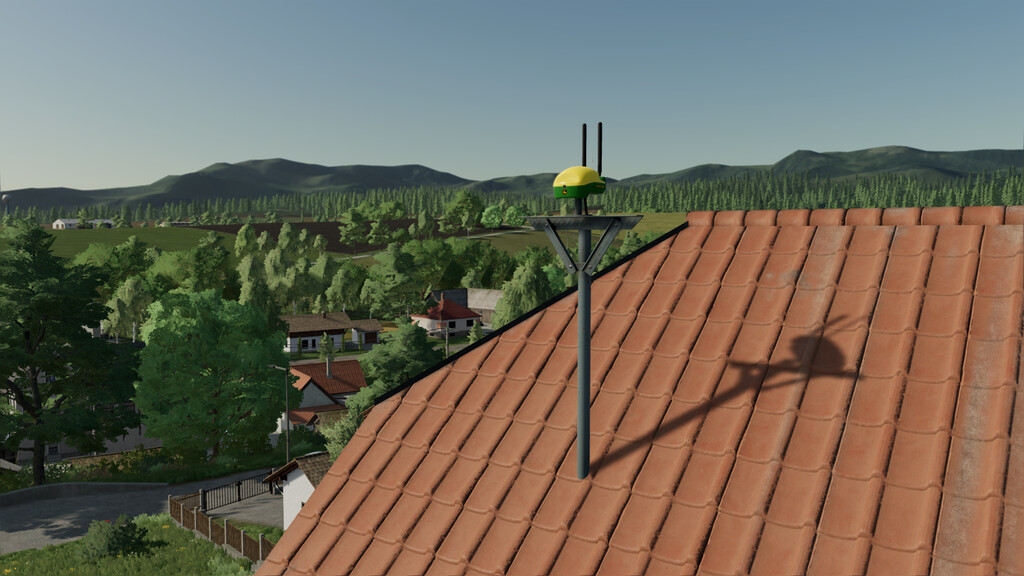
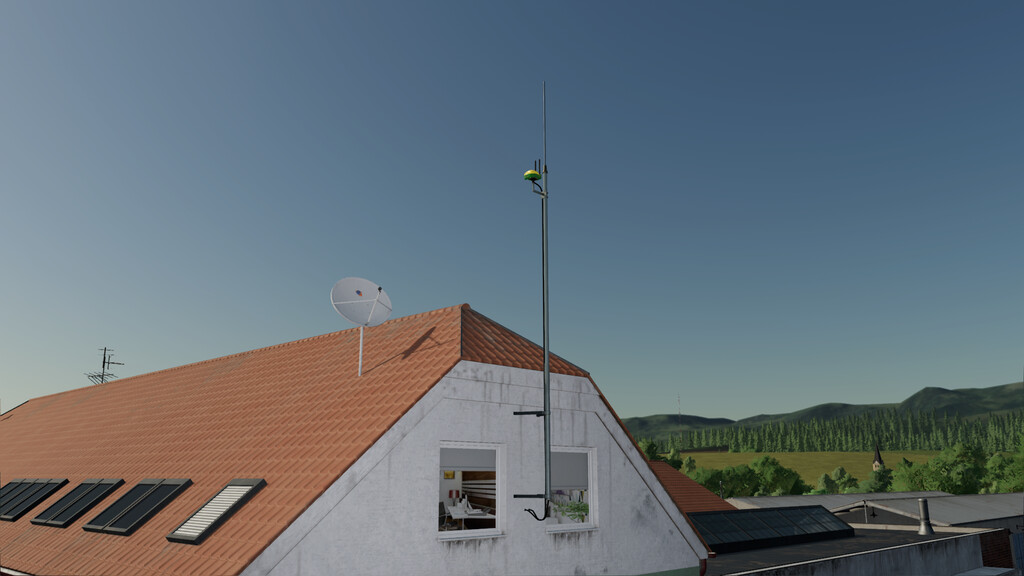
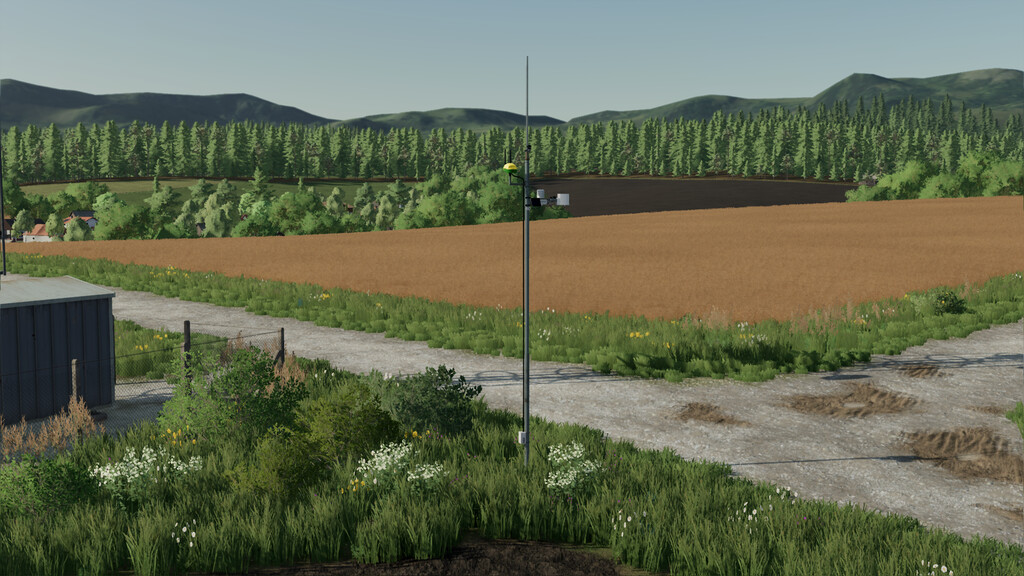
This pack offers you 3 options how and where to place your RTK station. 1 standalone RTK station with own antenna so it can be placed anywhere on the ground and 2 building mounted variants.
RTK Station – Standalone:
This Antenna can be placed anywhere you want, on the ground.
Price: $8,800
Daily upkeep: $15
RTK Station – Wall mounted:
This Antenna can be placed on any wall of the builing.
Price: $7,100
Daily upkeep: $10
RTK Station – Roof mounted:
This Antenna can be placed on top of the builing.
Price: $6,200
Daily upkeep: $10
Credits:
MrHector