

New Holland Fleet Pack v 2.0

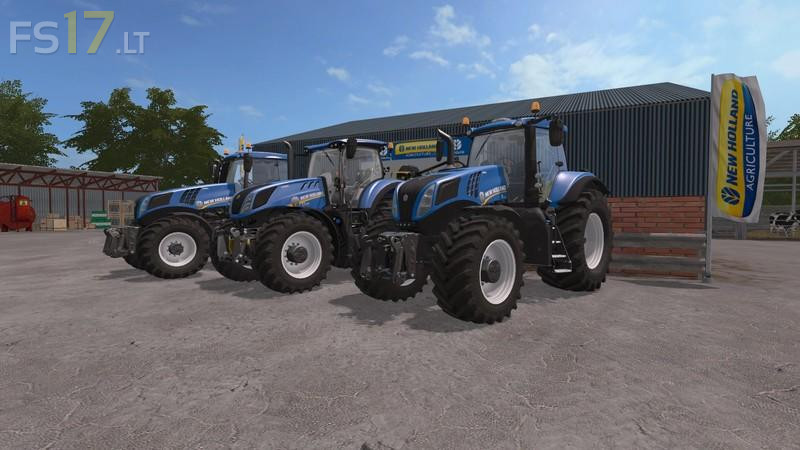
New Holland Fleet Pack v 2.0
New Holland Tractors.
2011-2012 models for T5, T6, T7, T8
2015-2016 models for T5, T6, T7 (SWB,LWB, and HD), T8 GENESIS
In total there is 11 models, 40+ engine configurations from 95 to 435 HP. Dual Command (T5), Electro Command (T5,T6), Range Command (T7), Power Command (T7), Ultra Command (T8) and Auto Command (T5,T6,T7,T8) gearbox configurations.
Details
All engine configurations and numerous gearbox configurations for each model. Separate shop items for each gearbox configuration, everything else uses the new FS17 shop customization feature. Choose between; no front mounted equipment, weight holder, or 3 point hydraulic mount with PTO. Weights come as separate shop item. Frontloader console available on everything except the T8s. Numerous wheel options with fitting fenders. Custom script for cabin suspension and moving controls and levers inside cabin. Passenger script also added on all models. Dynamic hoses script.
est-ce+que+il+y+a+toute+les+came+de+T7+comme+le+T7.210+.
Can this be moved to gaming console
PS4