

St. Kalle Map v 1.2

St. Kalle Map v 1.2
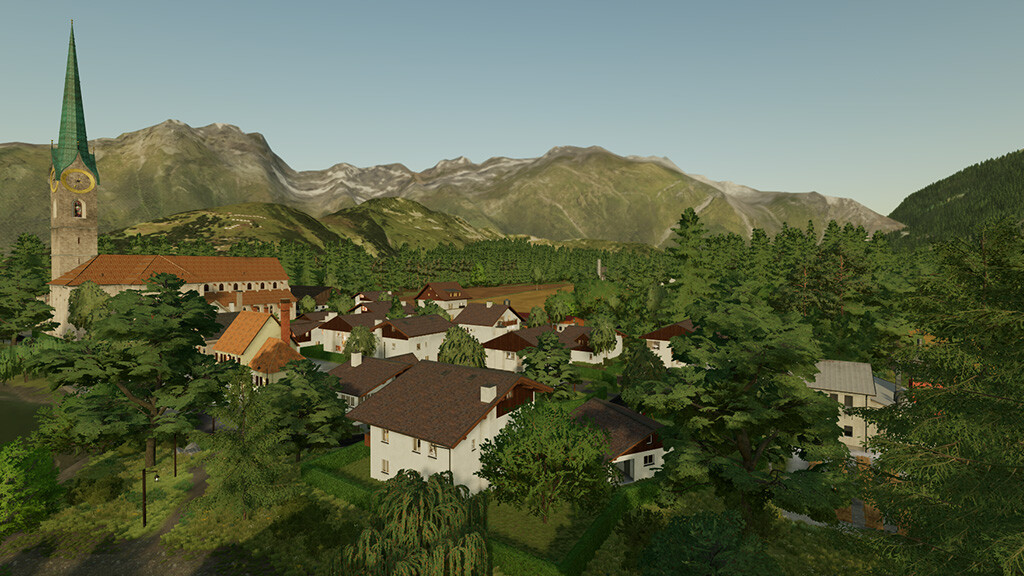
Welcome to St. Kalle, a little, idyllic village in southern Germany.
Here is what awaits you:
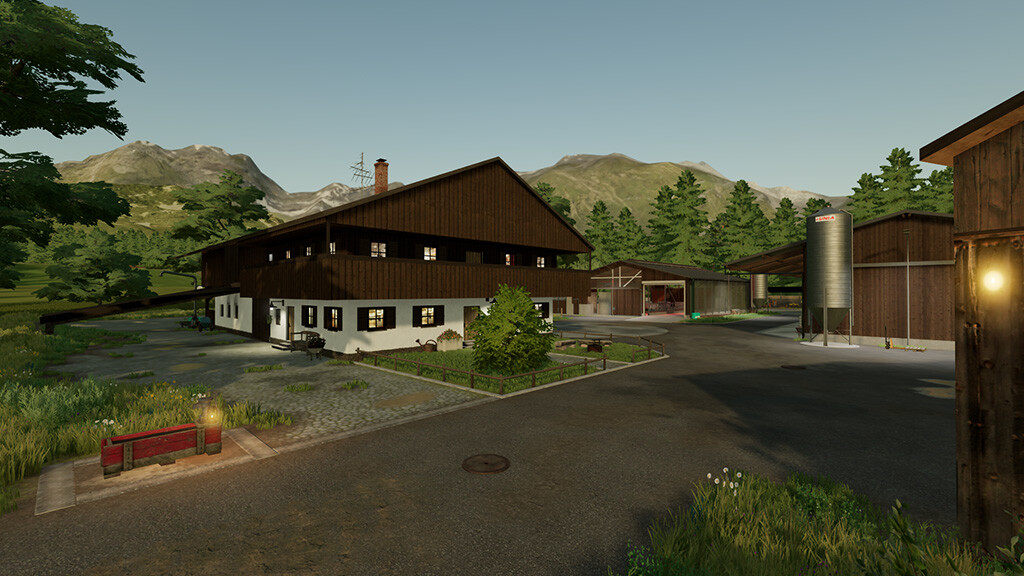
– A well equipped starting farm with cows and chickens
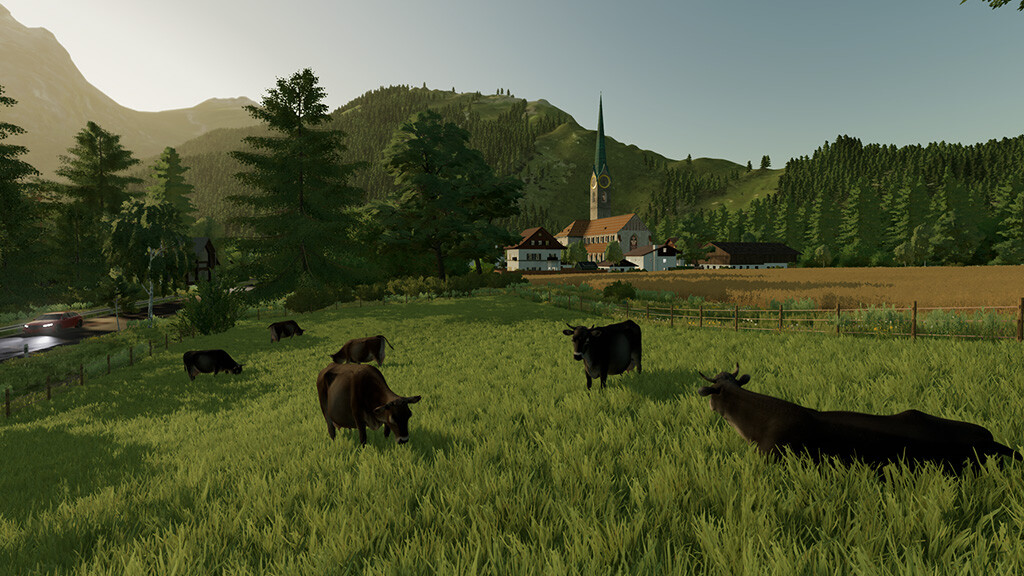
– More stables for pigs, sheeps and horses and an open cow pasture
– A production for farm needs (lime, seeds, fertilizers, pig feed, cow feed)
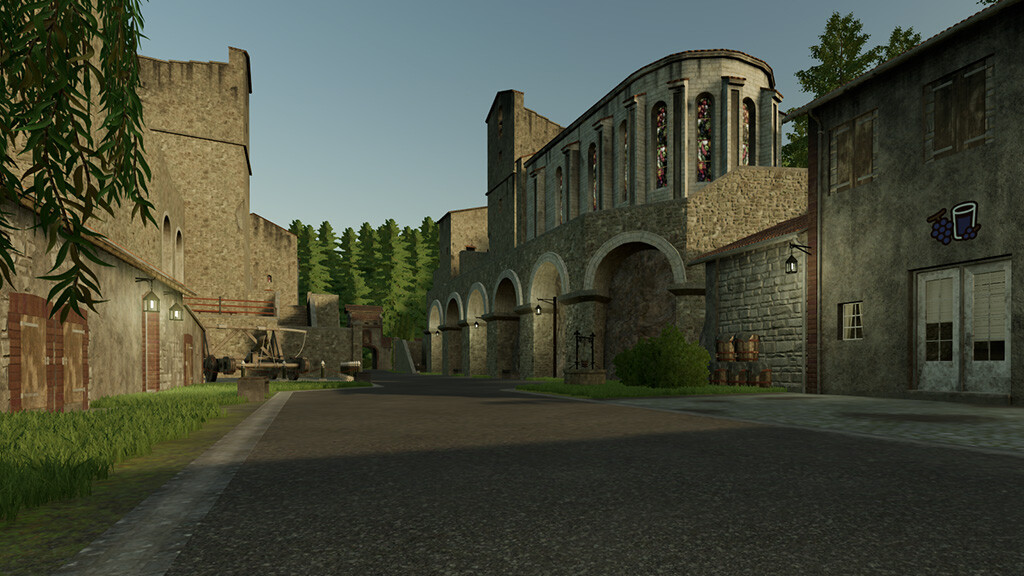
– A castle with grape juice production and grape juice sales
– 1 BGA
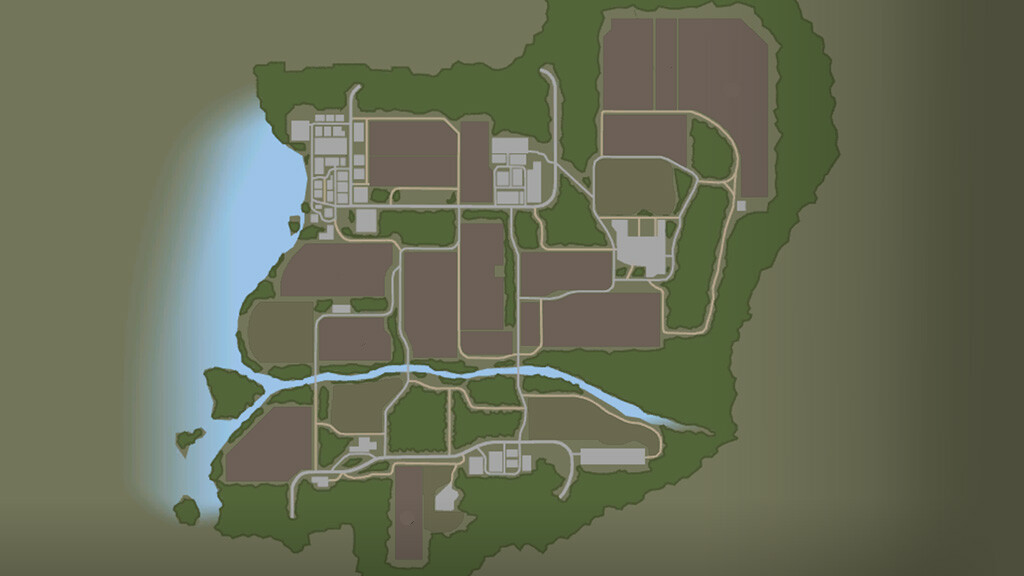
– 2 villages and 1 industrial area with other interesting productions and sales points
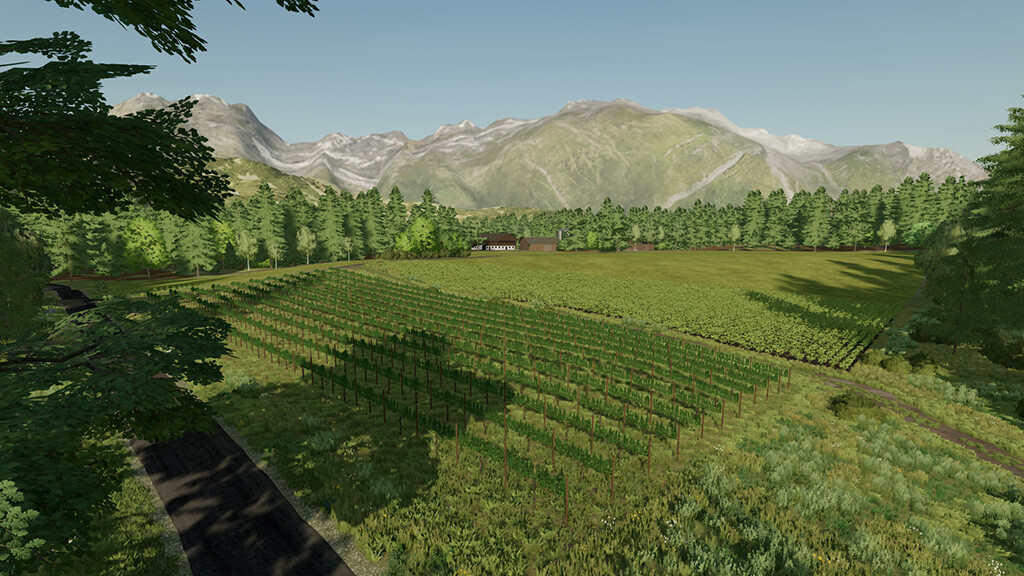
– 16 arable land, 5 meadows, 7 forest areas, 1 grape field
In St. Kalle and the neighboring Kallestein the world is still in order … why is that so? Very easily! The two villages have always opposed the faster-higher-further principle of an increasingly restless world and have opted for self-production that is healthier for body, mind and soul. From food to clothing and furniture to energy, everything is self-produced… and you, as a farmer, play an important role: how will you support the two villages?
I am very curious about your plan!
Pssst, a little insider tip: the castle tavern loves to fill the guests’ goblets with fresh grape juice … and there are other vendors who pay very well for high-quality products … feel free to check the price list beforehand you decide on a business path.
And now have fun in St. Kalle!
Changelog 1.2.0.0:
(New savegame necessary)
– Removed hidden collis
– Shutters and gates on the farm house colored
– Reworked the sleep trigger at the farm house
– Reworked the water trigger at the farm house
– Main farm can now be sold completely