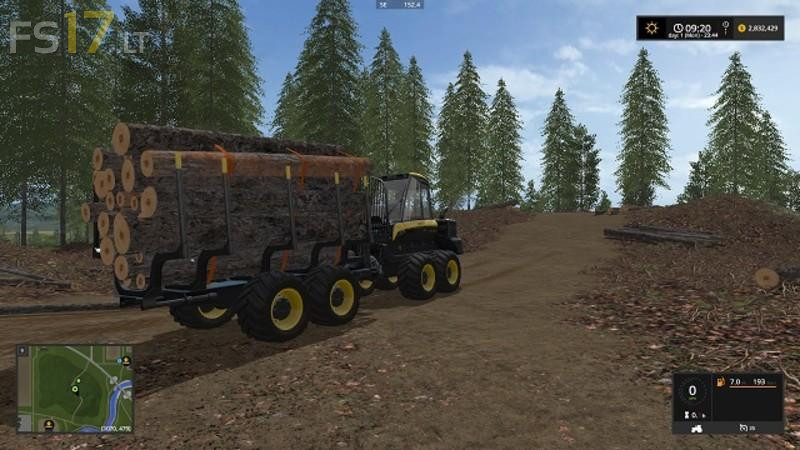
PONSSE BUFFALO LOG TRANSPORTER V 1.0
About the mod:
Removed the Crane and Grab
Added a collision node at the back to prevent logs from sliding out when loading and traveling up hills
Increased the speed to 35 km
Installed Marhu’s Auto Load Wood Script
Tips:
Loads 5 to 6 meter logs
When loading and unloading; Start snd Stop the processes so that a couple of logs are loaded/unloaded at a time, this will reduce the chances of logs getting crossed and going everywhere.
Credits:
Giants, Getsome2030
How to install FS17 mods?
Firstly find a mod which you like and want to download. Then download a mod to your PC. Mods are usually in .zip format file. But sometimes it can be in .rar. If a mod file is a .zip format no needed additional actions. If a file is in .rar, then you must unarchive mod with software like WinRar or Zip7. Windows 10 users no need to use software for archives, Win10 itself has a feature to unarchive files.
The next step is to find mods folder in your PC. Usually, it is in Documents/My Games/Farming Simulator 17/2017. Open the "mods" folder and put downloaded .zip archive or unarchived .rar file to this folder.
Last step. Enjoy of FS17 mods!