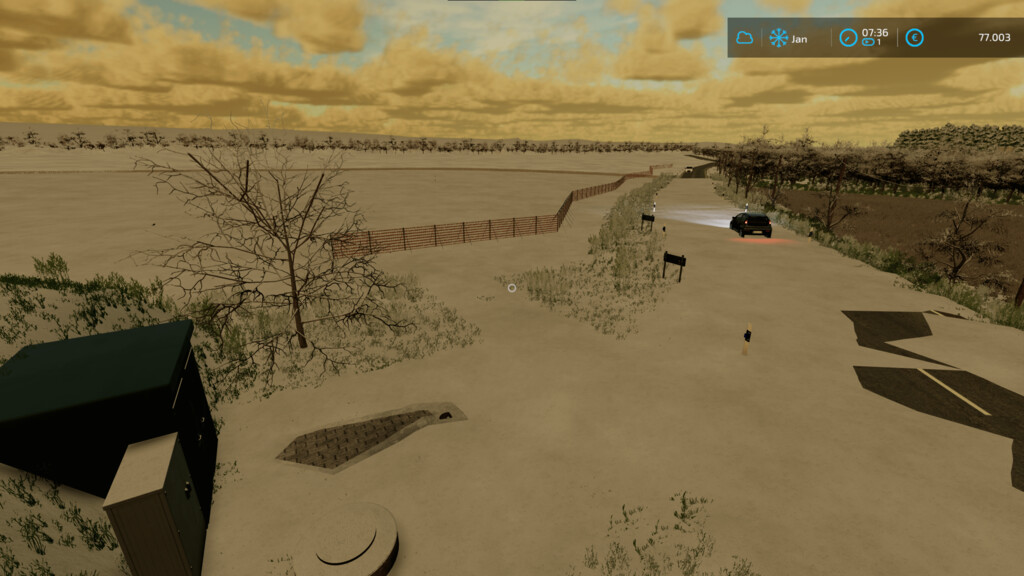
Snow Guard Fence v 1.0
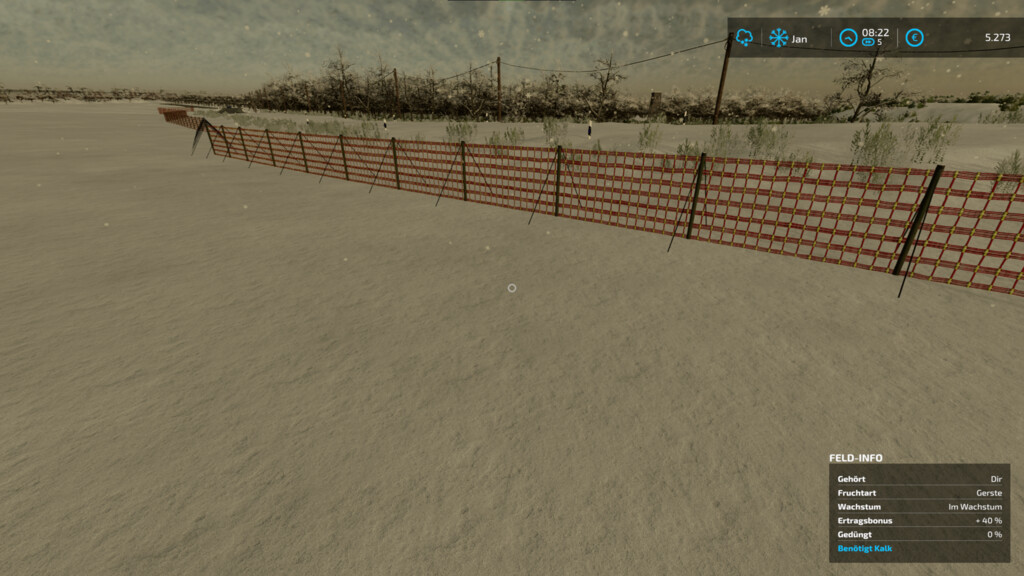
Snow fence to decorate your map.
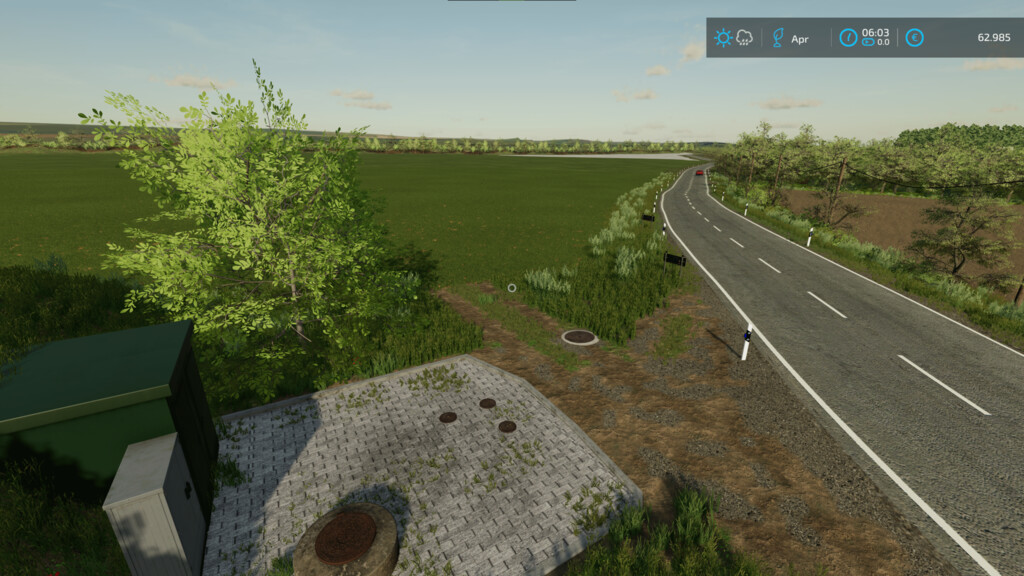
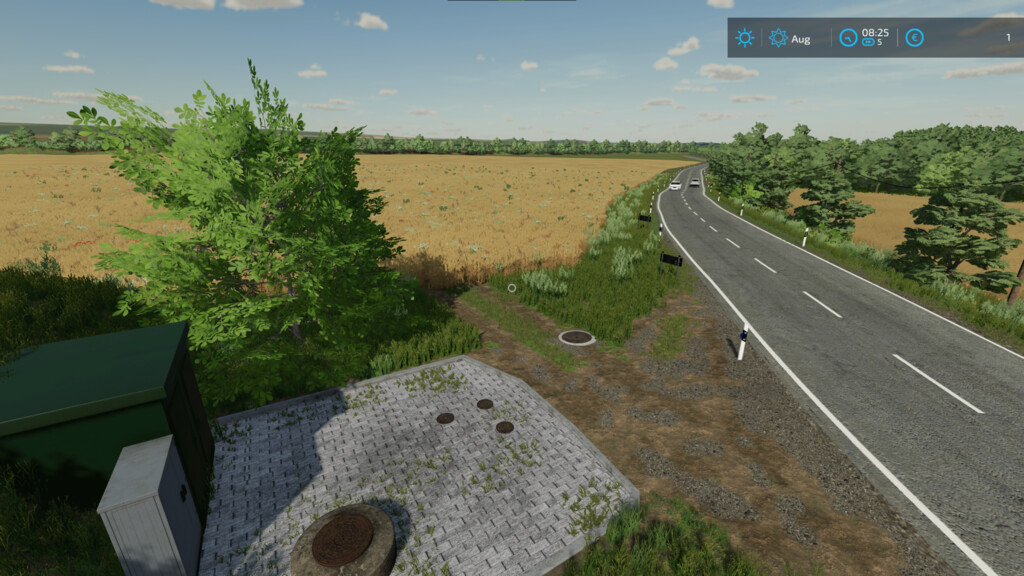
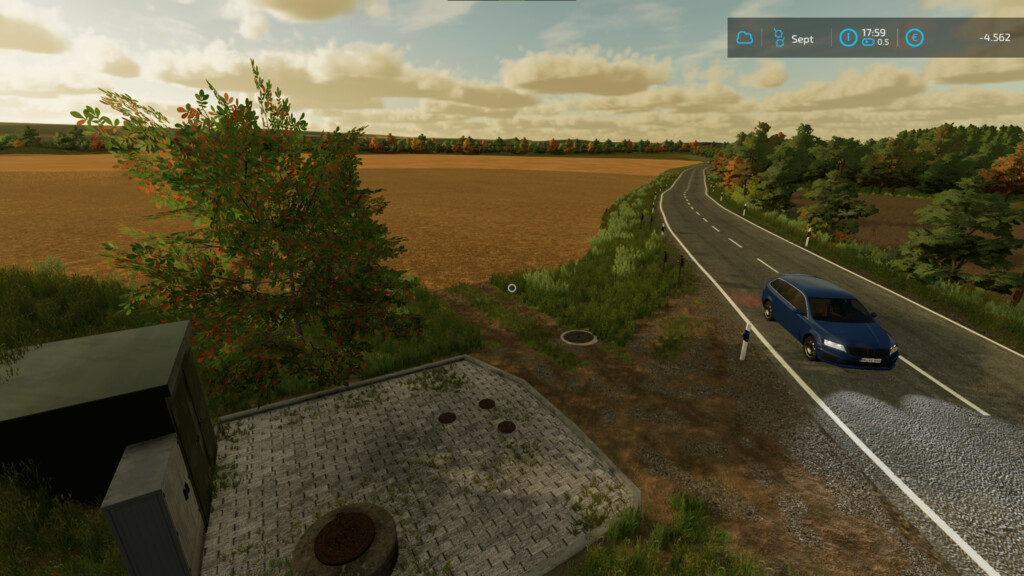
This is only visible in the winter months and should only be placed in these.
When you start an existing savegame, the fence only appears again on the next ingame day for technical reasons.
For a good look after placement, I don’t recommend placing them at too steep an angles with each other because of the tension straps.
In order not to get any problems in the remaining months, the fence has no collision.
Price: $10
nop82/NO-Modding
Farming Simulator 22
How do I install Farming Simulator mods?
Find a mod that you like and want to download first. Then, on your PC, download a mod. Mods are typically in.zip format. However, it is sometimes in.rar format. If the mod file is in.zip format, no additional actions are required. If a file is in.rar format, you must unarchive it using software such as WinRar or Zip7. Windows 10 users do not need to use archive software; Win10 includes an unarchive feature.
The next step is to locate the mods folder on your computer. It is typically found in Documents/My Games/Farming Simulator [Your FS game version, e.g. 2022]. Open the "mods" folder and place the downloaded.zip archive or unarchived.rar file there.
The final step. Have fun with Farming Simulator mods!