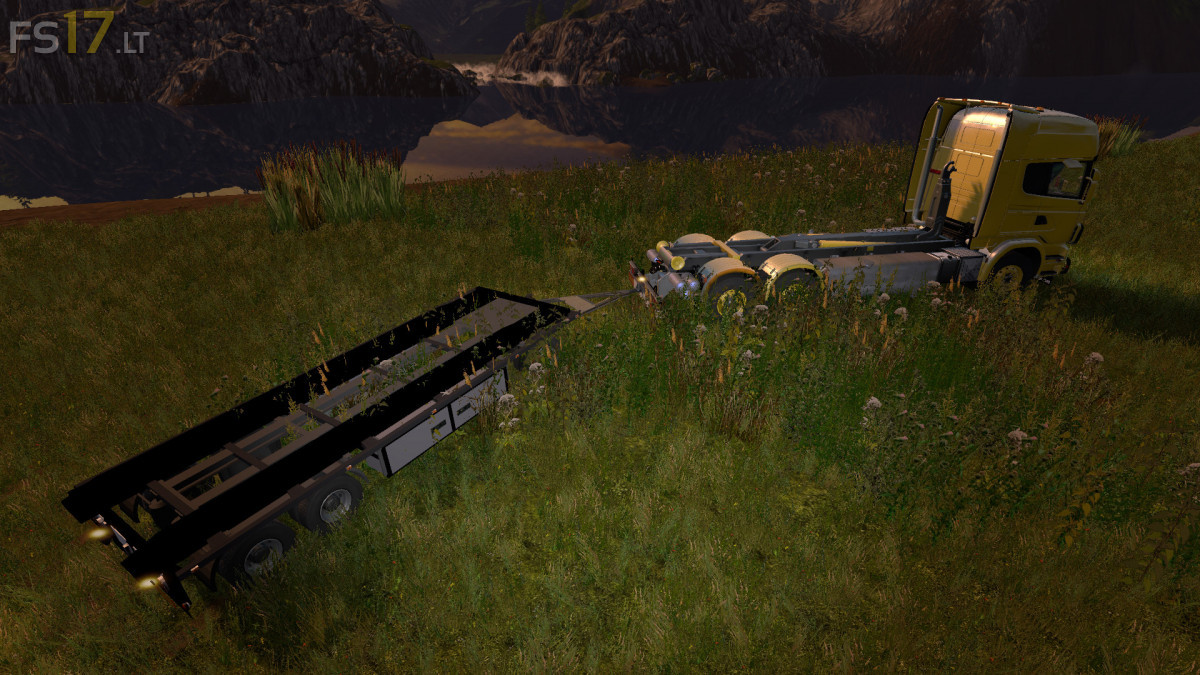
SCANIA V8 HKL + HKL RAIL TRAILER V 1.0.3.0

FS19 mods

About the mod:

Version 1.0.3.0:
* Light Addon now Optional
* Cabins Light is installed by the FSM team so that the existing cabin lighting can be controlled via Num 0 Seperat
* From now on you can see backwards
* New petrol tank and guard were replaced by the old gasoline tanks, which gave the truck a gasoline capacity of 800 liters

Credits:
Giants, Dimanix, Ap0lLo

How to install FS17 mods?

Firstly find a mod which you like and want to download. Then download a mod to your PC. Mods are usually in .zip format file. But sometimes it can be in .rar. If a mod file is a .zip format no needed additional actions. If a file is in .rar, then you must unarchive mod with software like WinRar or Zip7. Windows 10 users no need to use software for archives, Win10 itself has a feature to unarchive files.

The next step is to find mods folder in your PC. Usually, it is in Documents/My Games/Farming Simulator 17/2017. Open the "mods" folder and put downloaded .zip archive or unarchived .rar file to this folder.

Last step. Enjoy of FS17 mods!

One thought on “SCANIA V8 HKL + HKL RAIL TRAILER V 1.0.3.0
  • thibaut43440 says:
    2017-07-15 at 22:17

    Bonjour,+j’accord+sur+l’image+le+camion,+mais+j’arrive+pas+a+le+mettre+sur+le+jeu,+je+le+téléchrge+et+je+le+mais+sur+le+jeu+dans+le+fichier+mods+mais+il+s’instale+pas.+Quelle+q’un+a+une+idée+?

Leave a Reply

Your email address will not be published. Required fields are marked *