

AR/FRAME EQUIPMENT PACK V 1.1


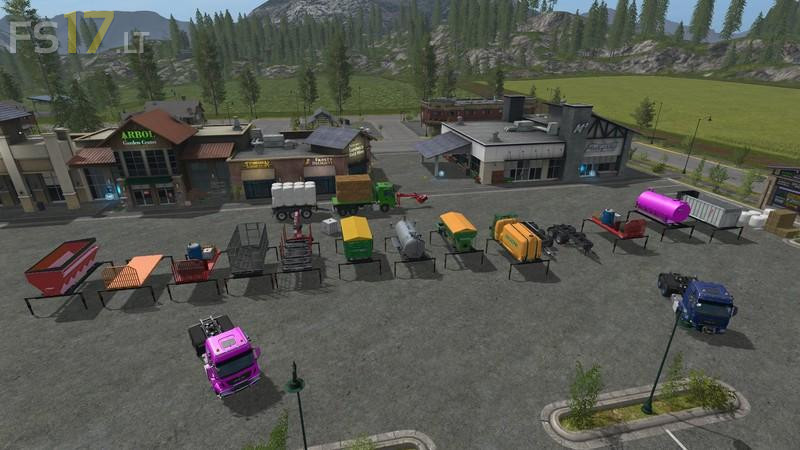
AR/FRAME EQUIPMENT PACK V 1.1
Version 1.1:
* Added Bredal ARK125 – This is a smaller fertilizer spreader we have added fill plane animations when it is in operation and a warning sign that appears when you put Fertilizer in the Bin
* Fixed all tippers tip to ground function
* Fixed as needed some Tippers centre of gravity
* Added Straps to UAL Flatbed
* Fixed movement on flatbed when unloaded UAL to centre – Used to shake bed
* Added milk to water trailer + dynamic fill hose
* Increase pickup reach of UAL Flatbed
* Added Bergmann MSAR20 Manure Spreader
* Fixed Lizard Tipper Tip Effects
* Fixed small size loading error on both UAL Logging trailers
* Added nicer store picture for Animal trailer
* Moved shop category to End of list
* All Log Trailers now assigned “i” for tipping
* Fixed Effect Size and fill plane on Bergman tipper