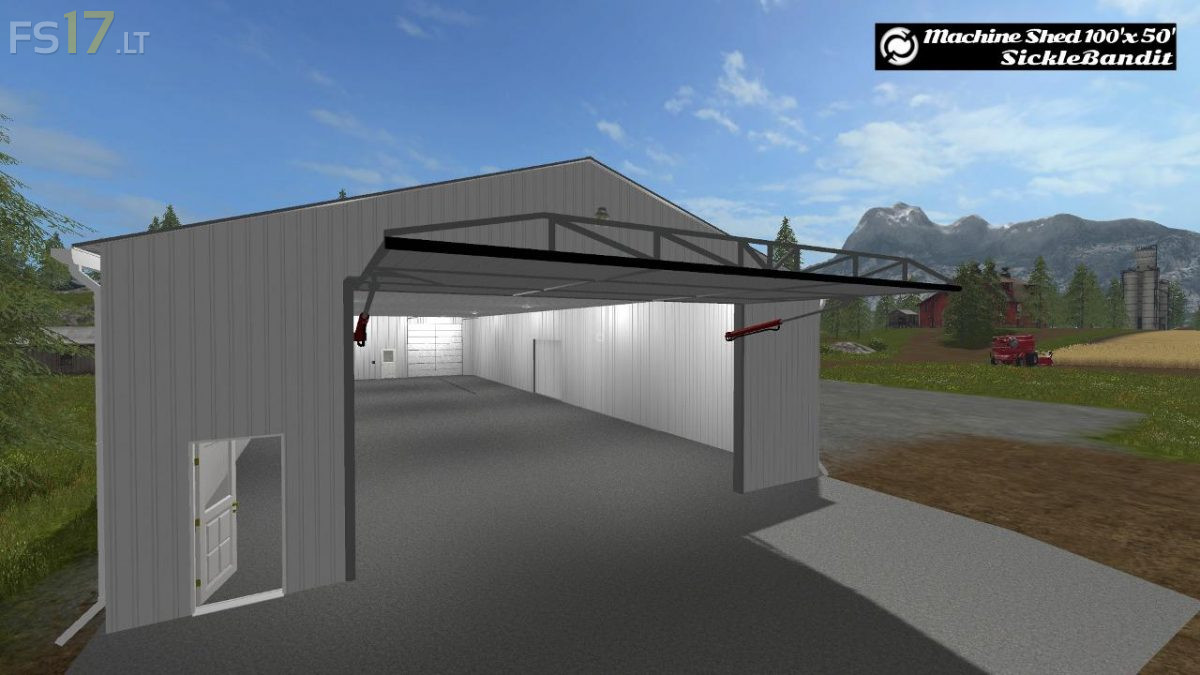
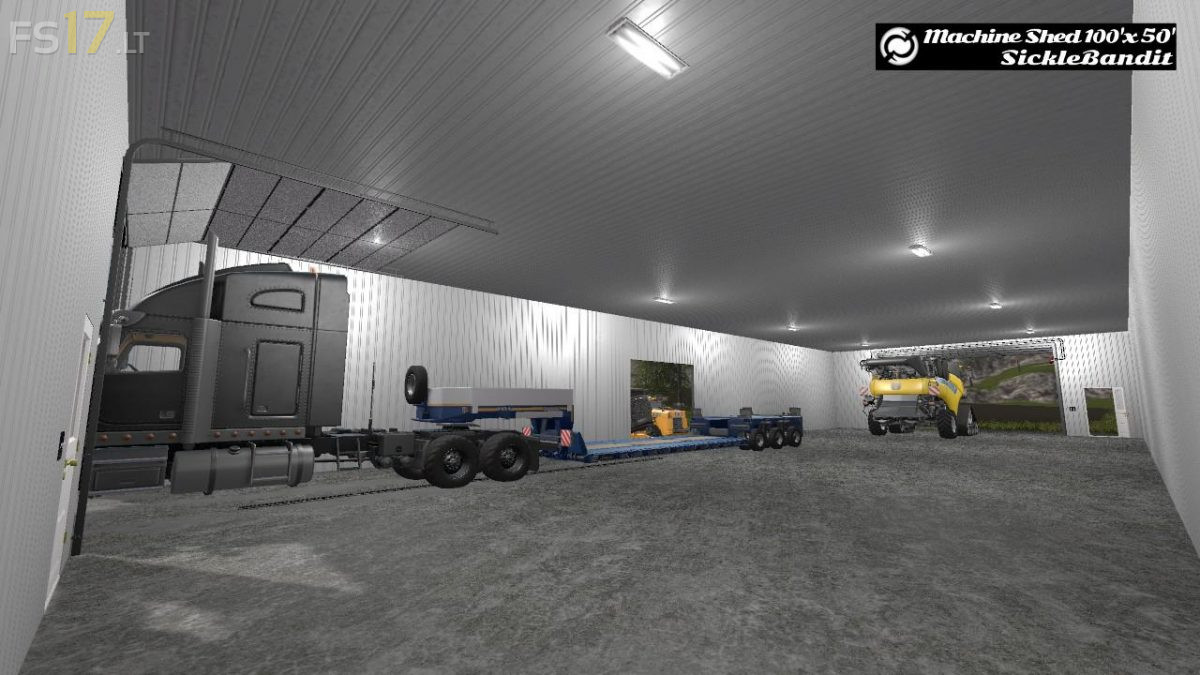
Machine Shed – 100 x 50 (Functional) v 1.0

FS19 mods

About the mod:

A metal shed for storing your equipment. High quality heavy duty steel construction. One hundred feet long and 50 feet across is adequate room to keep your machines safe and clean. With a powerful hydraulic lift door, the tallest and widest machines will fit. Automatic yard lights on both ends keep the yard bright when you need to put something away in the dark. With florescent lighting installed, a flick of a switch keeps you farming all night long!”

Credits:
SickleBandit

How to install FS17 mods?

Firstly find a mod which you like and want to download. Then download a mod to your PC. Mods are usually in .zip format file. But sometimes it can be in .rar. If a mod file is a .zip format no needed additional actions. If a file is in .rar, then you must unarchive mod with software like WinRar or Zip7. Windows 10 users no need to use software for archives, Win10 itself has a feature to unarchive files.

The next step is to find mods folder in your PC. Usually, it is in Documents/My Games/Farming Simulator 17/2017. Open the "mods" folder and put downloaded .zip archive or unarchived .rar file to this folder.

Last step. Enjoy of FS17 mods!

Leave a Reply

Your email address will not be published. Required fields are marked *