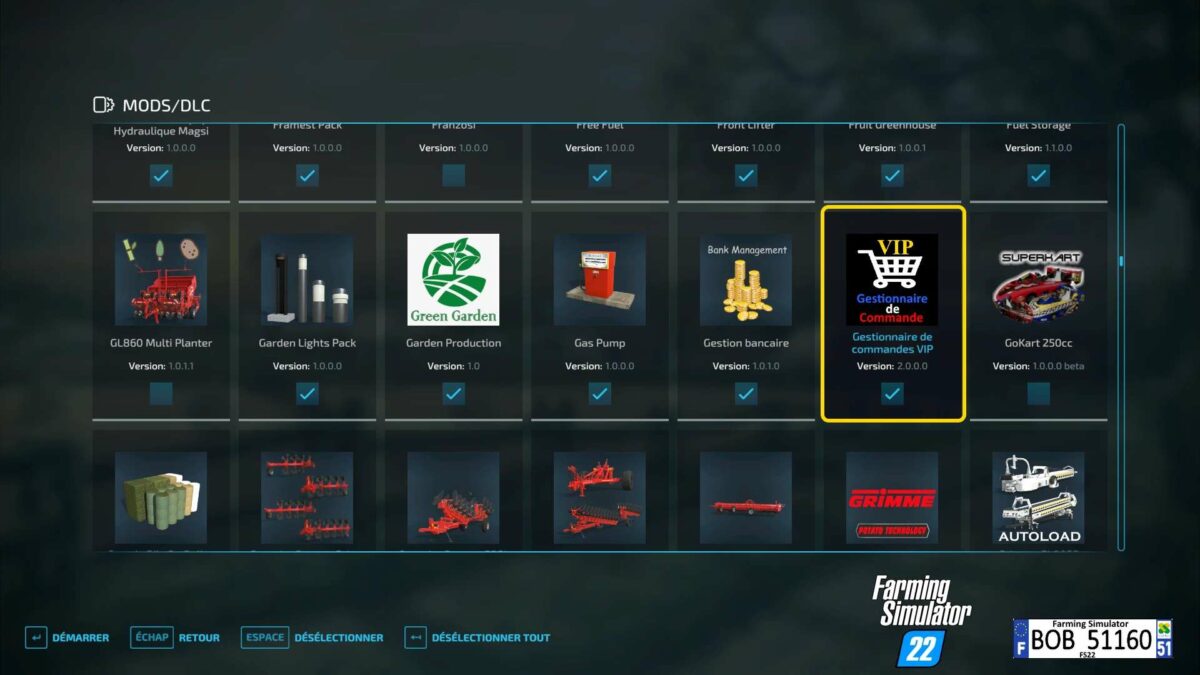
VIP Order Manager v 1.0

FS22 mods

VIP Order Manager v 1.0 VIP Order Manager v 1.0
1 Star2 Stars3 Stars4 Stars5 Stars
About mod:

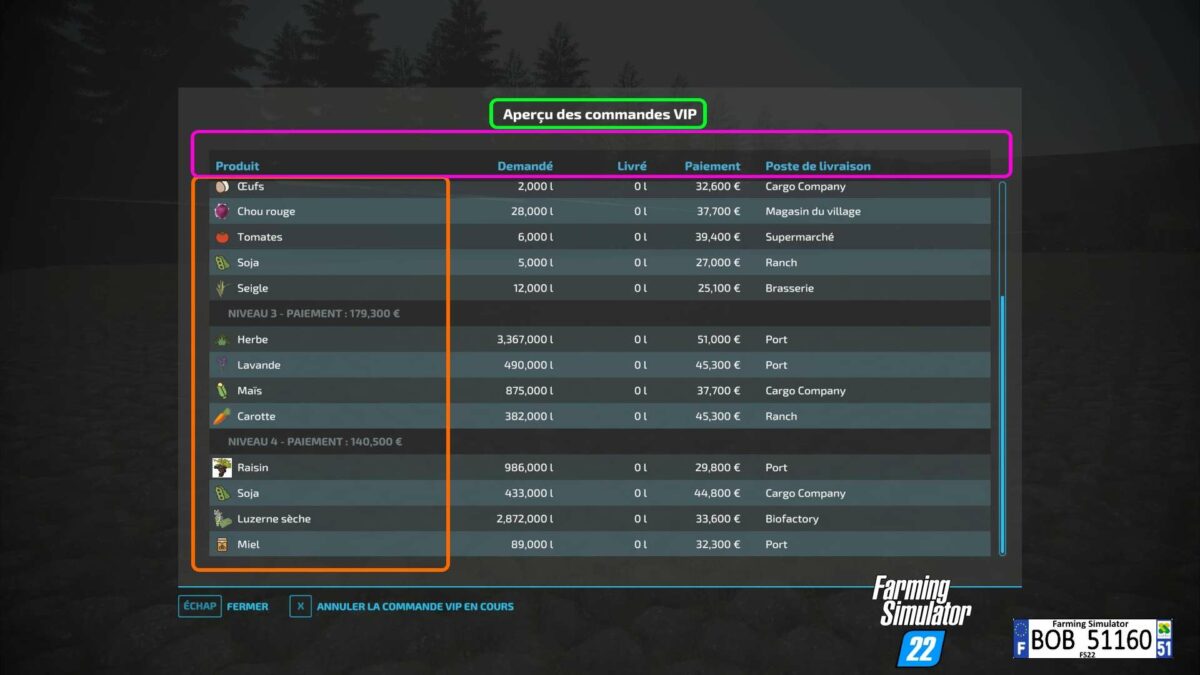
VIP Order Manager mod in French version. The VIP Order Manager offers the farmer VIP orders consisting of several products to be delivered. For each product, the quantity to be delivered and the place of destination are explicitly indicated. In addition to the current VIP order, one can already see the next three VIP orders. But only the current order can be delivered. With right CTRL + O, the current command is displayed for a few seconds. Right ALT + O displays the overview of all VIP commands. In this view, it is also possible to cancel the current VIP order for a fee for partial orders not yet executed. With each VIP order, the current level is increased and therefore the number of individual orders contained and the quantities to be delivered increase and the revenue decreases. The area owned is also taken into account in the calculation. As the level increases, other products are also taken into account. As prefer to play with small plots, the calculation is optimized for this purpose. With LS19 already started developing the VIP Order Manager to represent something like campaigns.

Credits:

BOB51160, Fetty42

Game version:

Farming Simulator 22

* By clicking [Download this mod from filehost] button you agree to leave this website. The link opens in the new tab. File is hosted in the external website. We are not responsible for the content of the external page and the possibility of free download of the file.

How do I install Farming Simulator mods?
Find a mod that you like and want to download first. Then, on your PC, download a mod. Mods are typically in.zip format. However, it is sometimes in.rar format. If the mod file is in.zip format, no additional actions are required. If a file is in.rar format, you must unarchive it using software such as WinRar or Zip7. Windows 10 users do not need to use archive software; Win10 includes an unarchive feature.

The next step is to locate the mods folder on your computer. It is typically found in Documents/My Games/Farming Simulator [Your FS game version, e.g. 2022]. Open the "mods" folder and place the downloaded.zip archive or unarchived.rar file there.

The final step. Have fun with Farming Simulator mods!

Leave a Reply

Your email address will not be published. Required fields are marked *