

MTZ Pack v 1.0.0.2

MTZ Pack v 1.0.0.2
The Pack consist of:
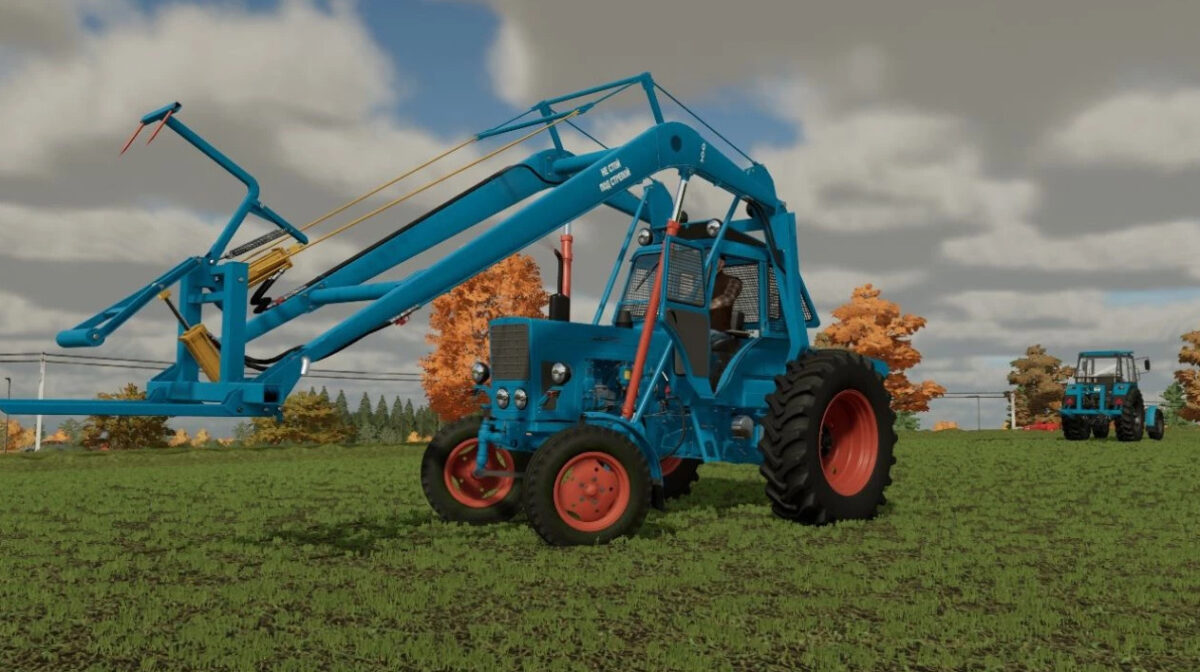
– MTZ 80/82/Beam bridge
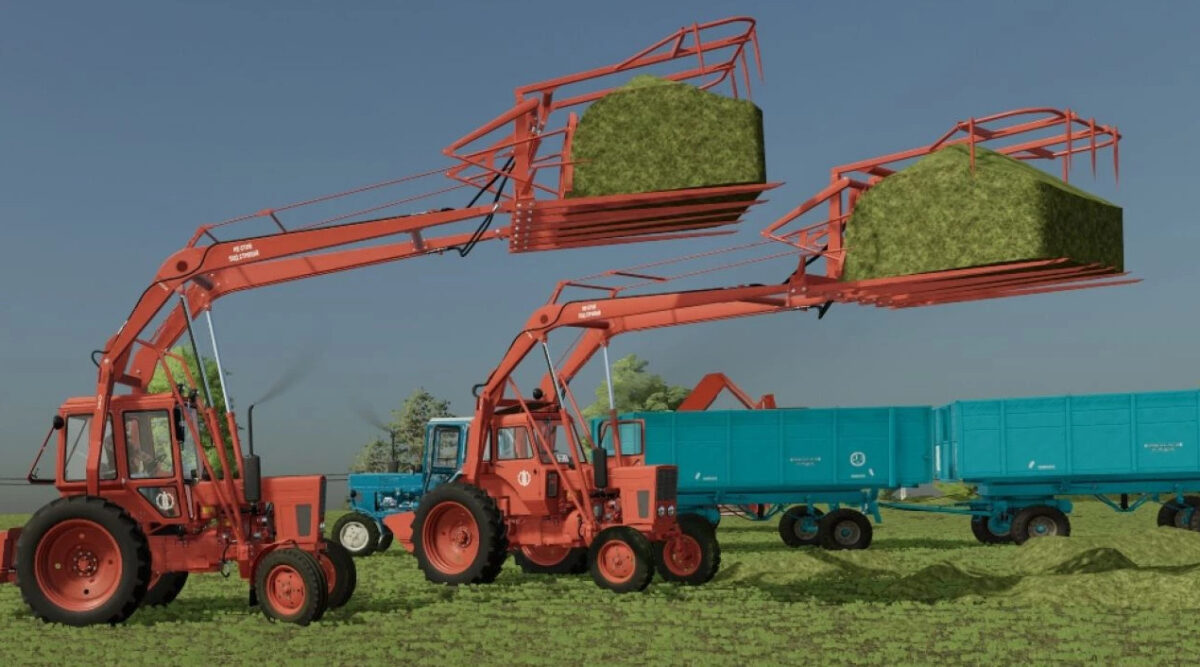
– MTZ 80/82 stacker
– MTZ 82 MES 200
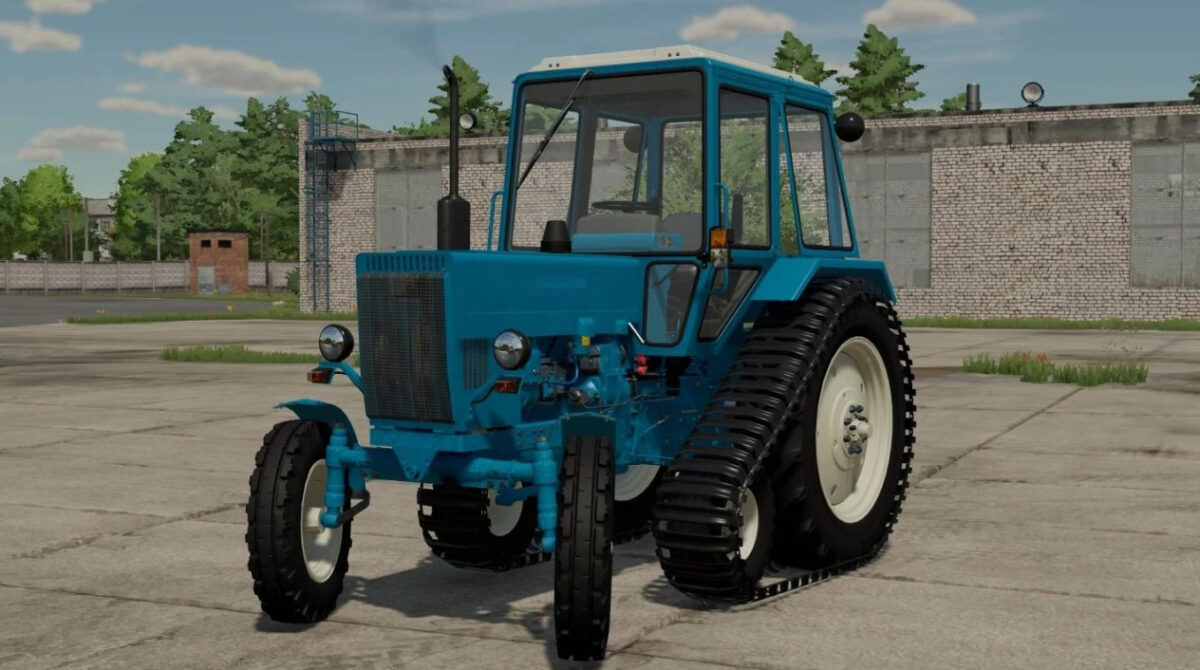
– MTZ 80 half track
– MTZ 80/82 EO 2621
– MTZ-80/82 PAF 1BM
– MTZ 80x
– SPS 4.2 beet/potato loader cleaner
– RKS 2.6 beet/potato harvester
– HMP 1.8 cotton harvester
– 2PTS 6 cotton
– BM 6B haulm harvester
– PKU Barnaul 0.8
– PKU Barnaul 0.8 with boom extension
– Grab
– Pitch fork
– Dozer blade
– Dozer blade for snow
– PS 0.8 Stogomet
– PKU 08-13
– Rake PS 0.8
– Rake SNU 550 Trailer
– Rake SNU 550 12
– POM 630
– Universal bucket 0.8 cube
– Universal bucket 1 cube
– Universal bucket 1.2 cubes
– Triangle MTZ
Version 1.0.0.2:
– Added MTZ-82P/82UKP
– Added MTZ-82UK MES -200
– Added MTZ-80UK – half-track
– Added MTZ-80UK/82UK EO-2621
– Added MTZ-80UK/82UK PAF-1BM
– Added MTZ-80UKX
– Added MTZ-80/82 Export
– Added MTZ-80UK SPS-4.2 – beet/potato loader cleaner
– Added MTZ-80UK RKS-2.6 – beet/potato harvester
– Added MTZ-80UK/82UK Stogomet SNU-550
– Added MTZ-80/82 Stogomet SNU-550
– Added MTZ-82 BX100
– Added MTZ-80MK/82MK
– Added 4 engine sounds
– Added launcher
– Added 4 front weights
– Added interior color selection
– Added a combination of vehicles
– Added the brand of Chervona Zirka
– Added Rake PF-0.5
– Added PPU-0.5 Pallet forks
– Added PPU-0.5 Big Bag
– Added PPU-0.5
– Added PPU-0.5 Trailer
– Added the name of the wheels
– Added new front tires for MTZ-80/82
– Added tire Ya-319, F-64, F-74
– Fixed the weight distribution of tractors
– Fixed Simple IC on MTZ-UK
– Fixed other little things
– Revived all the toggle switches tidy
– Changed the light to more realistic, yellow
– Cut off and revived traction clutch, gas
– Fixed the grille of the new hood
– Added hydraulic hoses on the front hitch
– Minor fixes and improvements
– Added wiring to the front lighting
– Added an old hood under the turbine
– Minor fixes and improvements