

Frisian March Map v 2.5


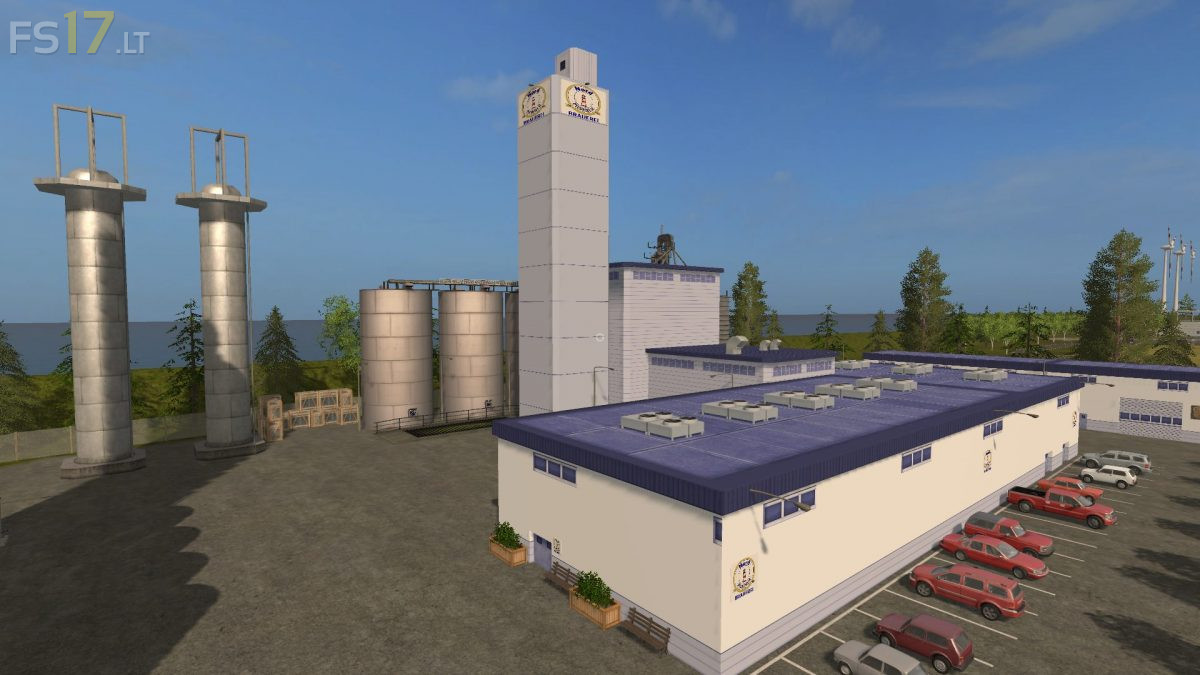

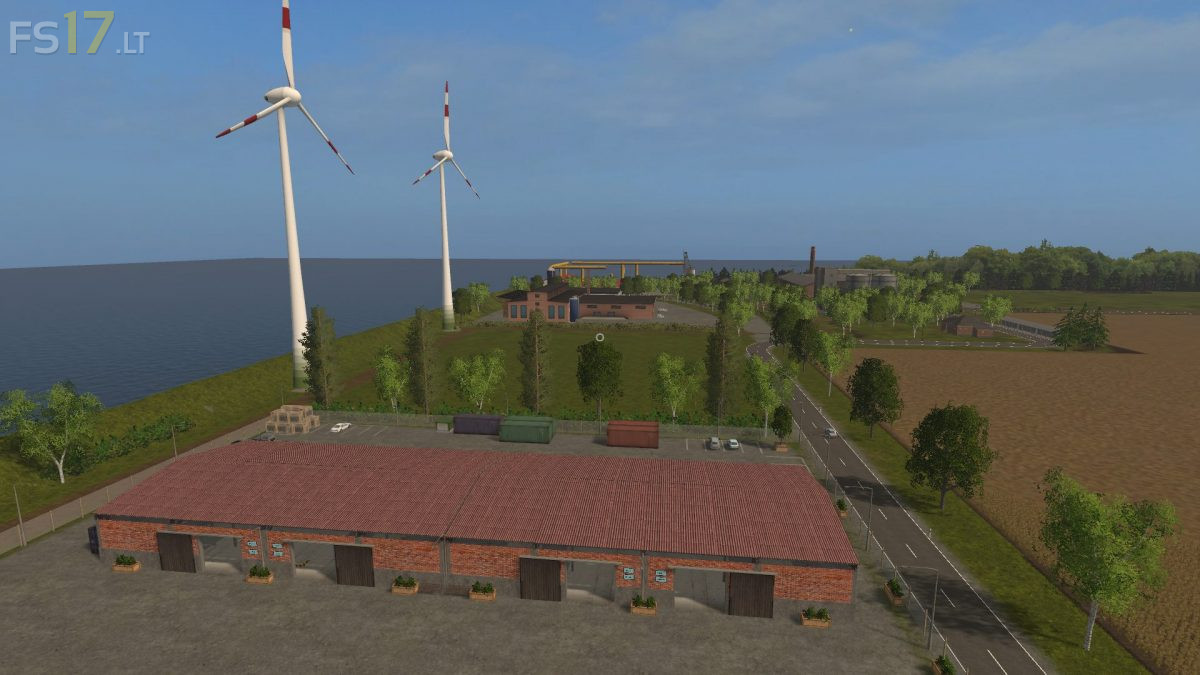
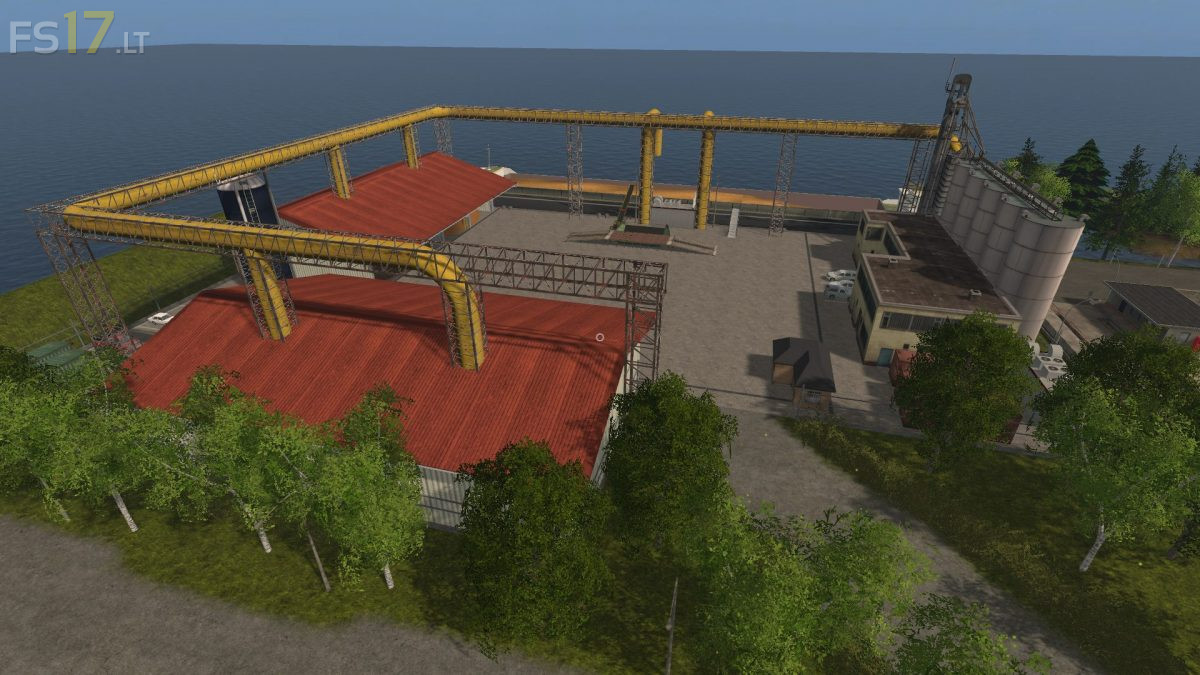
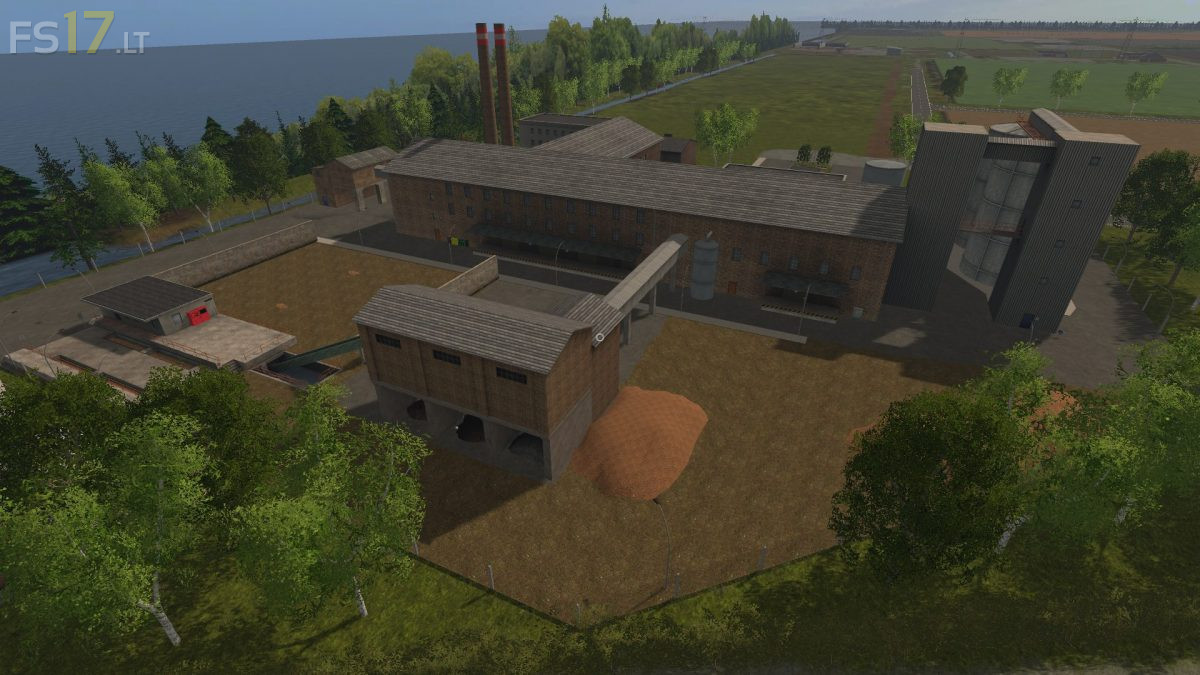

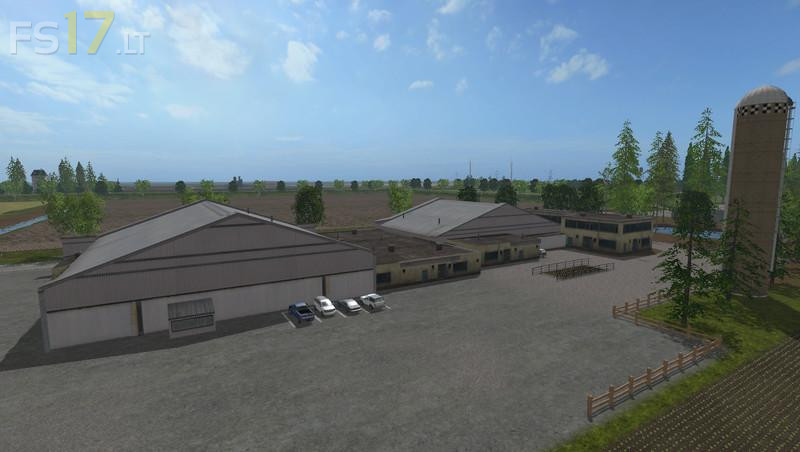
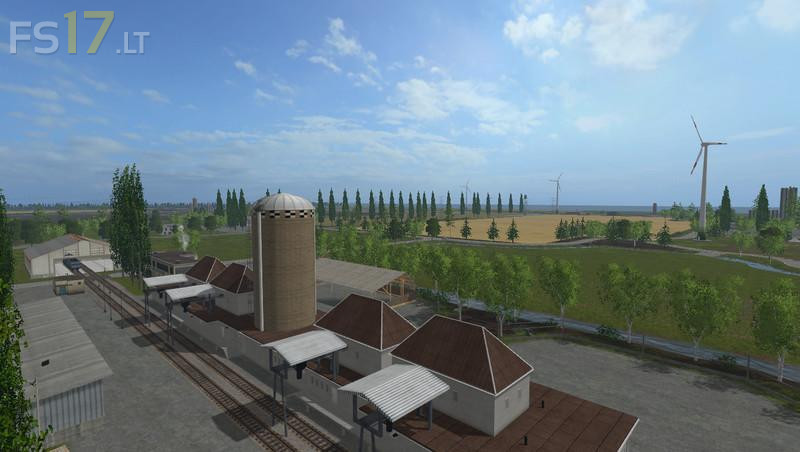
Frisian March Map v 2.5
Version 2.5:
– 5 new types of pallets
– Potato washing machine for washed potatoes
– Potato factory for processing the washed potatoes into potato chips, chips and French fries.
– Refinery is now an oil factory producing diesel and oil pallet
– Sale of the new pallets to the local supermarkets and partial stadium and pallet sale possible
– 2 warehouses for potatoes (one at the farm and one at the potato washing machine)
– Sugar beet storage at the farm
– Potatoes and sugar beet can also be stored in the yard silo
– Warehouse for pig feed at pigsty
– Palettenlager extended by 2 halls and there place for the new pallets managed
– Ground fault before pigsty
– Dirt area pigs changed
– Fertilizer plan seed production fixed
– Mestic indicator for fertilizer production now fits better
– Prices fertilizer / sowing changed again slightly
– Advertisement Refinery (Now cooking oil and diesel factory) is eh new
– Gate at the cowshed no longer disappears in the hall wall