

HTS 5004 UAL v 1.0

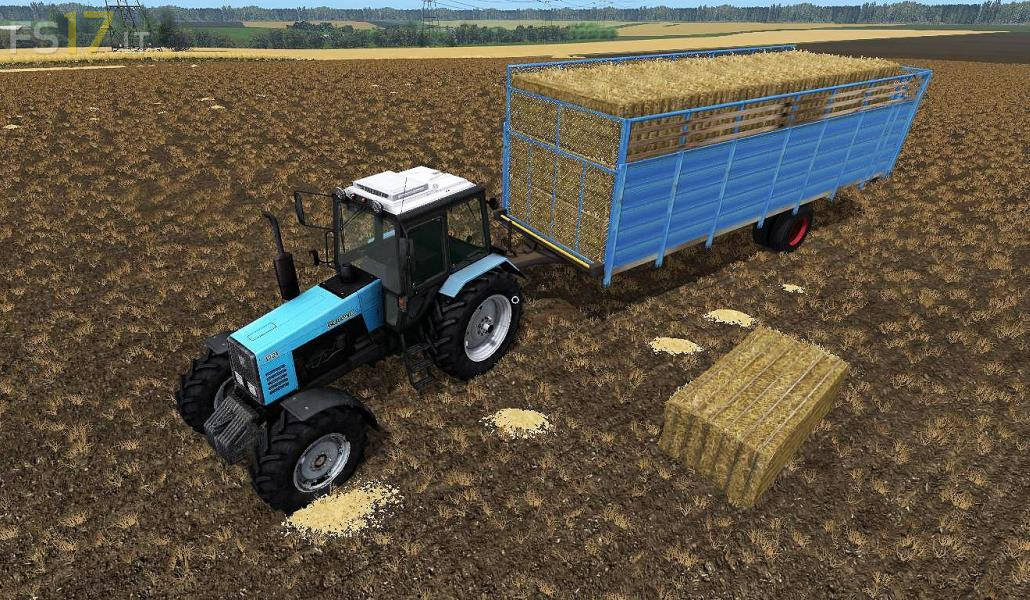
HTS 5004 UAL v 1.0
Trailer with automatic loading / unloading. Used for transportation of bales and pallets (28 round, 21 square, 12 pallets). There is also a manual unloading: LMC (left / right) – tailgate, LMC (up / down) – flapper. Selection of the side of unloading, animation of the support pillar, lighting technology, washable.
A short explanation for this fashion. Automatic loading: Use the Z key to select the type of product to be loaded. Next, press the X (Work position) button, the bales or pallets will automatically load. Automatic unloading: Press B to select the unloading side, press Y to automatically unload the trailer. Manual unloading: The unloading side is not selected, we press the Y (unload) key. With the help of LMB (left) – open the tailgate, LMB (up) – move the flap and unload the trailer.