

New Holland T7 HD Series Edition v 1.1

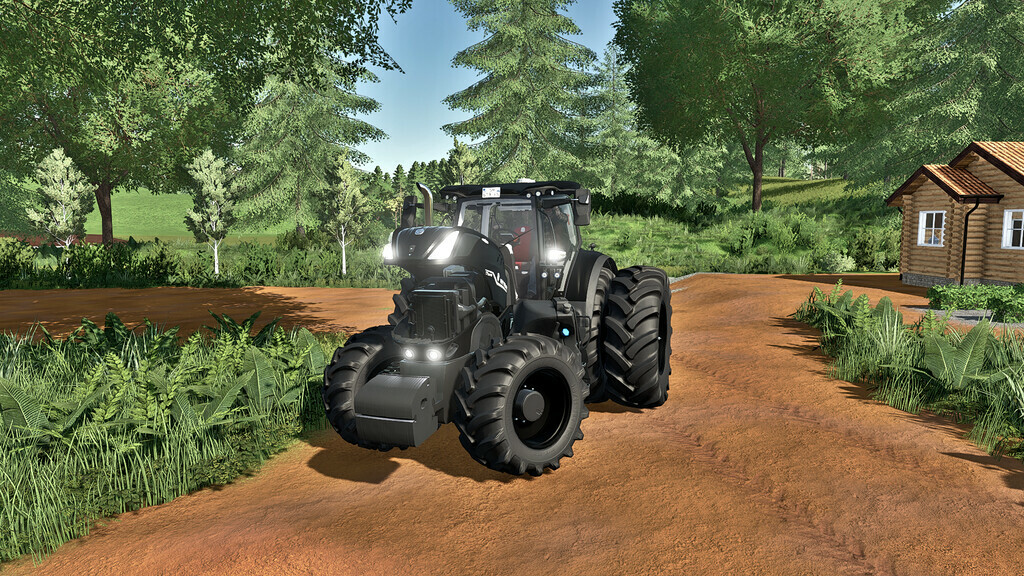
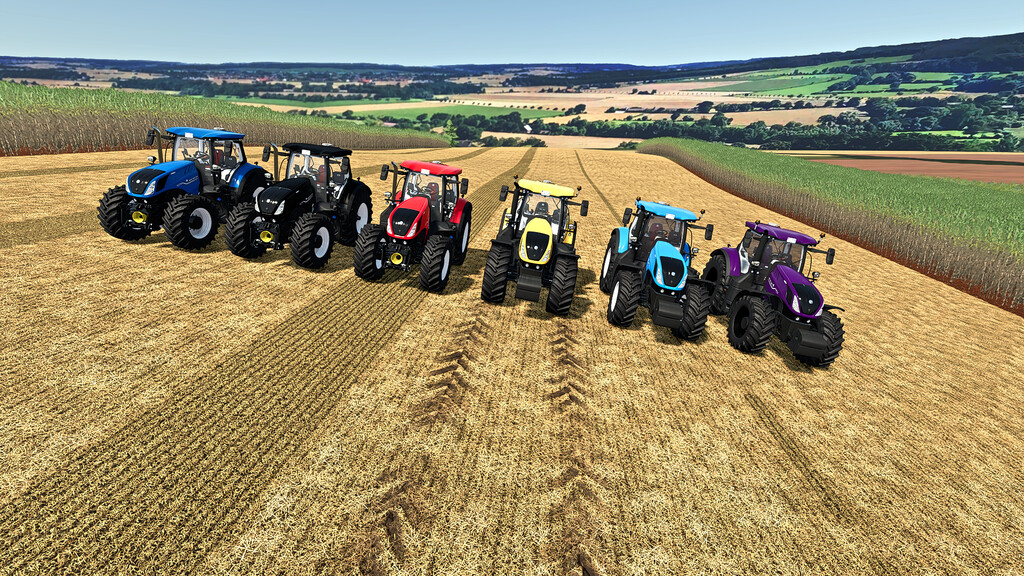
New Holland T7 HD Series Edition v 1.1
NEW HOLLAND T7 HD Series Edition is a tractor for different field services, making it easy to handle, with different configurations.
– Price: 220500 $
– Power: 275, 290, 315 hp
– Category: Medium Tractors
– Tank capacity: 630L
– Transmission: Variable CVT
– Weight: 10.9 t
– Max Speed: 50 kph
– Wheels: standard, wide tires, dual tires, open gauge cane tires.
– Animations: Throttle, Joystick, PowerShuttle, Light Buttons.
– Controllable animations: door, hood and engine.
– Configurations: Fenders, Wheels, Emergency Lights, Glass, Sugarcane Weights and Protections, Wheel Counterweights, Exhaust Fans, Engine.
– Colors: Base, Seat Color, Rim Color.
Changelog 1.1.0.0:
– Added rice tyre lizard wheel settings
– Added front loader setting
– Optional reverse sound
– Optional antenna
– Compatible with Kubota DLC “passenger”