Mecklenburg Vorpommern Map v 1.1.0.1

FS22 mods

Mecklenburg Vorpommern Map v 1.1.0.1 Mecklenburg Vorpommern Map v 1.1.0.1 Mecklenburg Vorpommern Map v 1.1.0.1
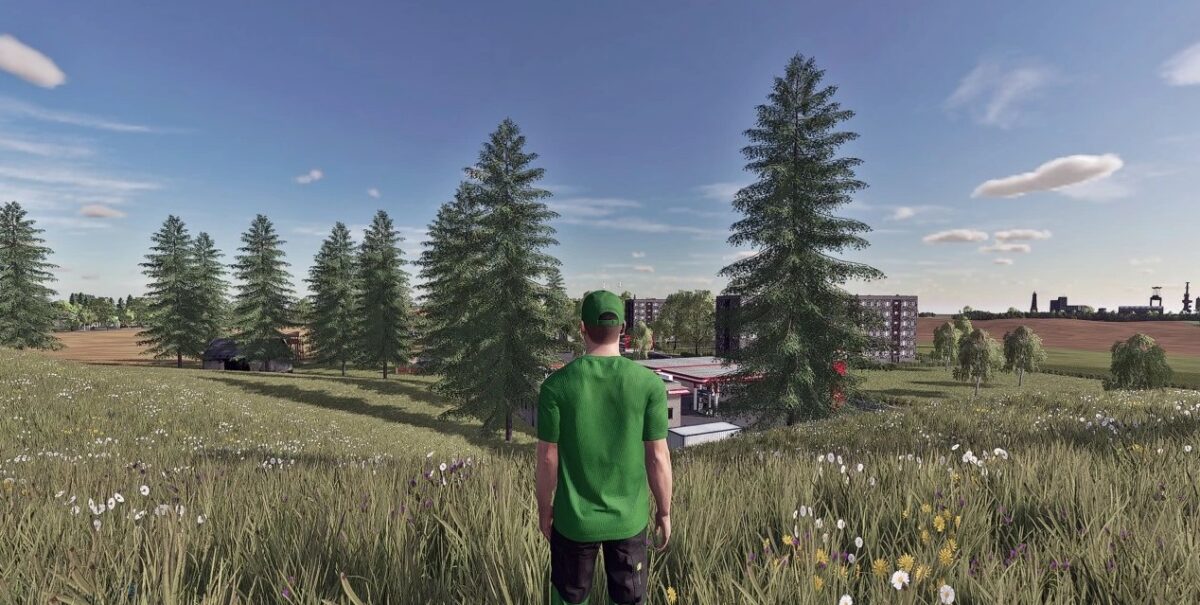
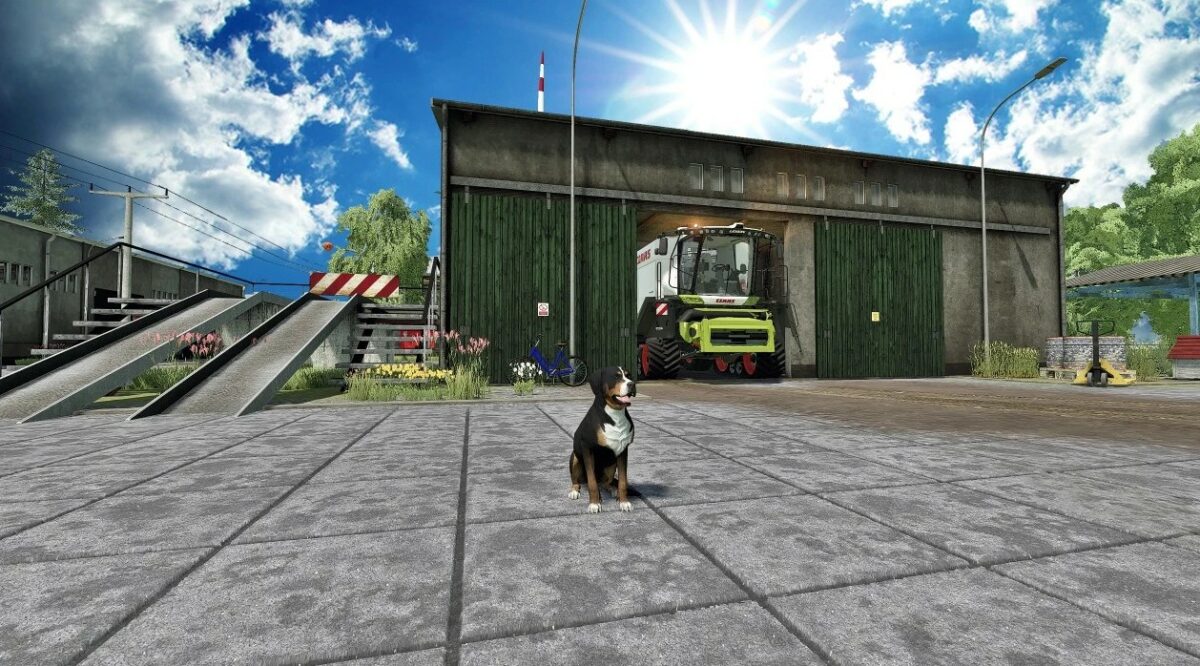
1 Star2 Stars3 Stars4 Stars5 Stars
About mod:

Version 1.1.0.1:
* Green rye can now be pressed with a baler after mowing. Round bales and square bales and then wrapped
* Various bale types adapted for green rye
* Various adjustments to xml files
* Added more AI vehicles
* Adjusted license plates of AI vehicles
* Clover and alfalfa could not be unloaded into silos (only works in conjunction with maizePlus)
* Driving silos on the Kuhhof and on the BGA can now be sold in-game
* Traffic light system revised again (problems with the collisions)
* Traffic lights can now be deactivated (see screenshot 4.5)
* Map is now 100% MaizePlus ready

Credits:

DtP Mario, DtP Thomas

Game version:

Farming Simulator 22

* By clicking [Download this mod from filehost] button you agree to leave this website. The link opens in the new tab. File is hosted in the external website. We are not responsible for the content of the external page and the possibility of free download of the file.

How do I install Farming Simulator mods?
Find a mod that you like and want to download first. Then, on your PC, download a mod. Mods are typically in.zip format. However, it is sometimes in.rar format. If the mod file is in.zip format, no additional actions are required. If a file is in.rar format, you must unarchive it using software such as WinRar or Zip7. Windows 10 users do not need to use archive software; Win10 includes an unarchive feature.

The next step is to locate the mods folder on your computer. It is typically found in Documents/My Games/Farming Simulator [Your FS game version, e.g. 2022]. Open the "mods" folder and place the downloaded.zip archive or unarchived.rar file there.

The final step. Have fun with Farming Simulator mods!

Leave a Reply

Your email address will not be published. Required fields are marked *