Belgique Profonde Modified Map v 1.0
About the mod:
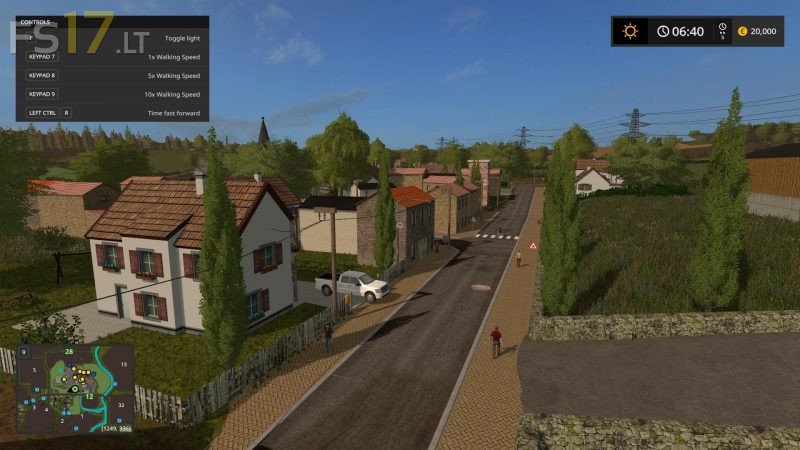
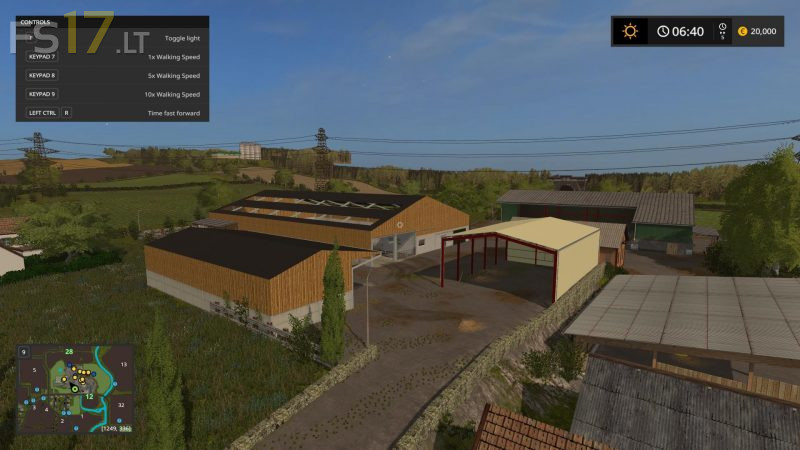
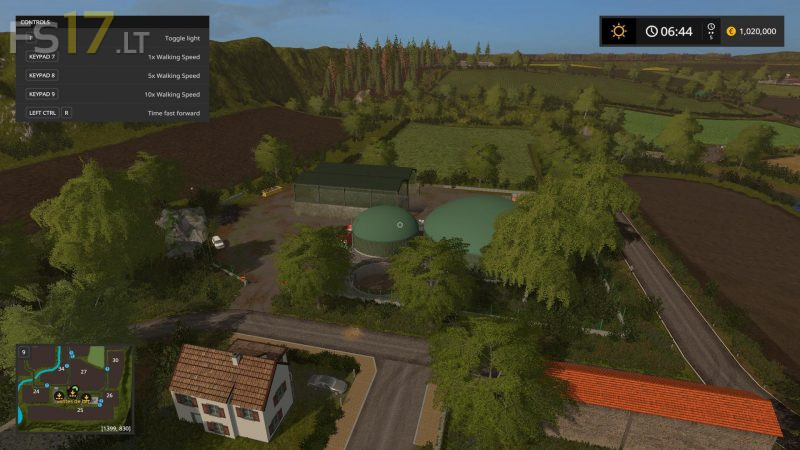
Belgique Profonde Modified Map for Farming Simulator 2017
Credits:
EmilienLGS - Dev
How to install FS17 mods?
Firstly find a mod which you like and want to download. Then download a mod to your PC. Mods are usually in .zip format file. But sometimes it can be in .rar. If a mod file is a .zip format no needed additional actions. If a file is in .rar, then you must unarchive mod with software like WinRar or Zip7. Windows 10 users no need to use software for archives, Win10 itself has a feature to unarchive files.
The next step is to find mods folder in your PC. Usually, it is in Documents/My Games/Farming Simulator 17/2017. Open the "mods" folder and put downloaded .zip archive or unarchived .rar file to this folder.
Last step. Enjoy of FS17 mods!



LUA errors and can’t quit the map
impossible+a+quitter+la+map+++erreur
manque+des+barrière+au+moutons+
sinon+j+aime+bien+la+map+,mieux+que+l+original+
+juste+2/3+points+a+rectifier
J’aime+vraiment+cette+map,+merci+pour+votre+travail+!
Par+contre,+il+y+a-t-il+un+point+pour+acheter+du+matériel?
j’ai+bien+trouvé+celui+pour+vendre+mais+pas+pour+acheter.
Non c’est bon, j’ai trouvé, un temps pour moi.
ou+doit+on+mettre+de+l+eau+pour+les+vache+et+autre+bete+merci
dans ton cul