

Fendt 500 Vario Series v 1.0

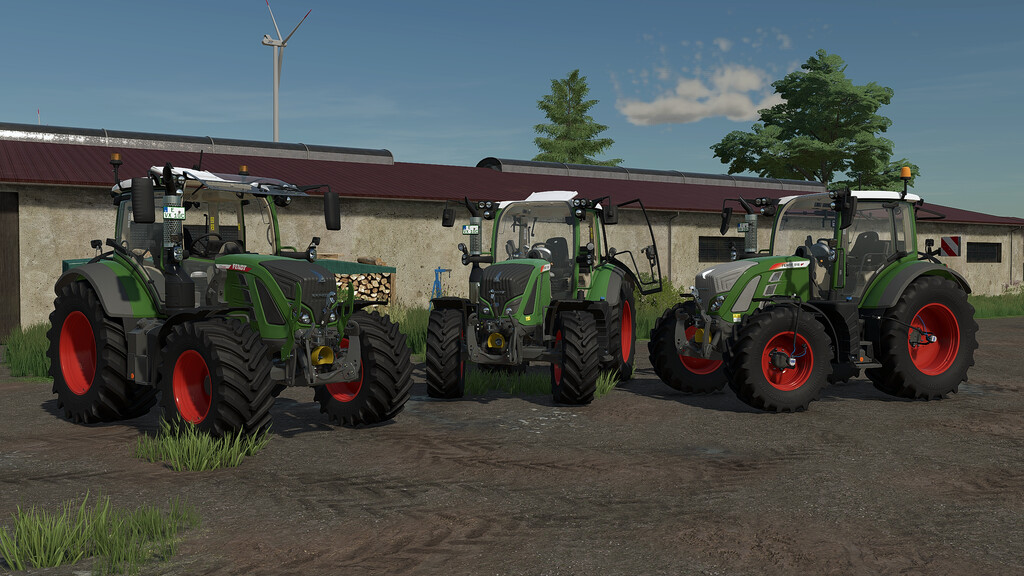
Fendt 500 Vario Series v 1.0
Fendt 500 Vario Series
Price: 130.000 $ – 134.000 $
Power: 150 – 209 hp
Engine Configurations:
Fendt 512 Vario (131 hp)
Fendt 513 Vario (141 hp)
Fendt 514 Vario (156 hp)
Fendt 516 Vario (171 hp)
Configurations:
– Main color
– Rim color
– Frontloader console color (Quicke, Hauer)
– Designpackage
– Mirror
– Cabin
– Back / Turnlight
– Furnishing
– Warning Signs
– Beacon Lights
– Frontloader (Fendt Cargo 4x, Quicke, Hauer)
– ISARIA PRO Compact (Precision Farming)
Animations:
– The door can be opened/closed by pressing both mouse buttons and left/right movement
– The rear window can be opened/closed by pressing both mouse buttons and forward/backward movement
– The roof window can be opened/closed with the mouse wheel
– The steeringbase folds down/up when you enter/leave the tractor