

Ursus C330M v 1.0

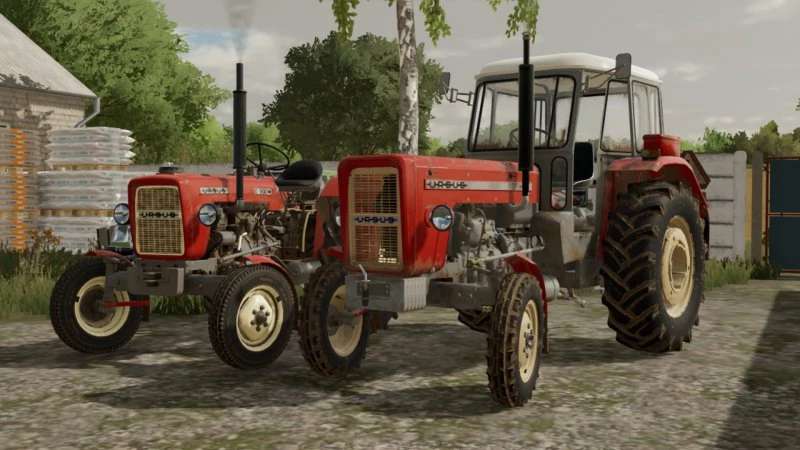
Ursus C330M v 1.0
About the mod:
Configurations:
– Tires – R16 Stomil and R16 Dębica (rescaled R20)
– Colors – Grille, Body, Rims and Fenders with Hood
– Cabins – Yes or No
– Mask – Yes or No
– Front Fenders – Yes or No
– Stickers – Beige, Black or Gray
– Grille – Without, Old or New
– Mud Flaps – None, Rear or Front, all
– Rear Weight – Rim, Body or all
– Front weight – Yes or No
– Search light – Yes or No
Elements added during editing:
– New tires instead of road R16 – Dębica ANP5
– New configuration in the selection of grilles – No grille (standard)
– Removable or put on mask (in the configurator)
– Changed order in sticker configuration: No stickers, standard
– Removable or attachable search light (in the configurator)
Credits:
Speedy, CZAPELSKYY VwTi