

Fichthal V2 Map v 1.1

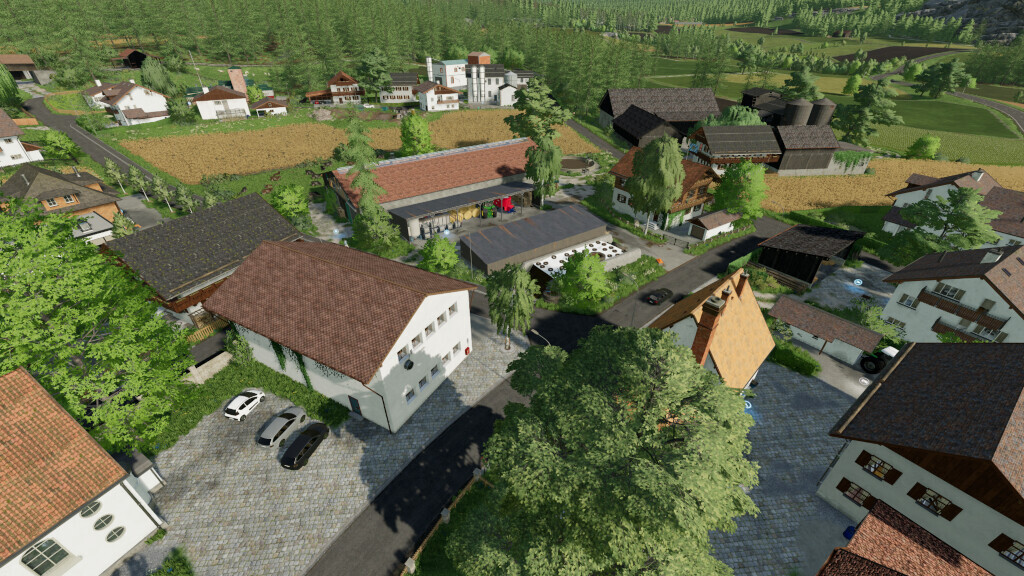
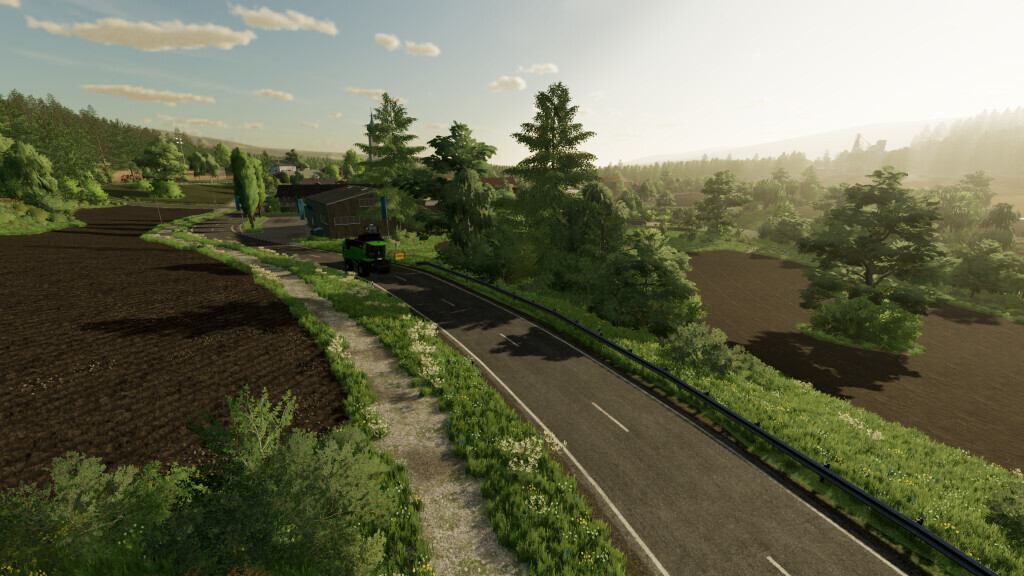
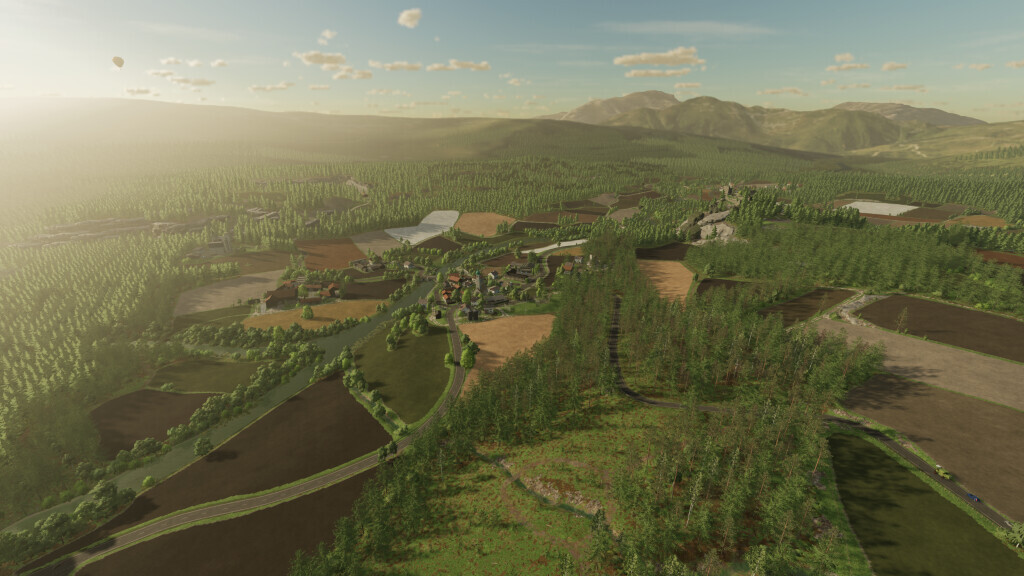
Fichthal V2 Map v 1.1
– 255 buyable spaces
– Over 50 forest areas
– 134 fields and 27 meadows
– Installed 50 pretzels to collect
– 9 sales points and several wood pellet and firewood delivery points
– Installed several productions with new goods on the map (For pellets, various pellet tankers are available)
– 1 BGA
– 8 small and large courtyards
– Occasionally buyable buildings
– Over 60 built buildings
– More than 60 decorative objects
– Dirt roads with potholes
– It does not include AI splines for driving
Version 1.1:
* Map is now Manure System ready
* Apple juice installed, as well as a small press and production sign under productions
* Textures edited and decorations added
* Fixed invisible decorative trees
* Spruce trees can now be marked with the Platinum DLC (Fallen trees could spawn again)
* Edited a few courtyard buildings
* Farm gate on farm 2 now opens wider (145°)
* Traffic adjusted
* Trigger adjusted and enlarged
* Map overview revised
* Added symbols to apple trees
* Gates at meadows are now open by default (only in new savegames)
* In easy mode, the two starting meadows can now also be fertilized (only in new savegames)