

Campaign of France Map v 1.0.0.1

Campaign of France Map v 1.0.0.1
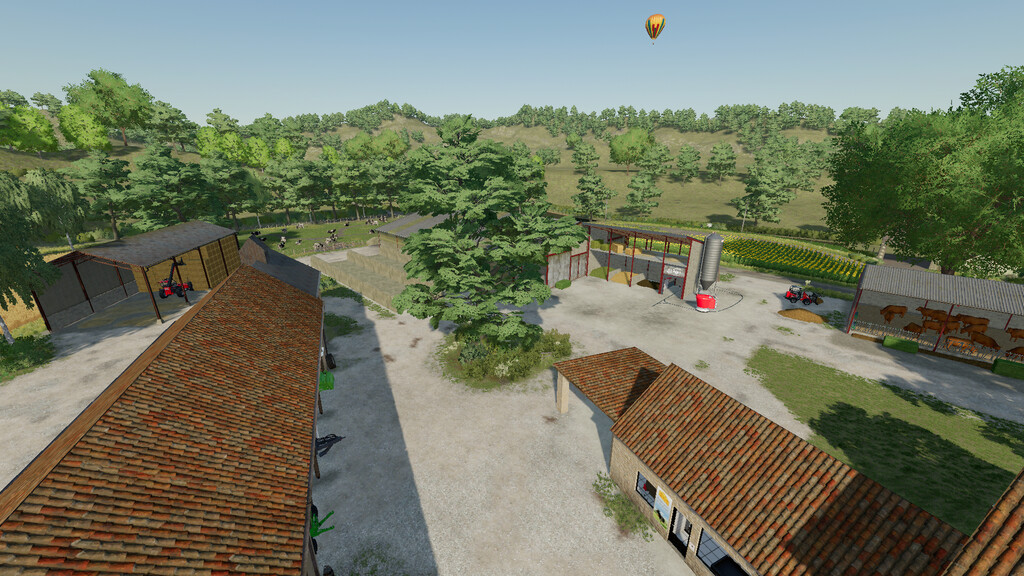
There’s a place called the French Countryside. A place where the grass is green and long, where the tall mature trees blend into the landscape, where the horses neigh as you pass.
The crops are ready for harvest and there’s a lot of work to be done. Welcome to Chambly-sur-Meuse.
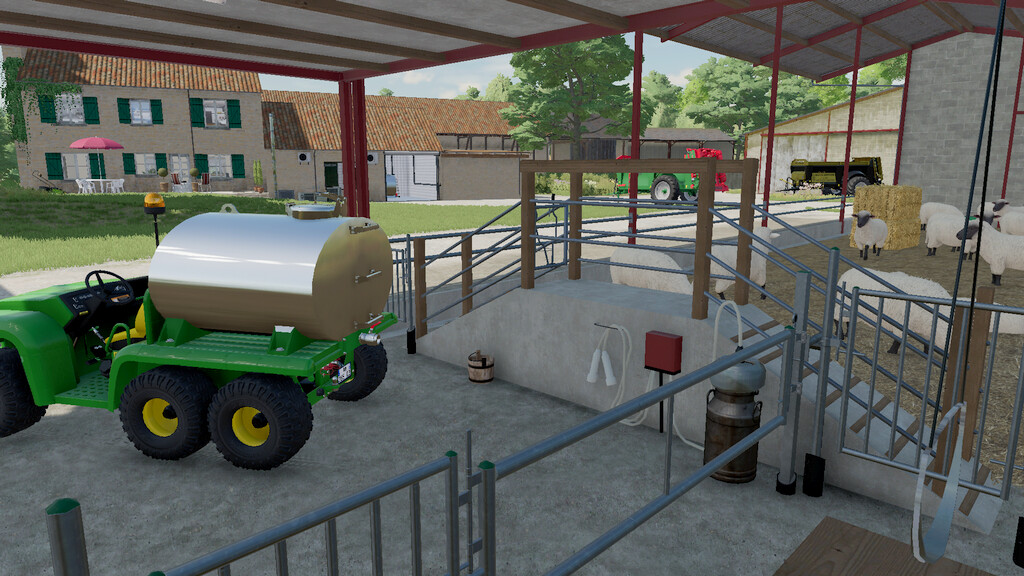
With 52 fields (arable or meadow) and 4 forestry plots available for purchase, you can choose between cereal crops, livestock (cattle, sheep, pigs), the equestrian centre or forestry. In this way, you can contribute to the economic development of the region.
The farm’s small-scale dairy production will provide you with additional income.
If you know how to produce the best farm produce in the region, you can offer some of it for direct sale from vending machines on the farm and in the village of Saint-Montiron.
You can also choose to sell your crops and produce at one of the many sales outlets:
– 1 cereal cooperative with its grain mill
– 1 sugar mill
– 1 cooperative winery
– 1 livestock trader
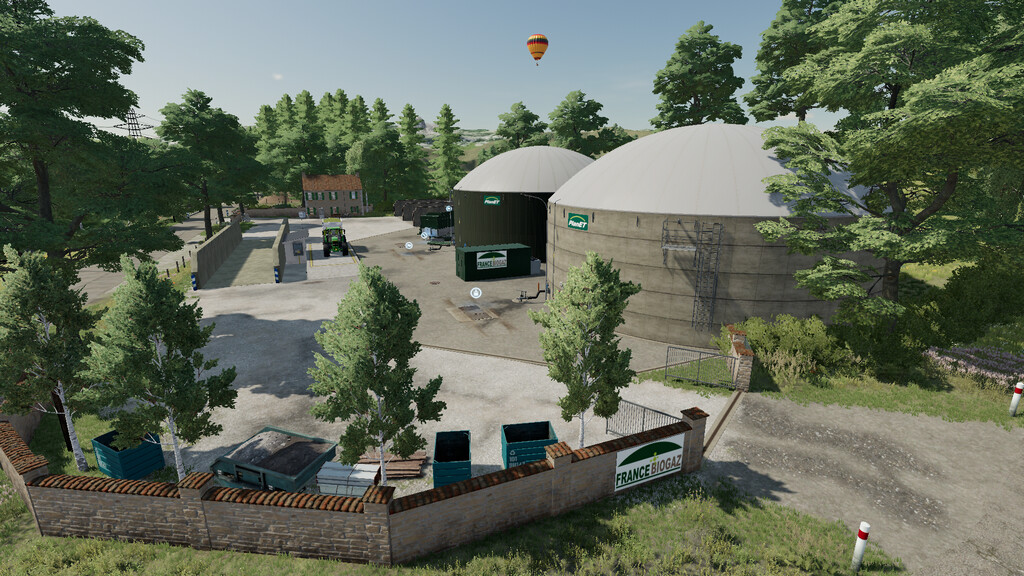
– 1 BGA
– 1 sawmill
– 1 joinery
– 1 biomass heating plant
– 1 spinning mill
– 1 wine press
– 1 on-farm dairy production
– 1 bakery
– 1 restaurant
– 1 farmers’ shop
– 2 direct sales points (vending machines)
If you develop a tree farming activity, you can sell beautiful apples to the bakery, which will be able to produce wonderful apple fritters
If there’s not enough money for your projects, or in your spare time, you can go hunting for items to collect
If you need water for your crops, you can draw it directly from the stream that runs through the area
The crop growth calendar is the default
The area outside the historical map is now accessible. This means you can create new fields or your own personalised farm
Version 1.0.0.1:
* Adjustment of cow feed
* Adjusting manure production for hens
* The two triggers at Ets France Céréales are renamed differently
* Increase in the quantity of products to be sold in the productions
* Church and farm land repaired (new part required)
* Various objects replaced
* Stable gate replaced
* Pedestrian traffic density adjusted
* Fields 50 and 63 now have correct purchase price
* Field 42 gate repaired
* Pallets manufactured in blocks of 10