

Krumbach Map v 1.0

Krumbach Map v 1.0
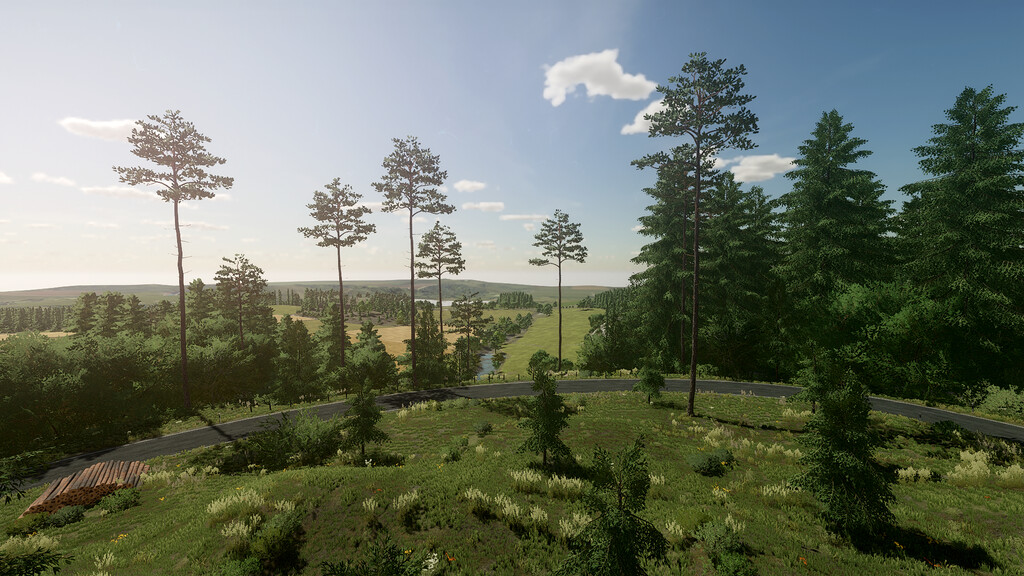
This mountainous valley is near the fictional town of Krumbach. The stream of the same name flows through the valley.
In addition to old yards for small equipment, a modern biogas plant with an associated cowshed is also operated.
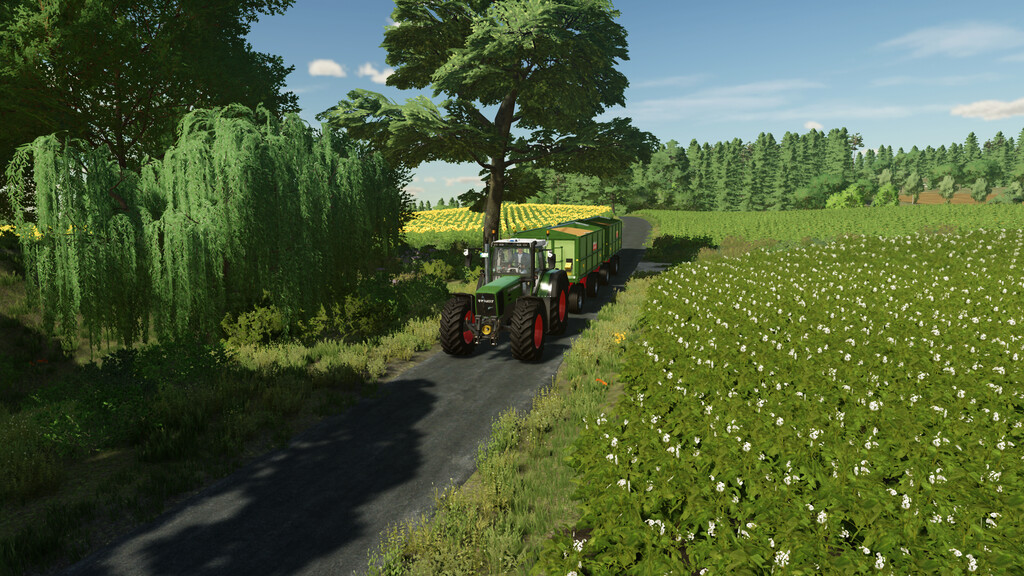
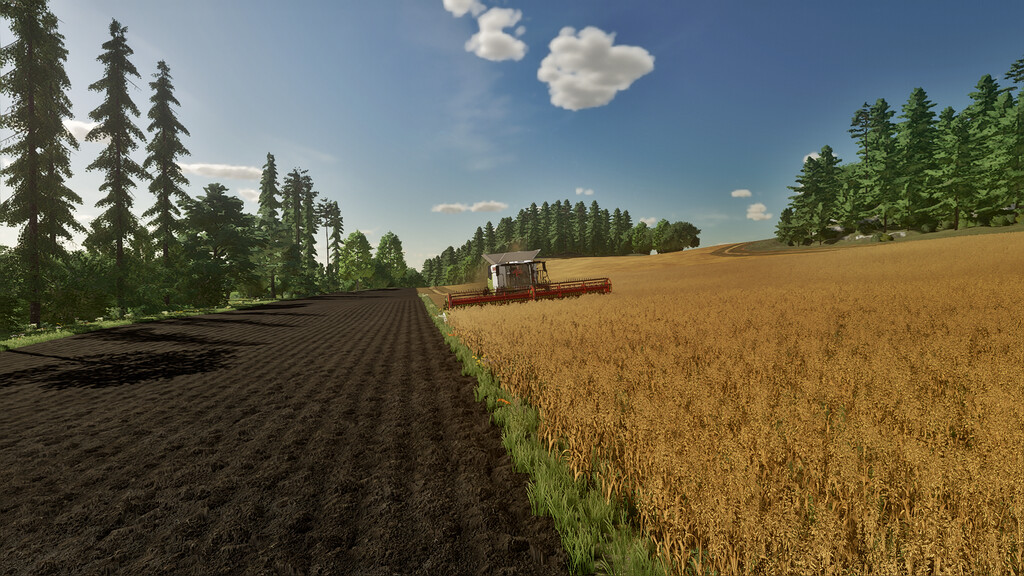
As a result, there are very small fields but also large fields in the range of 0.5 – 12 ha. A total of approx. 210 ha of land can be cultivated. There are also several forests available.
Krumbach contains several farms of different sizes.
In the middle of the map is a small courtyard and offers the following:
– Farmhouse
– Shelters, barns and a workshop
– Grain silo
– Sheep pasture
– Cow pasture
Large cow farm in the south:
– Farmhouse
– Shelters, halls and a workshop
– Grain silo and three wedge silos
– Cowshed (Note: The manure heap only works in New Farmer mode. In all other modes, the manure heap must be repositioned)
– Biogas plant with 500kW
– Bale storage
Small village farm:
– Farmhouse
– Shelters and barns
– Grain silo
– Cowshed
– Chicken coop
Independently of the farms, there is a pigsty and a horse pasture.