

Christmas Market Pack v 1.0.1.0

Christmas Market Pack v 1.0.1.0
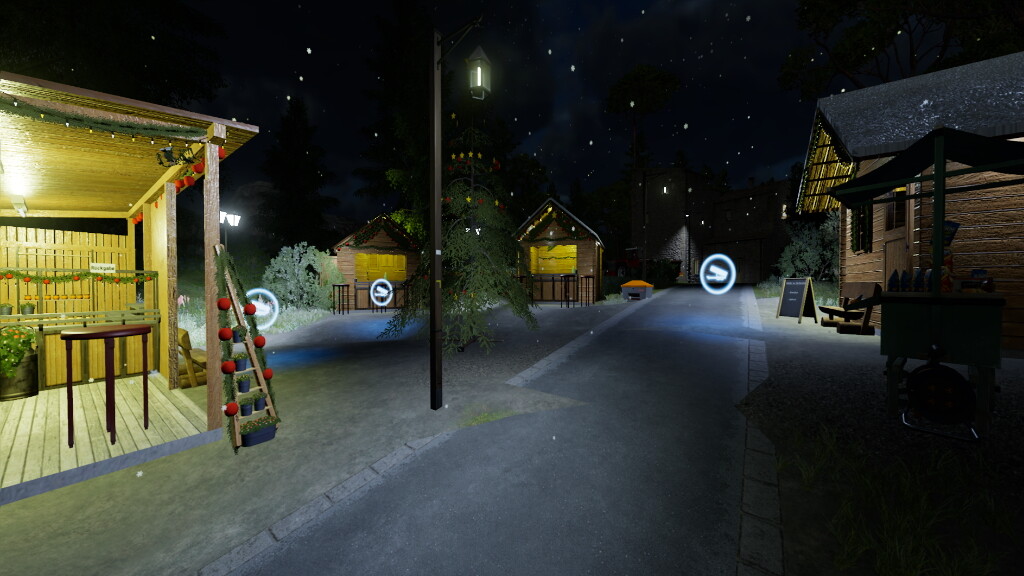
This Pack includes Sellingstations and decorative objects for creating a Christmas Market.
Christmas tree sale:
– 3 different tree stands with different trees
– A Christmas tree funnel: Is needed in reality to pack trees. Here in the game it’s just decoration
– Two sheds: These simulate a place for storing different devices, etc.
The cost of the decorations ranges from 100€ to 600€, depending on the size of the object.
Christmas Market:
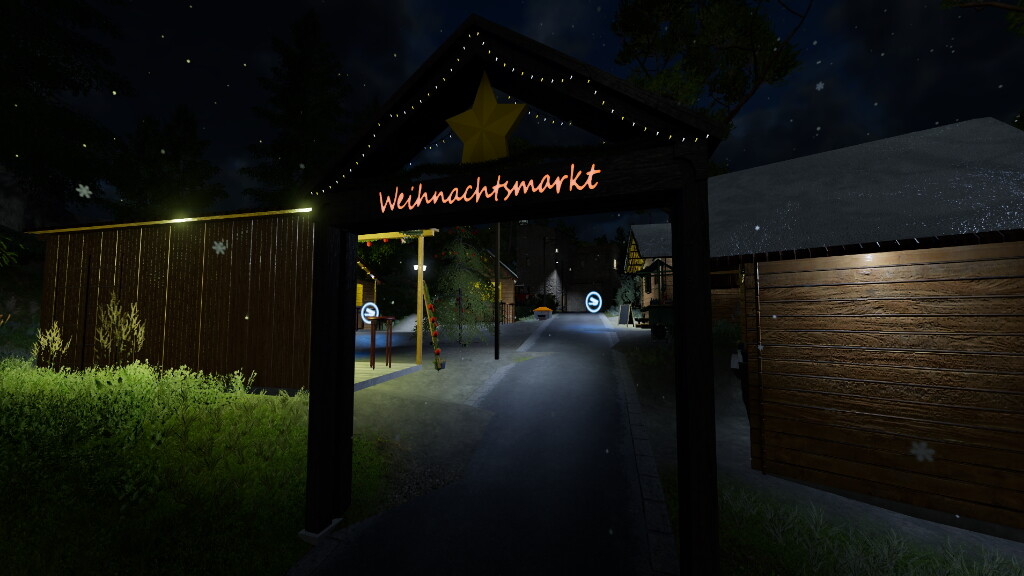
– four entrance signs. Construction costs between 500€ und 300€.
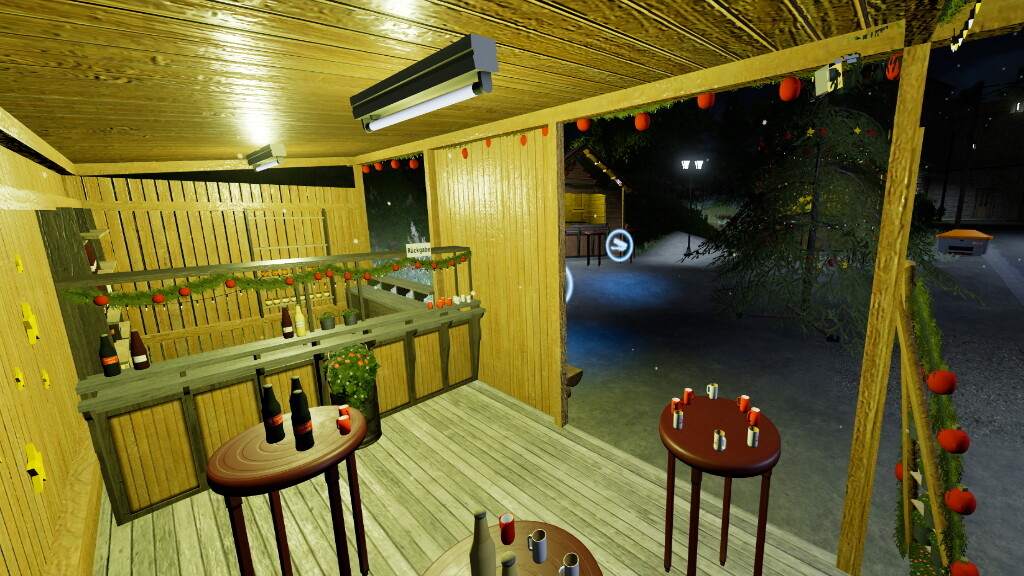
– A snack stand, for decoration.
– A big Christmas Tree
– 5 different sales stalls:
A large booth where grapejuice, cake and choclate are sold. Construction costs for this are up to 15,500 €, the daily maintenance amounts to 30 €
A bratwurst booth: Used to complete the Christmas Market.
A both which sells Christmas Crips: Used to complete the Christmas Market.
A Crepés booth: Crepés are sold here. For this purpose, the owners buy small amounts of milk and wheat, as well as eggs for the dough.
The Farmers booth: Here the farmer can sell almost everything he produces on his farm as he pleases
For all other booths the construction costs are 5000 €, the daily maintenance also amounts to 30 €
Due to their small size, the sales booths are not designed for the AI helper. He would have a hard time driving him over the dense Christmas market.
To the Christmas market there are also some decorative objects.
Version 1.0.1.0:
* Fixed Snow in building
* Added Sounds when being placed
* Reworked Textures