

Elbe Valley Map v 1.0

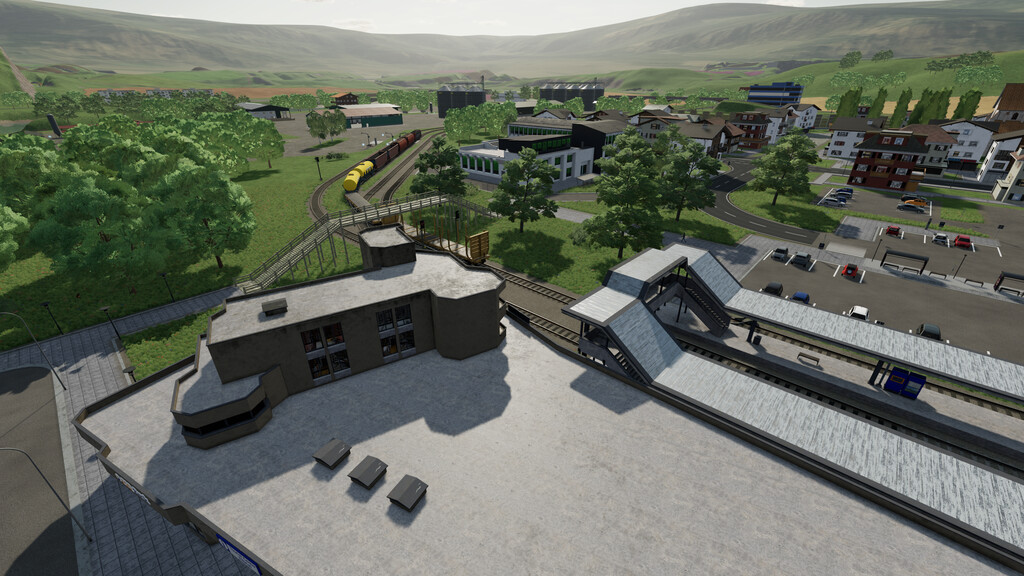
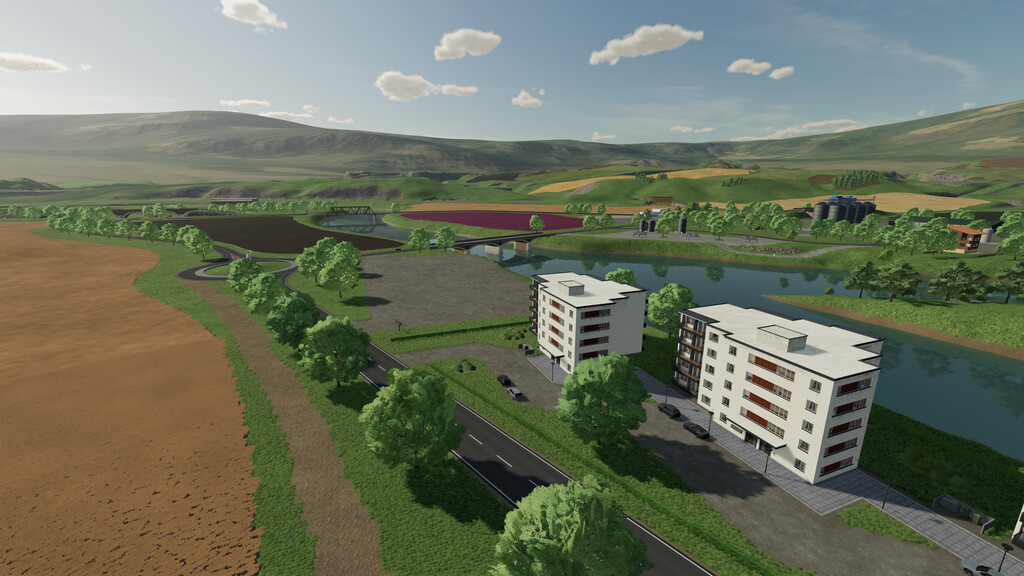
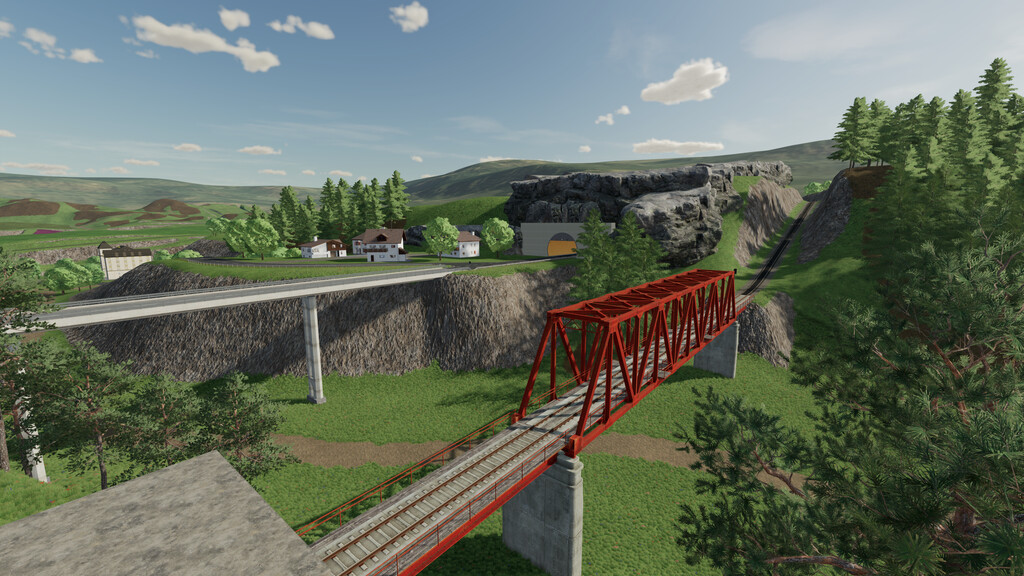
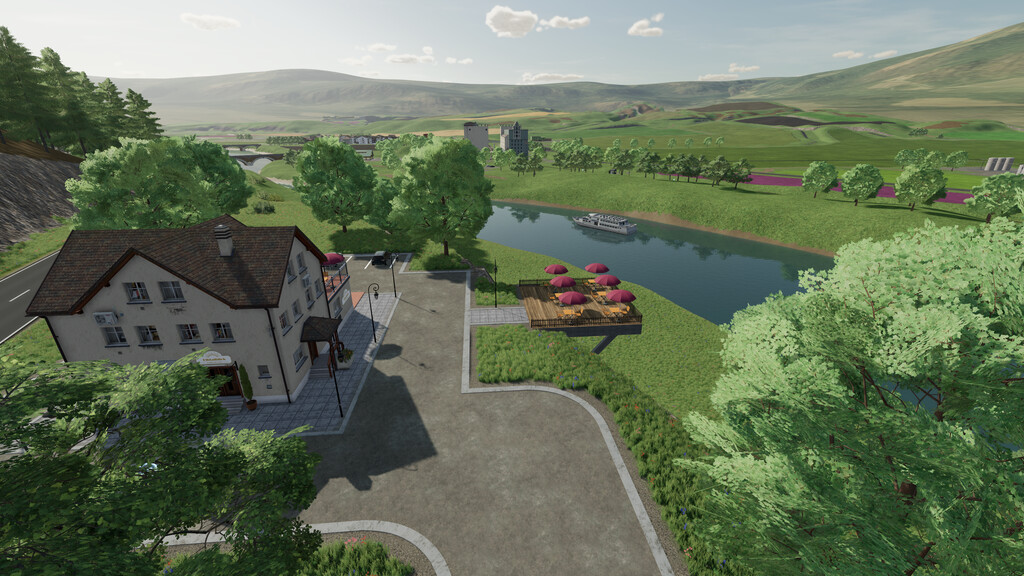
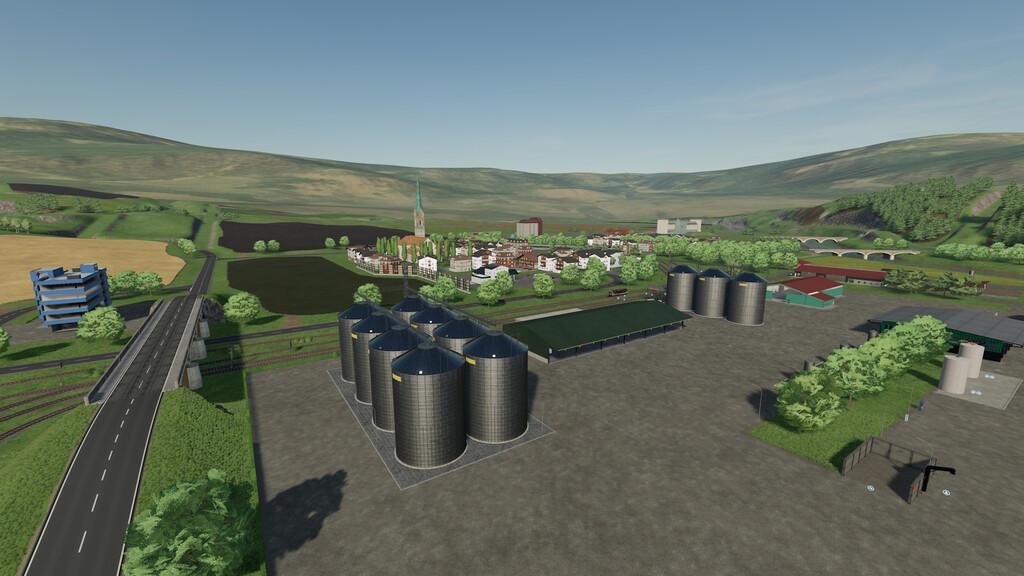
Elbe Valley Map v 1.0
– Size: 4-fold
– There are a total of 72 fields with field sizes ranging from approx 1 ha to 37 ha
– There are 3 prepared farms available for MP (only in the Farm Manager level), and one prepared farm for SP (only in the New Farmer level)
– 54 pre-installed productions, all productions, with a few exceptions, require electrical energy to operate. There are numerous energy suppliers available for this purpose
– All productions have been completely adapted to the Revamp script. This mod is absolutely necessary
– Additional fruits: rye, spelt, white cabbage, red cabbage, onions, poppy, carrots, parsnips and beet
– All existing fruits can be further processed
– New additional animals: goats, ducks, calves, lambs, chicks and ducklings
– 29 points of sale
– 133 purchasable areas
– Numerous forest areas in the south and north
– All standard products as well as the products on the card can be sold
– Large stables with expanded capacities
– A water extraction point is located at the greenhouses at the main farm, at the north farm and near the south farm
– Adjusted growing times. The Elbtal’s growth plan is not tied to any region, but has been individually adapted to this map
– Own customized trailers and harvest vehicles in the shop in their own category
– 2 train routes to drive yourself, both train routes are completely passable
– Several open spaces for your own development
– There are no collectibles on the map