

Volmer VTS Pack v 2.0

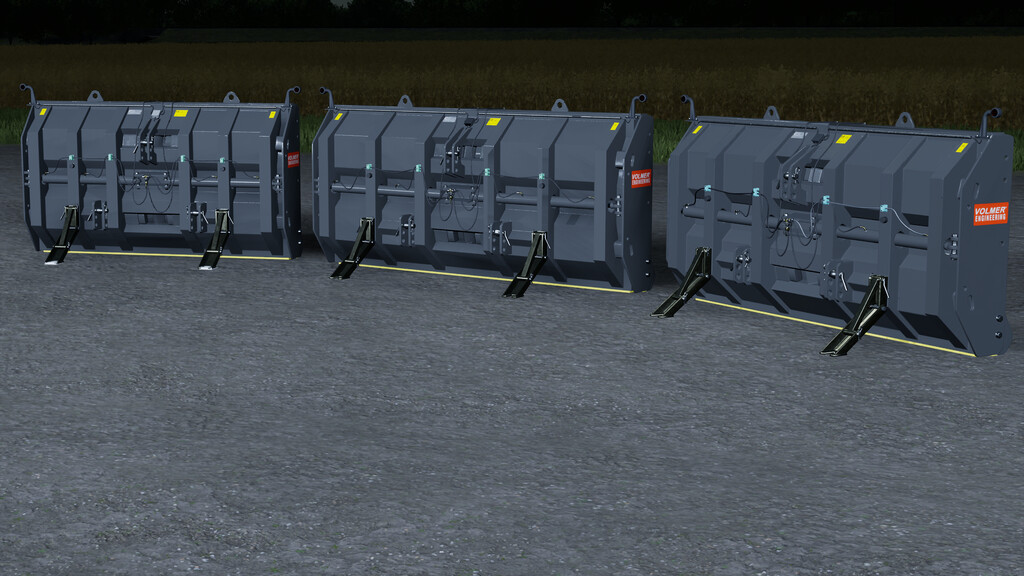
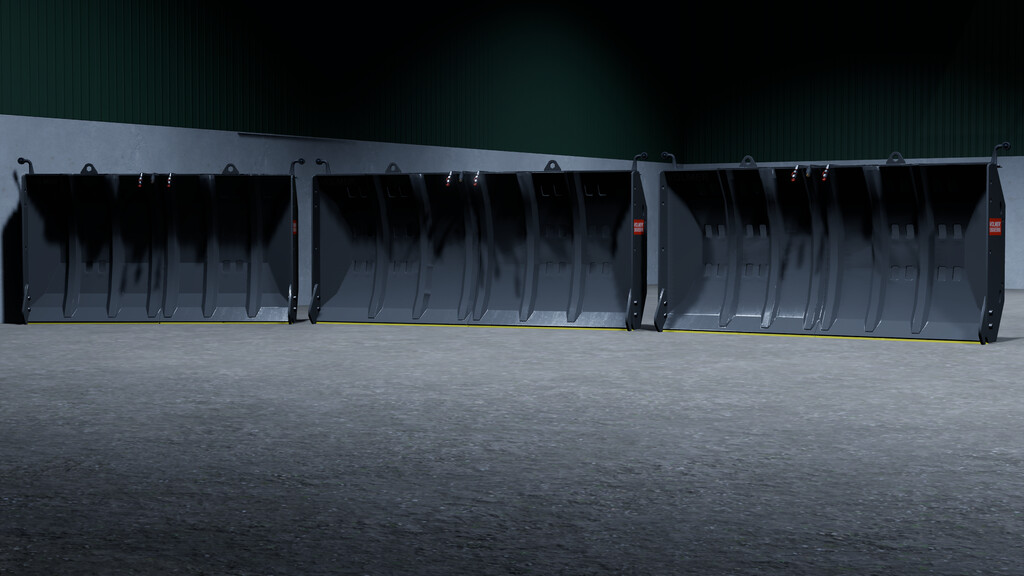
Volmer VTS Pack v 2.0
The Volmer telescopic blades with a working width of 2.4m – 4.80m are optimally
for spreading, pushing and compacting chopped material with the hydraulic width adjustment.
width adjustment, the blades can be optimally set to the desired working width.
Volmer telescopic blade 240 [VTS 240]
Price : $8.250
Working width : 2.40m – 3.80m
Weight : 2.240 KG
Volmer telescopic blade 270 [VTS 270]
Price : $11.500
Working width : 2.70m – 4.30m
Weight : 2.240 KG
Volmer telescopic blade 300 [VTS 300]
Price : $15.200
Working width : 3.00m – 4.80m
Weight : 2,240 KG
Animations:
– The Telescope shield can be opened/closed by pressing right mouse button and left/right movement.
Configurations:
– Color configuration support base : Brass metal, Silver ($250)
– Color configuration ($500)
Version 2.0:
* Store brand updated